
Choosing a media player for digital signage
Android box, Windows mini PC, or the smart TV you already own — what actually matters when picking hardware for a screen that runs 16 hours a day.
On this page
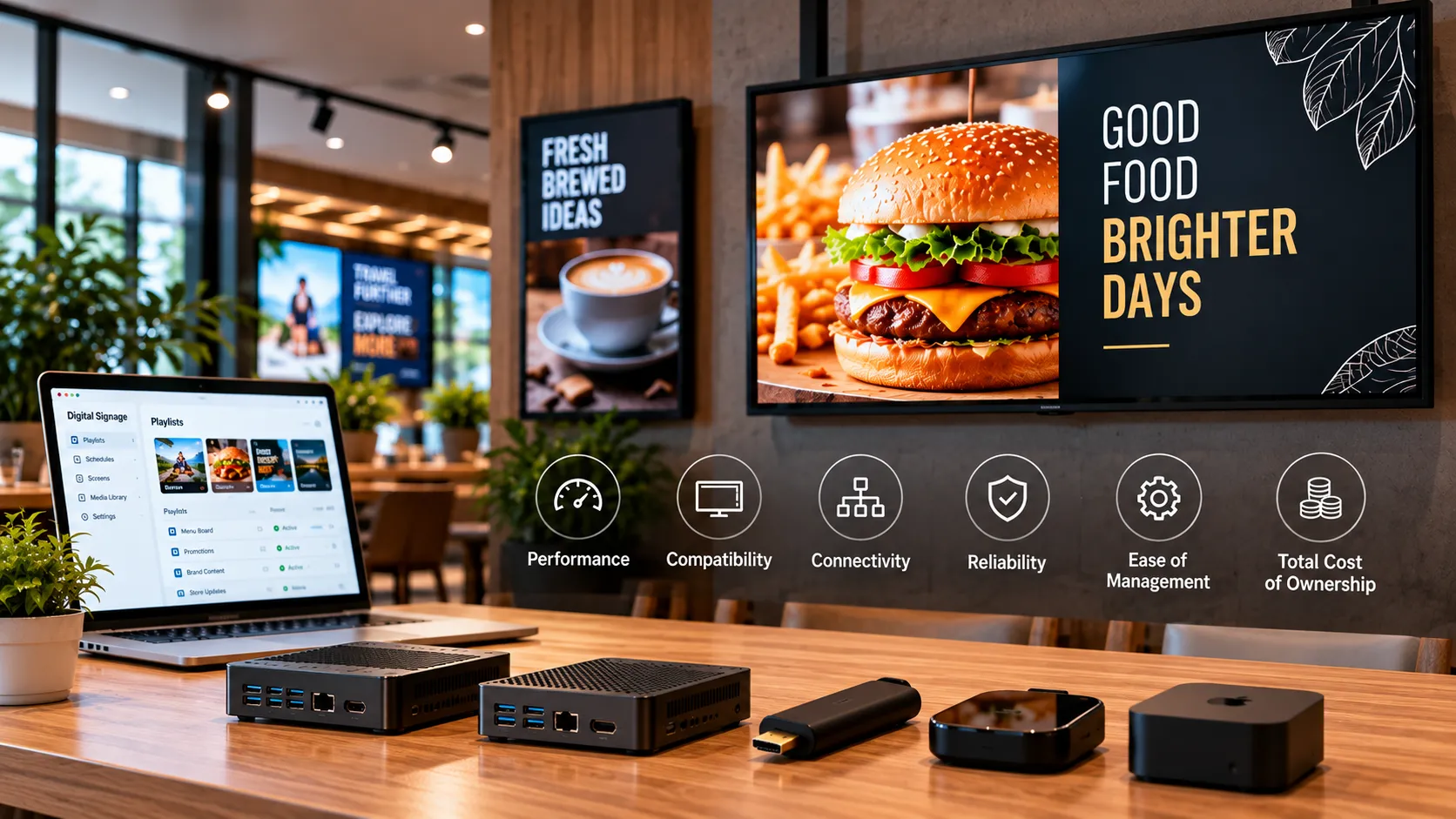
The screen is the easy part. The device driving it decides whether your signage runs for three years or dies in a hot ceiling void by month four.
Does the built-in smart TV platform work?
Often, yes. Samsung Tizen and LG webOS commercial displays run signage software natively, so there is no external box, no extra power supply, and nothing to steal. If you are buying displays anyway, buying commercial panels with a built-in player is usually the cheapest total path.
The catch is that consumer TVs are not commercial displays. A consumer panel is rated for roughly 6–8 hours a day, peaks around 250–400 nits, and often lacks a way to auto-power-on after an outage.
When to use an external player
Reach for an external player when:
- The displays are already installed and you are not replacing them.
- You need more processing headroom than a panel’s built-in SoC provides — multiple zones, live dashboards, or 4K video.
- You want one hardware standard across a mixed fleet of panel brands.
Android, Windows, or Linux?
| Best for | Watch out for | |
|---|---|---|
| Android / Android TV | Most deployments — cheap, plentiful, small | Budget boxes vary wildly in video decoding |
| Windows mini PC | Video walls, complex dashboards, existing IT estates | Higher cost, updates, more to manage |
| Linux | Fleet standardisation, locked-down kiosks | Fewer prebuilt device options |
Loopvew ships players for all three, plus Tizen and webOS, so the hardware decision stays reversible.
The checklist
- Rated for the hours you actually run it.
- Auto-restart and auto-launch after a power cut.
- Enough brightness for the light in the room.
- Wired ethernet where you can get it.
- Physically reachable when something goes wrong.
That last one is the most commonly ignored, and the most expensive to get wrong.
Written by the Loopvew TeamThe people who build and support Loopvew's digital signage CMS and players. About Loopvew
Frequently asked questions
Keep reading.
More from the blog, picked by topic.
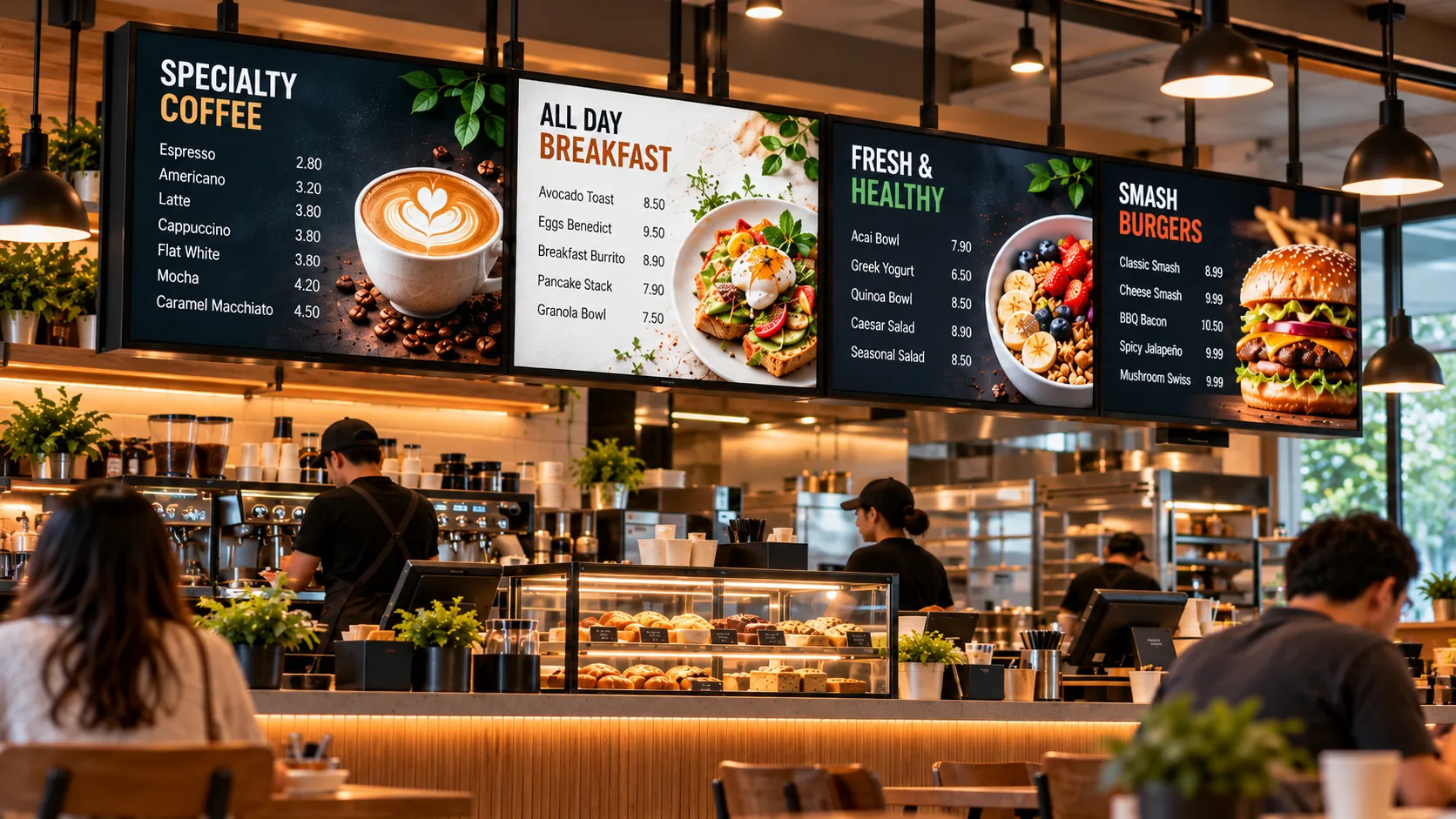
Digital Menu Boards: A Practical Guide for Restaurants and Cafés
How digital menu boards work, what they cost to run, how to plan screens and dayparts, and the layout rules that help guests order faster and spend more.
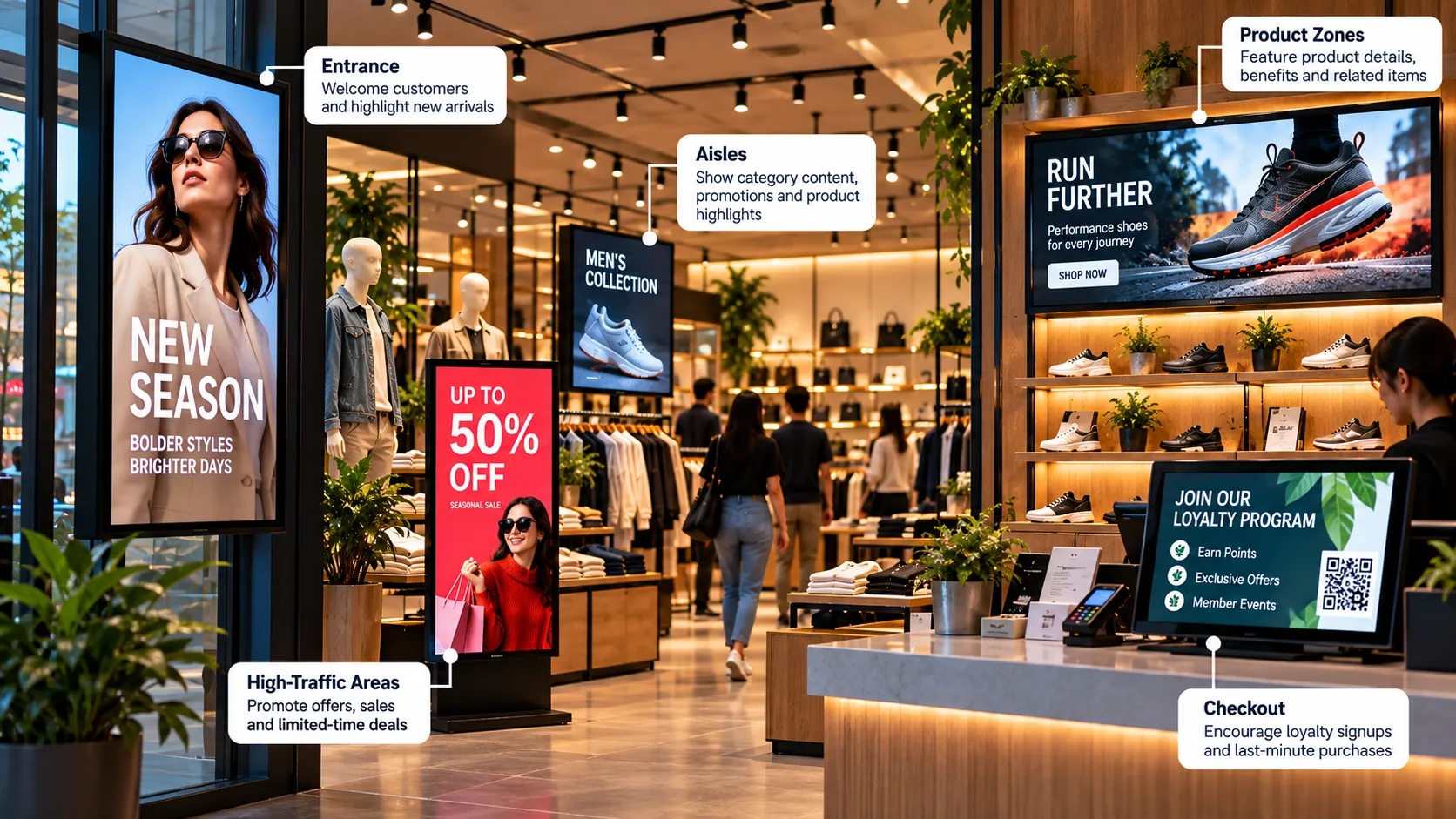
Retail Digital Signage: Where to Place Screens and What to Show
Where to place retail digital signage, what to show at each spot, and how store chains keep every location on-brand from one dashboard.
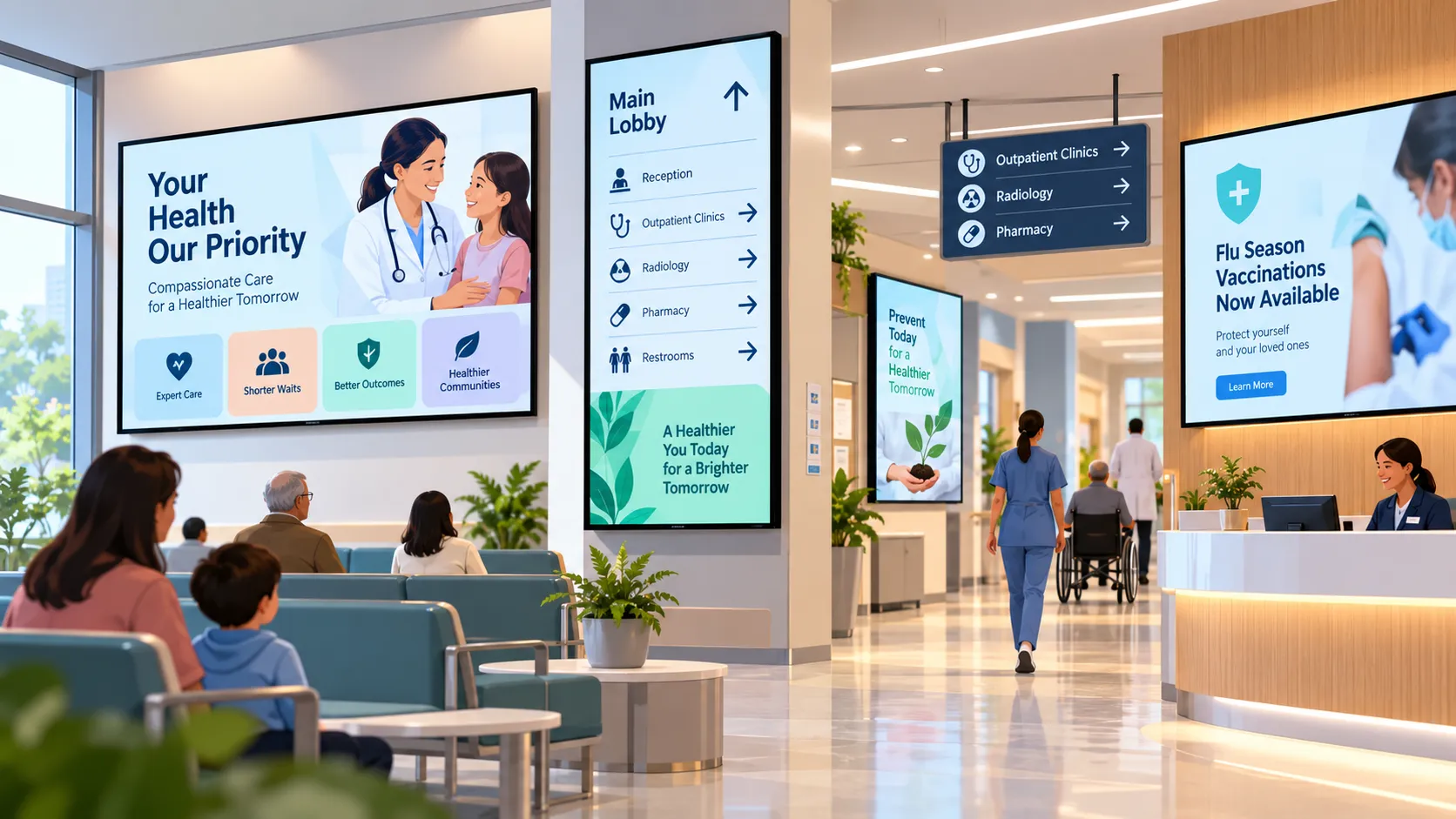
Digital Signage for Hospitals and Clinics: Calmer Waits, Clearer Wayfinding
How hospitals, clinics and pharmacies use digital signage for wayfinding, waiting rooms, queue updates and staff messaging — and what to plan first.