
Retail Digital Signage: Where to Place Screens and What to Show
Where to place retail digital signage, what to show at each spot, and how store chains keep every location on-brand from one dashboard.
On this page
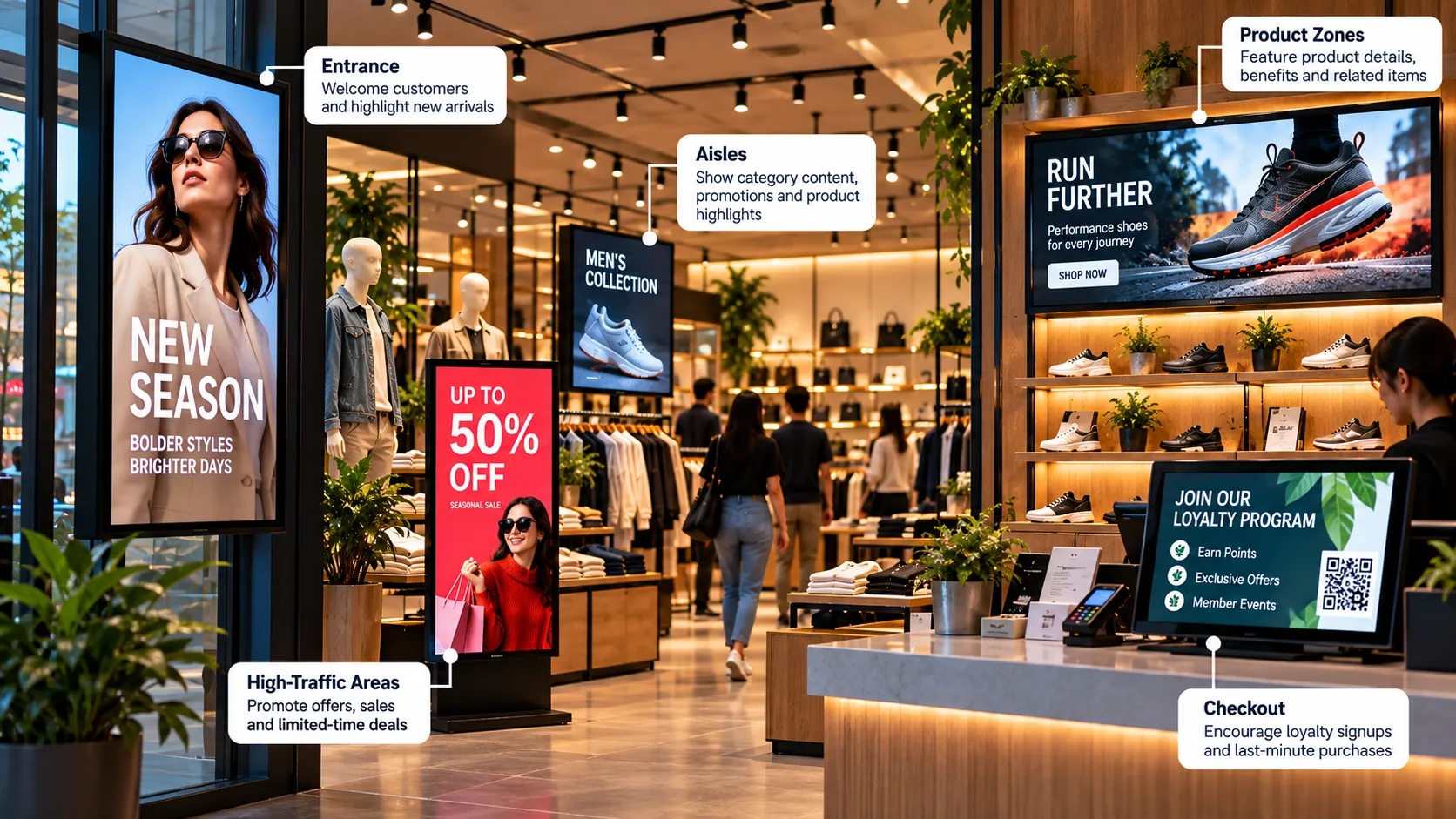
Retail digital signage is the use of screens across a store — in the window, at the entrance, along aisles and at checkout — to show promotions and product information that is managed from software rather than printed. Done well, each screen does one job at one moment in the shopper’s journey.
Start with the shopper journey, not the screen
Before choosing hardware, map what a shopper needs at each stage of a visit:
- Outside — a reason to come in.
- Entrance — orientation and the headline offer.
- On the floor — where things are and why this product over that one.
- At the shelf — details that a price tag can’t carry.
- At checkout — one more item, a loyalty sign-up, or a reason to come back.
Every screen you install should map to one of these moments. Screens without a clear job become wallpaper.
Seven placements that earn their keep
1. Window displays
A bright, high-contrast screen facing the street is a storefront that changes with the season, the day or the hour. Window screens compete with daylight, so choose a high-brightness display rated for window use and keep messages short — one offer, one image, one line.
2. Entrance screens
Greet shoppers with the offer of the week and a simple store map for larger formats. Keep the loop short; people walk past the entrance quickly.
3. Aisle-end and category screens
Aisle-end screens are prime promotional real estate. Rotate brand-funded content, seasonal campaigns and category highlights here.
4. Product-information screens
Electronics, cosmetics and home improvement all have products that need explaining. A small screen beside the shelf running a comparison or a 15-second demo answers the repeat questions your staff hear all day.
5. Video walls
For flagships, a video wall turns a campaign into an experience. Reserve them for the spots where shoppers can see the whole wall from a distance.
6. Checkout screens
Queue time is attention time. Show add-on items, loyalty programme prompts and upcoming events — content that pays off while people wait.
7. Back-of-house screens
Staff rooms and stockrooms benefit too: shift notes, targets, safety reminders and recognition keep the team informed without another email.
What content works
| Placement | Best content | Loop length |
|---|---|---|
| Window | One offer, bold image, short line of text | 15–30 seconds |
| Entrance | Weekly offer, store map, new arrivals | 30–60 seconds |
| Aisle end | Category promotions, brand content | 30–90 seconds |
| Shelf | Product demo, comparison, reviews | 15–30 seconds per product |
| Checkout | Add-ons, loyalty, events | 60–120 seconds |
Whatever the placement, the 3-second rule applies: if the message isn’t clear at a glance, simplify it.
Running signage across a chain
The hard part of retail signage isn’t one store — it’s fifty. The pattern that scales:
- Group screens by region, store format or placement. In Loopvew, a group lets one publish reach every screen inside it.
- Publish brand playlists centrally so every store runs the same campaign on the same day.
- Schedule local content per store or group — opening hours, local events, store-specific stock.
- Monitor remotely. Screen status and remote screenshots show which screens are online and what they’re actually playing, without a store visit. See how to manage screens remotely.
Keep playback reliable
A black screen in a shop window is worse than no screen. Choose players that restart automatically after a power cut, use wired networking where possible, and rely on offline playback so a dropped connection doesn’t interrupt the campaign. Loopvew players cache published content and keep playing when the network fails.
Start small, then scale
Pick one store and two placements — usually the window and checkout. Run them for a month, compare what changes, then roll the playlists out to every store. Read more about Loopvew for retail or start free with three screens.
Written by the Loopvew TeamThe people who build and support Loopvew's digital signage CMS and players. About Loopvew
Frequently asked questions
Keep reading.
More from the blog, picked by topic.
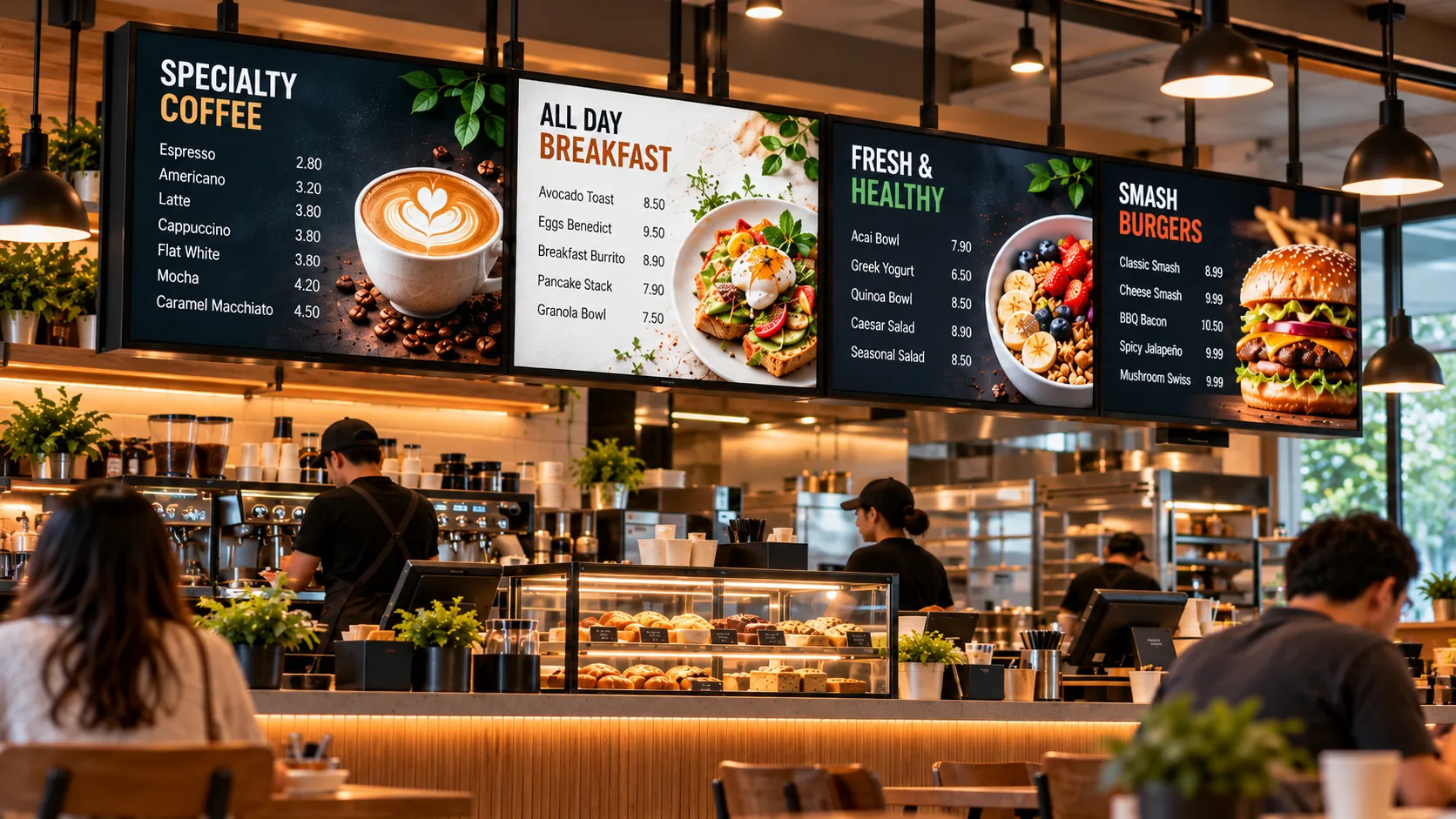
Digital Menu Boards: A Practical Guide for Restaurants and Cafés
How digital menu boards work, what they cost to run, how to plan screens and dayparts, and the layout rules that help guests order faster and spend more.
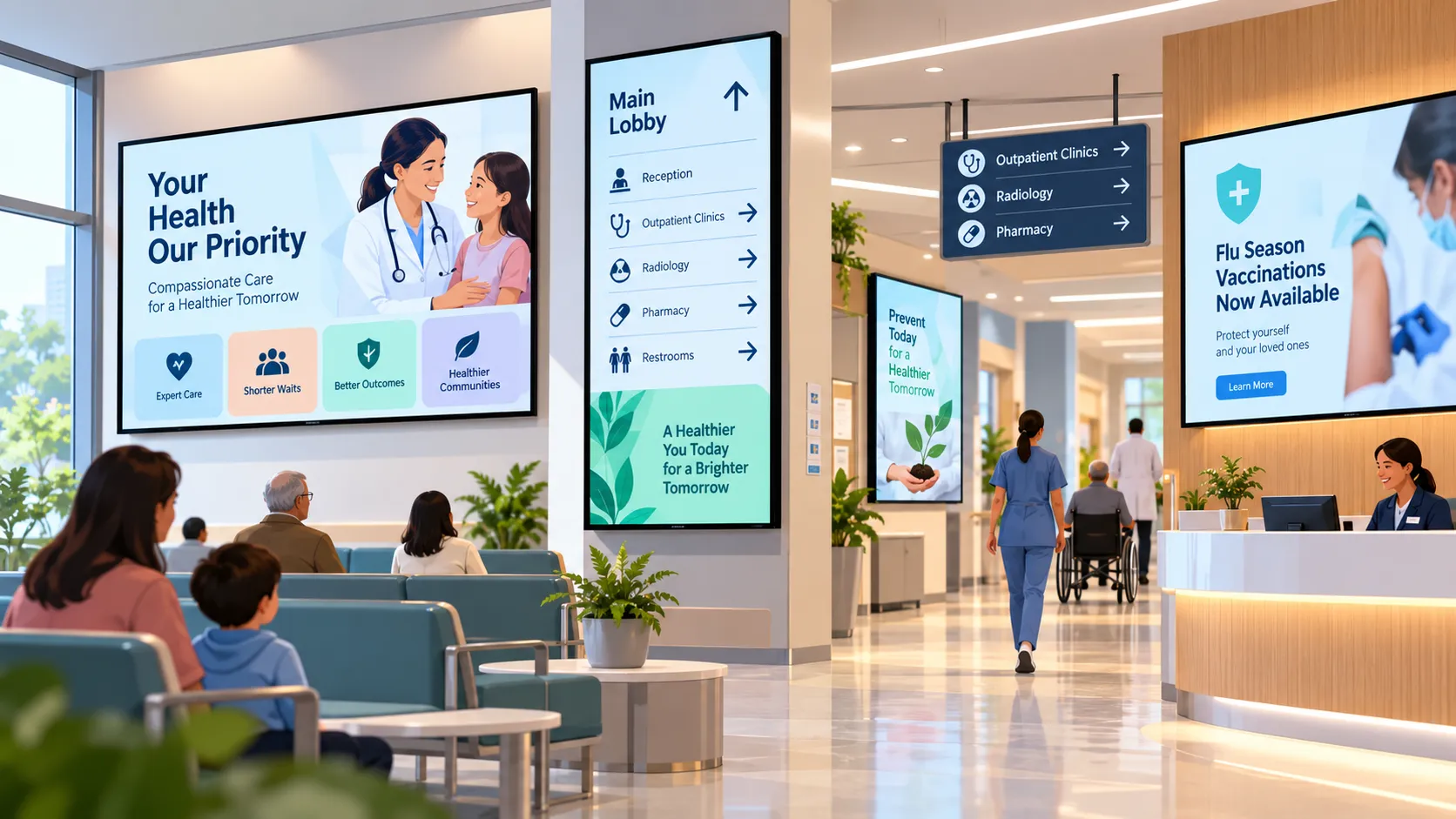
Digital Signage for Hospitals and Clinics: Calmer Waits, Clearer Wayfinding
How hospitals, clinics and pharmacies use digital signage for wayfinding, waiting rooms, queue updates and staff messaging — and what to plan first.
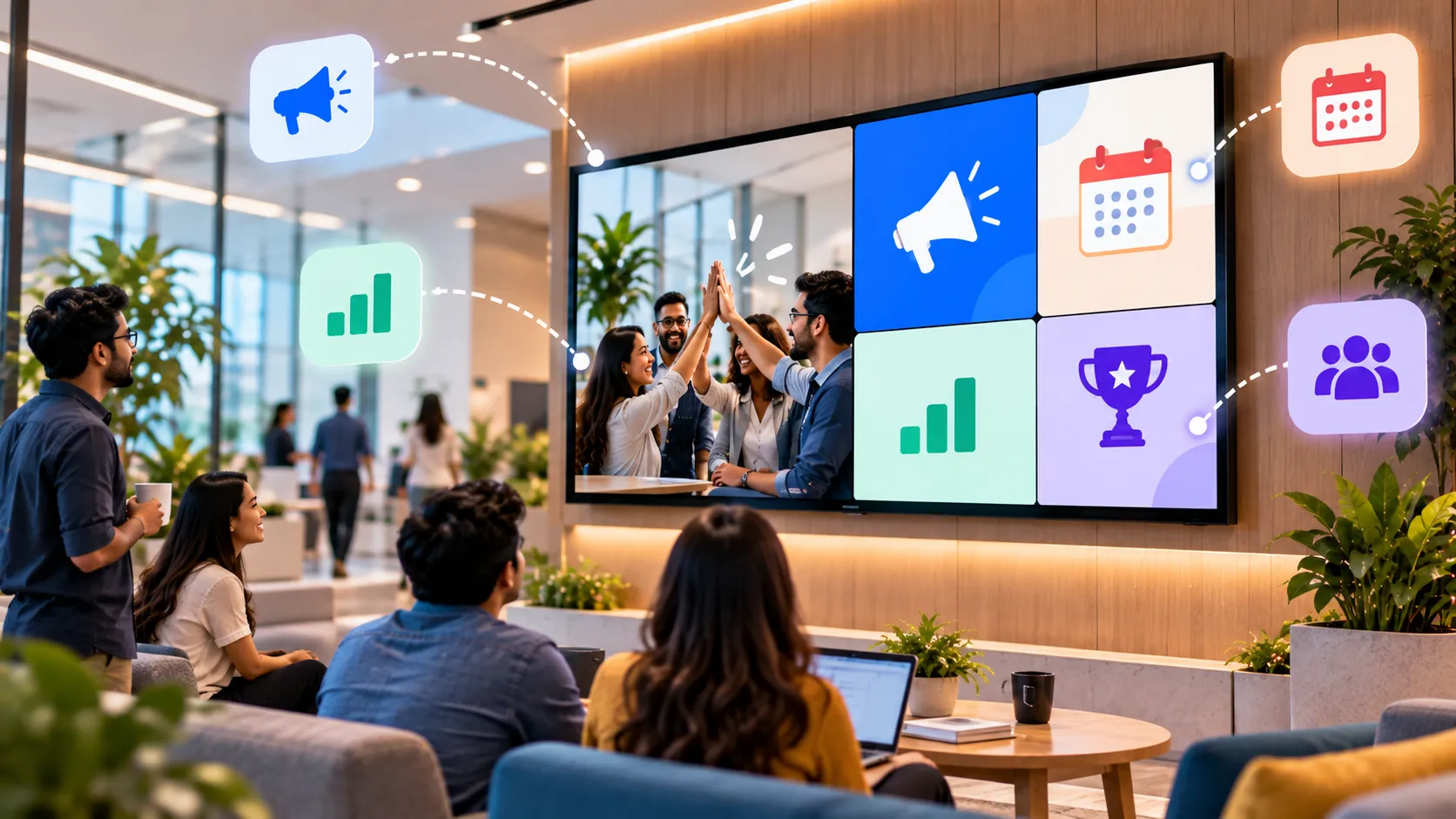
Office Digital Signage: A Playbook for Internal Communications
How offices use digital signage for internal communications — what to show in lobbies, kitchens and shop floors, and how to keep screens worth watching.