
Digital signage guides for beginners and pros.
The fundamentals behind signage that works — hardware, screen sizing, content design, scheduling, security and rollout — written plainly, in depth.
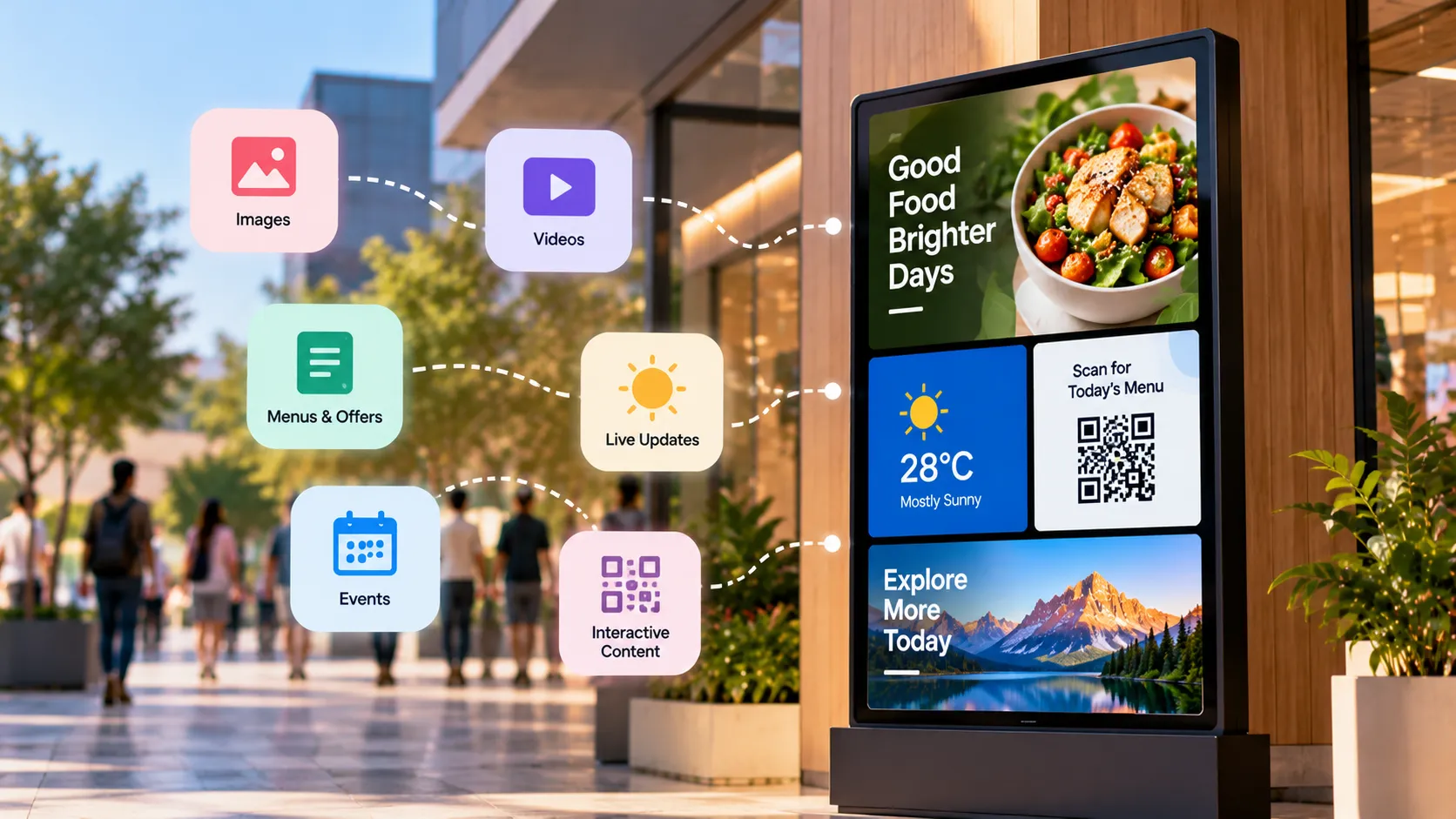
Every guide, newest first.
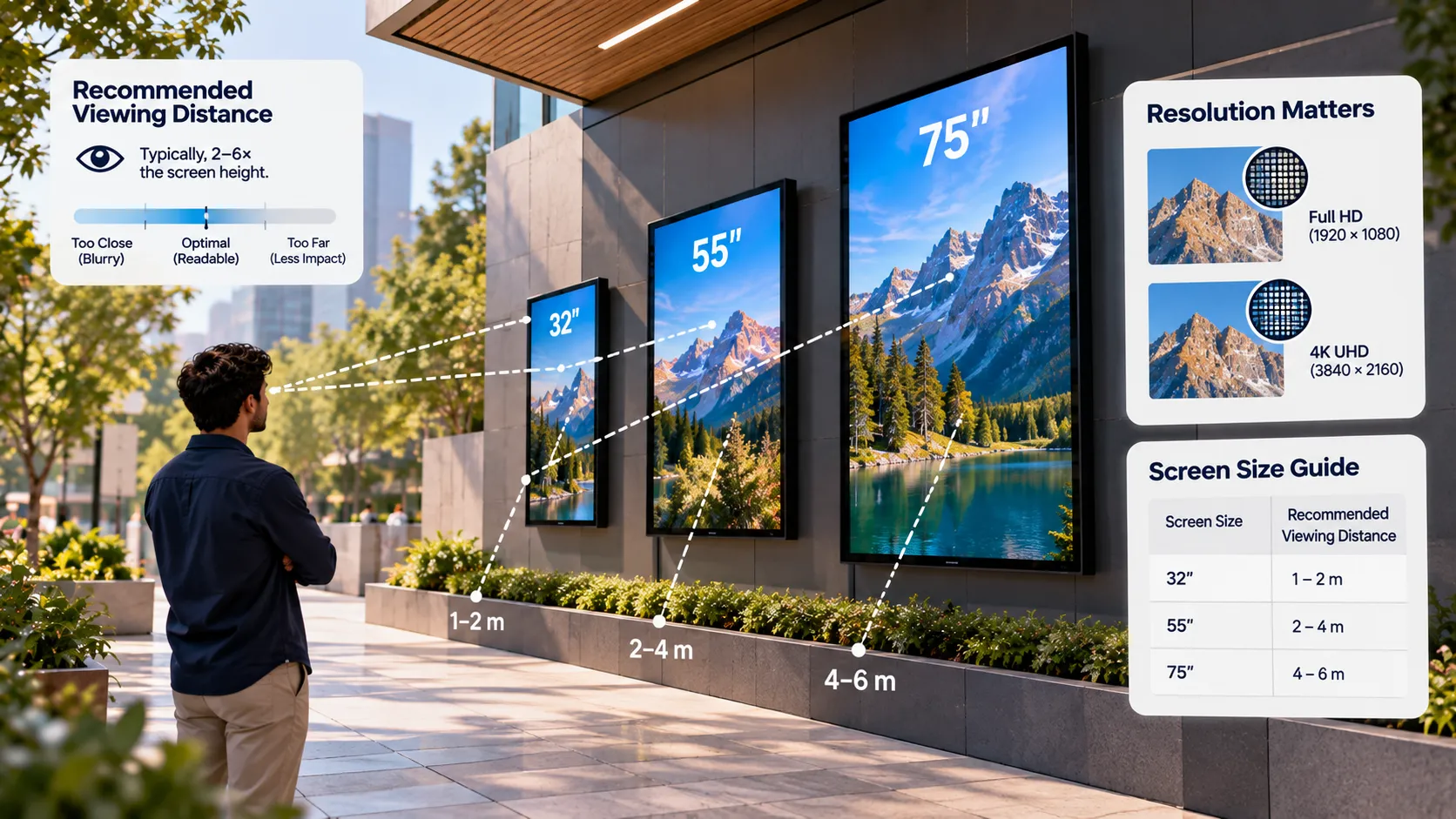
Screen Size, Resolution and Viewing Distance for Digital Signage
How to choose the right screen size, resolution, brightness and orientation for digital signage, using viewing distance and the room you're installing in.
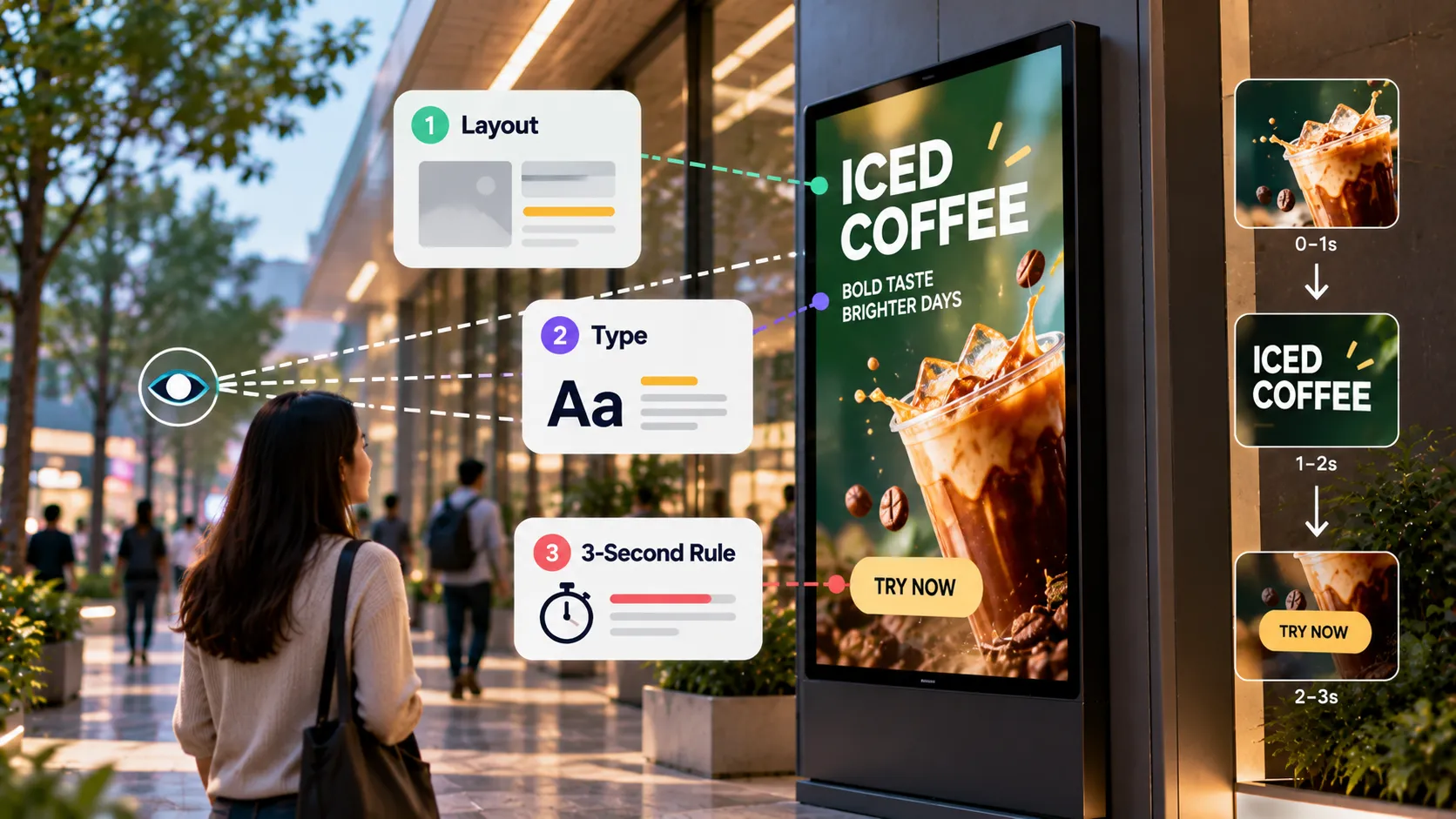
Designing Digital Signage Content: Layout, Type and the 3-Second Rule
Design rules for digital signage content — the 3-second rule, type size, contrast, layout, motion, video length and file formats that play smoothly.
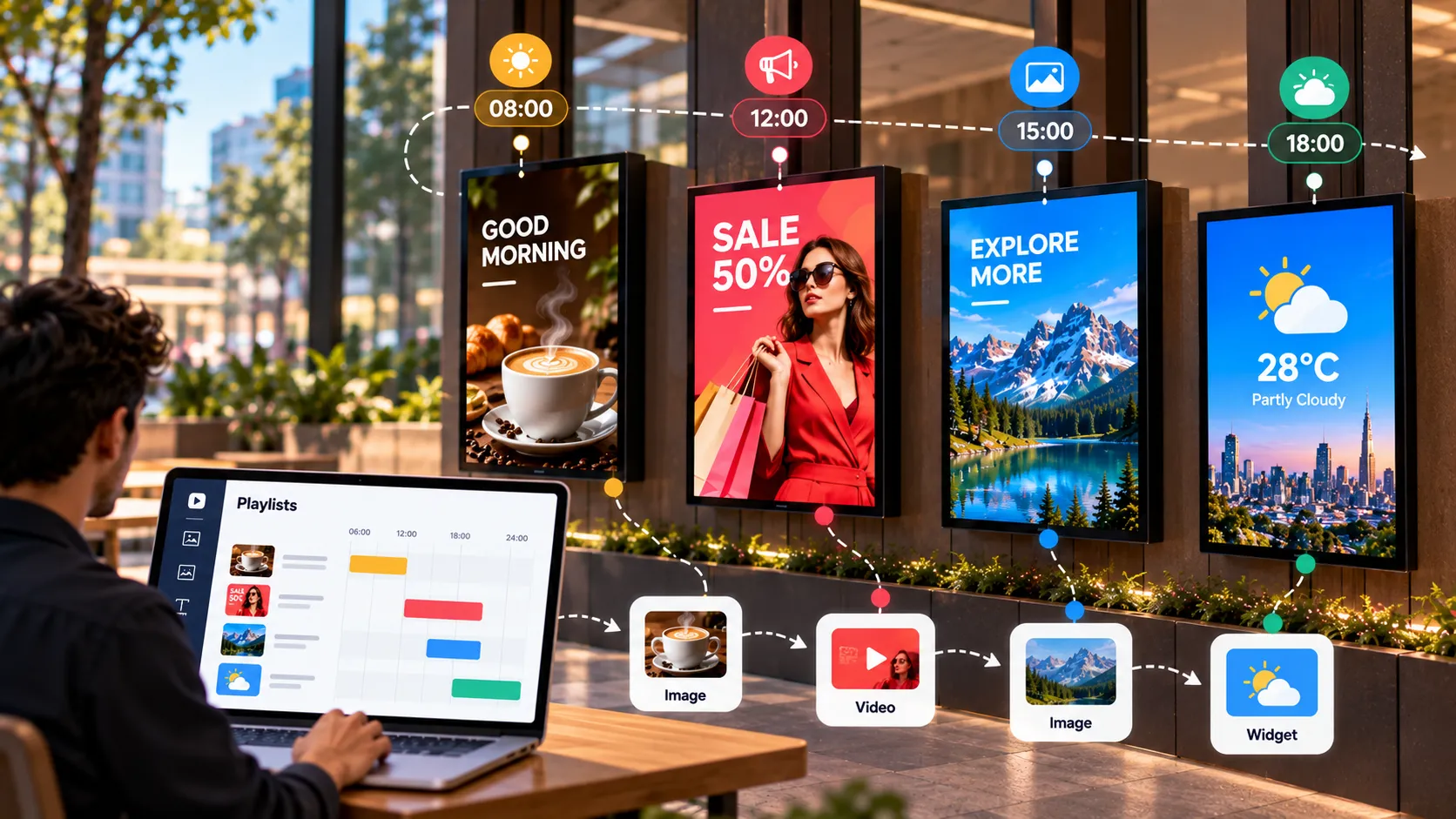
The Complete Guide to Playlists and Scheduling in Digital Signage
How digital signage playlists and schedules work — building playlists, setting durations, dayparting, publishing to groups and covering schedule gaps.
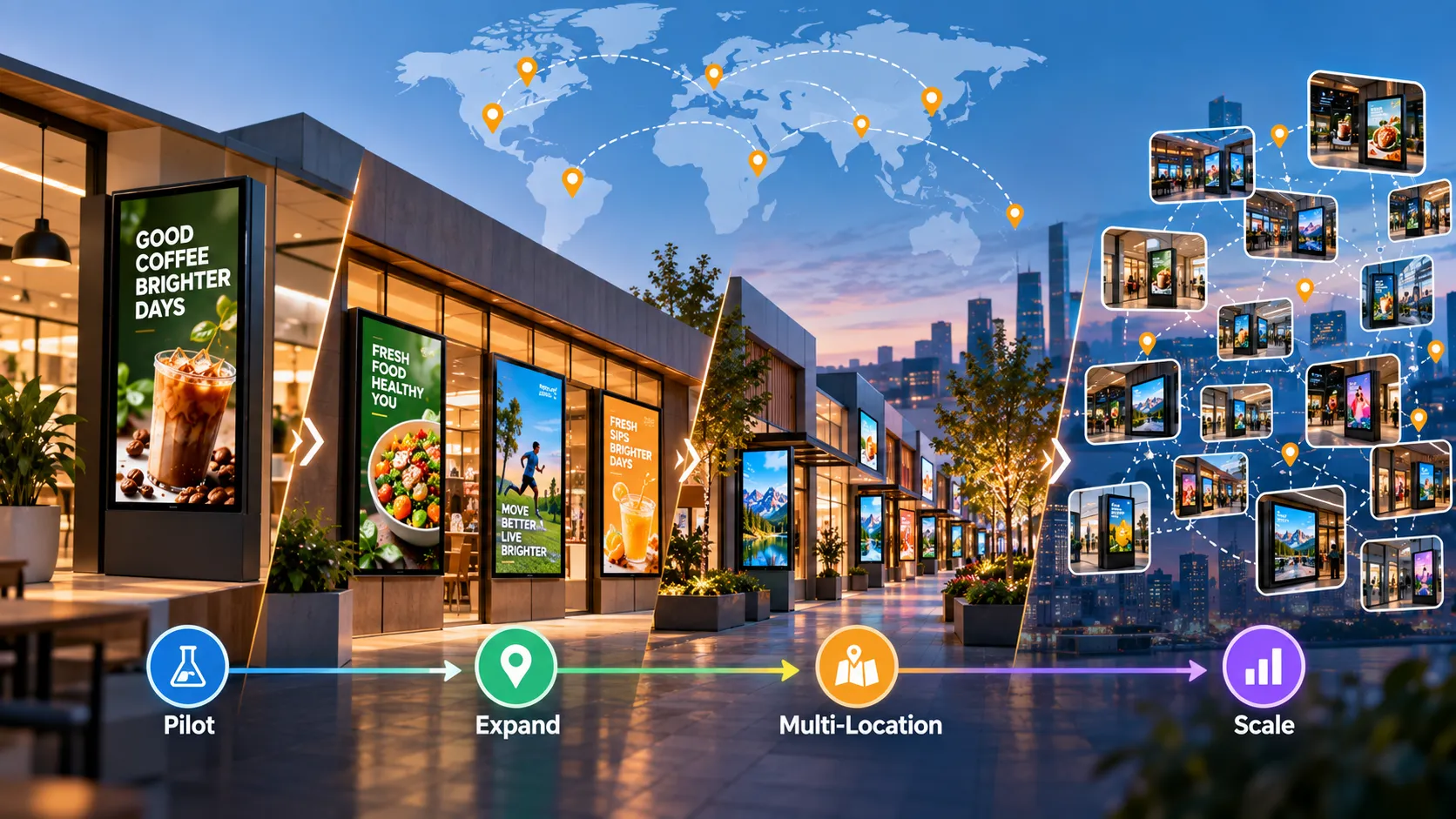
Planning a Multi-Location Digital Signage Rollout: From Pilot to Hundreds of Screens
A step-by-step plan for multi-location digital signage — goals, site surveys, hardware standards, pilot, content governance, installation and operations.
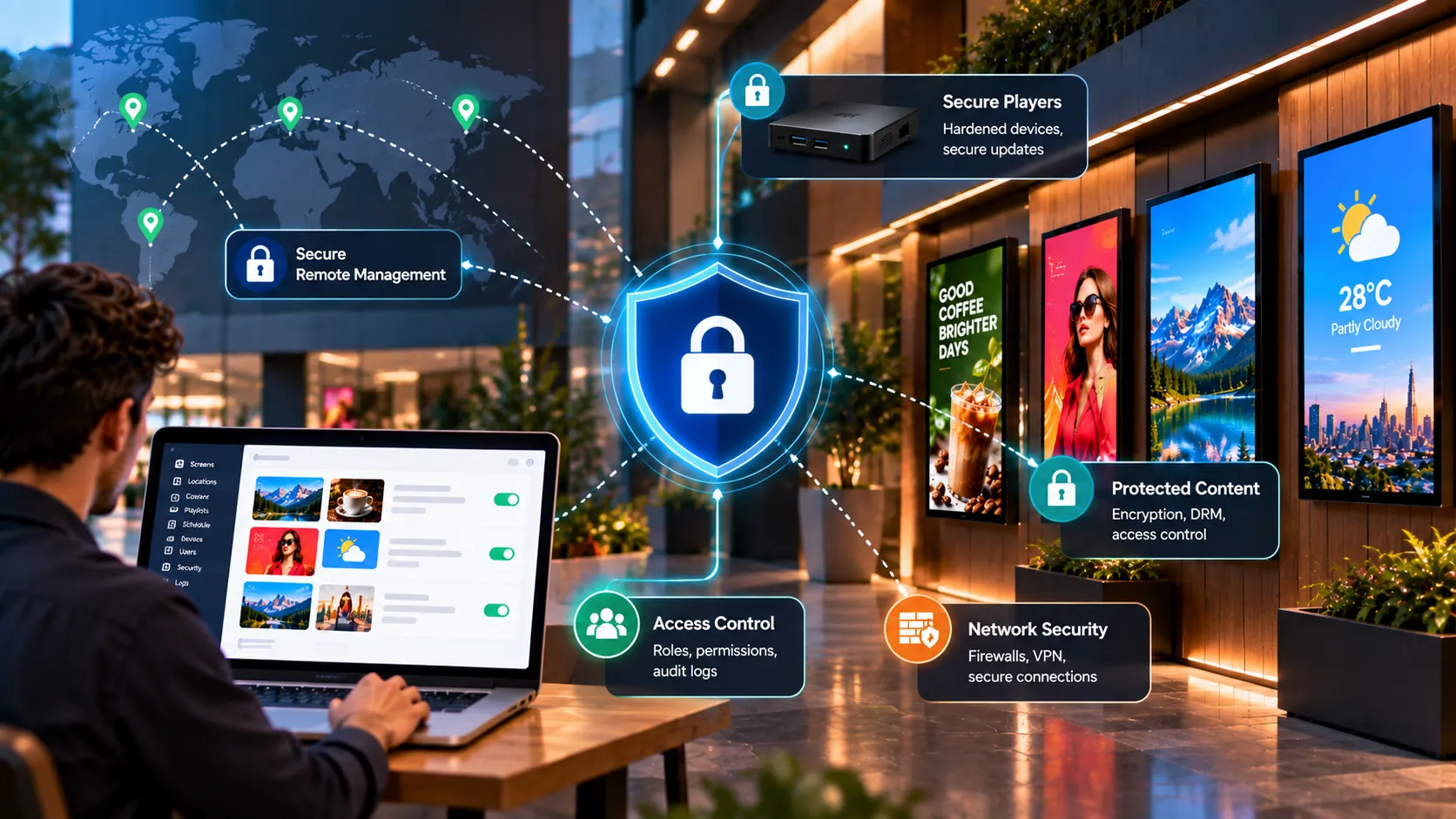
Digital Signage Security: How to Protect Screens, Players and Content
A practical digital signage security guide — physical protection, player lockdown, network segmentation, account hygiene and when to go on-premise.
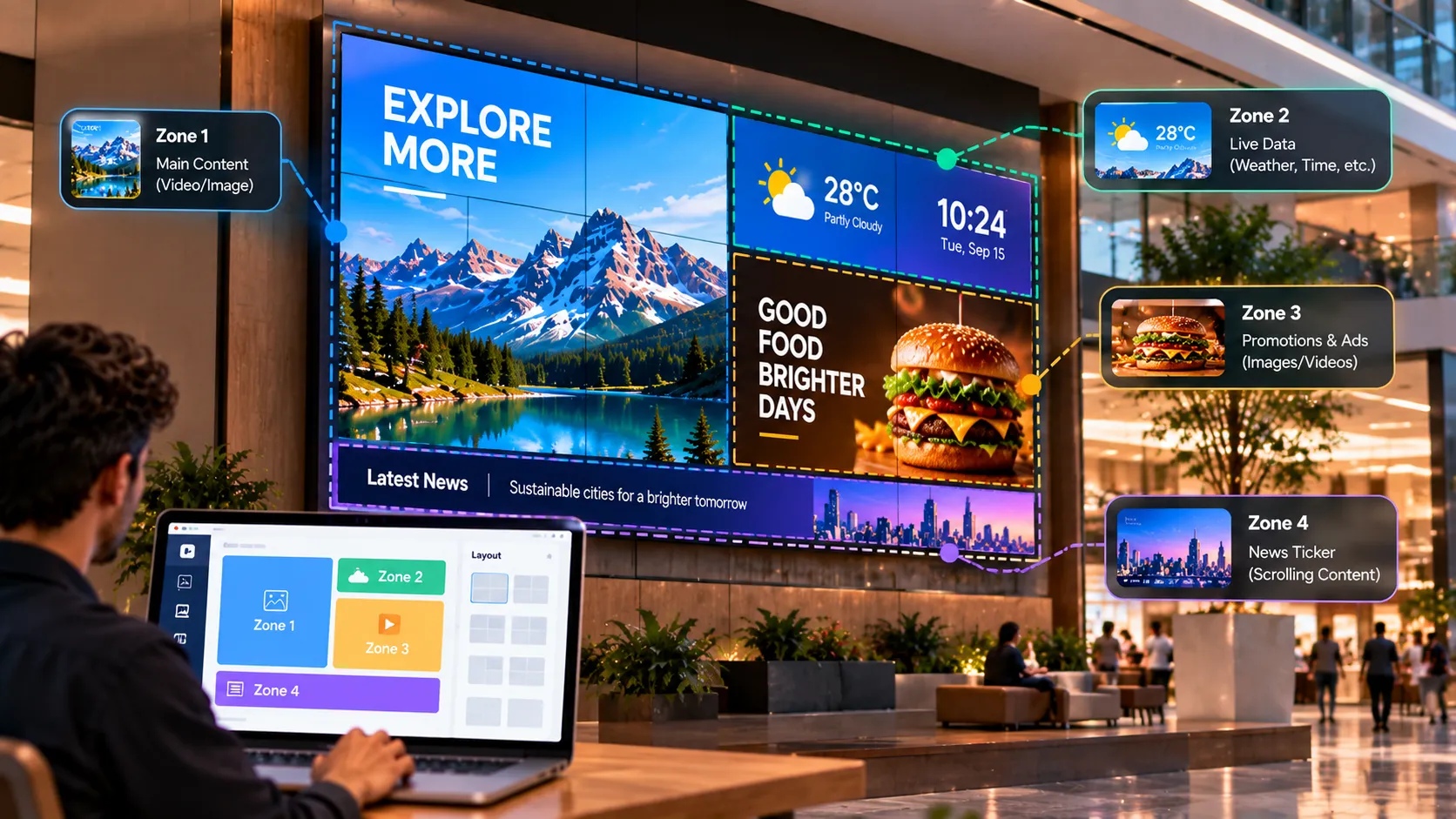
Video Walls and Multi-Zone Layouts: A Guide to Bigger, Busier Screens
When to choose a video wall over one large screen, how multi-zone layouts split a screen into content areas, and how to plan hardware and content.
More from the library.
Loopvew's learning library is split by intent — pick the format that fits the question.
Put what you've read on a real screen.
Pair a TV, build a playlist and publish in minutes. Your first three screens are free, forever — no credit card needed.