
Free vs Paid Digital Signage Software: When Free Stops Being Enough
What free digital signage software really gives you, the limits that show up as you grow, and the signals that it's time to move to a paid plan.
On this page
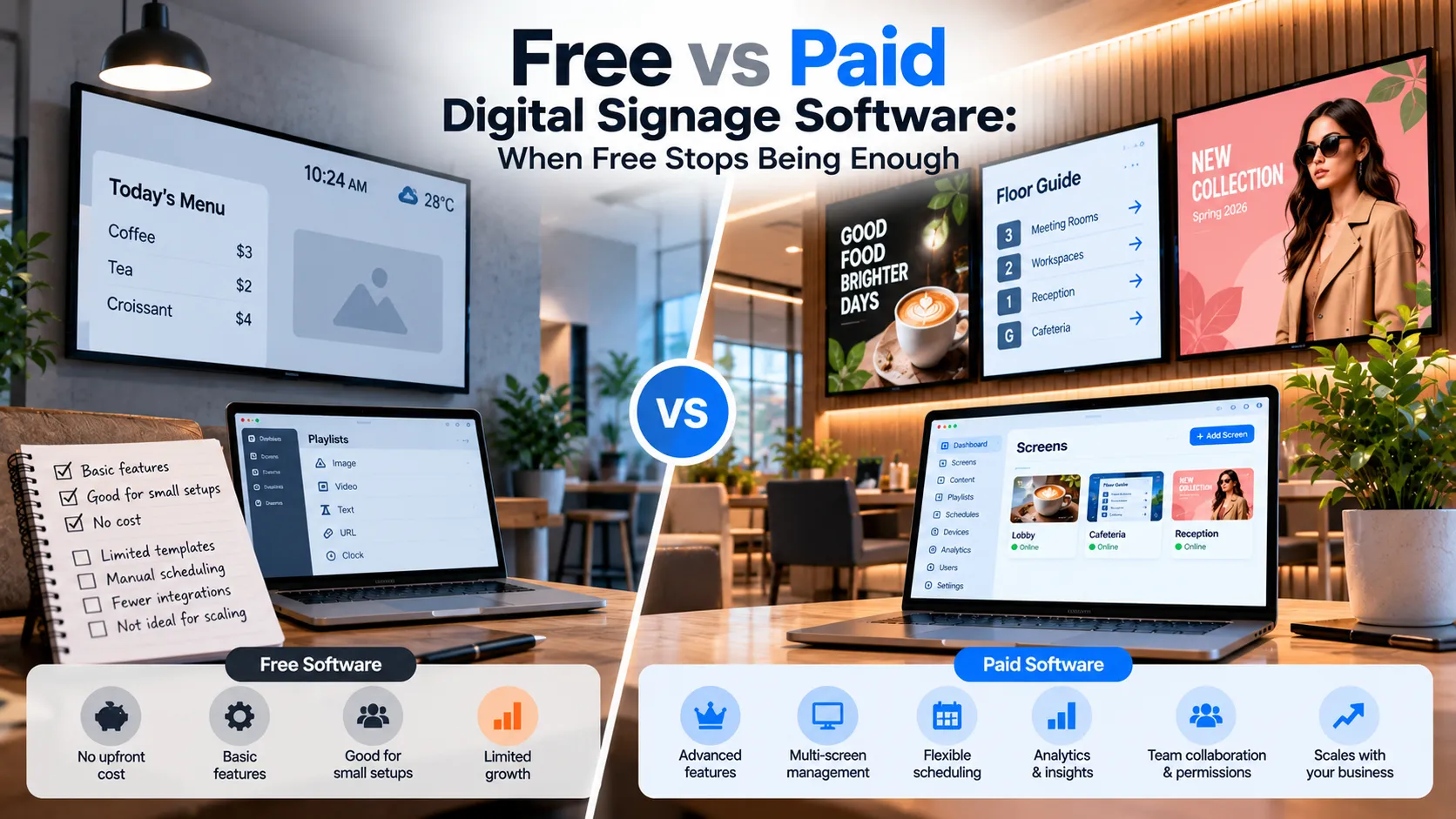
Free digital signage software lets you manage a small number of screens at no cost. It’s the right starting point for a single café, reception or shop — and it stops being enough when you add screens, locations or people who need to publish.
What “free” usually means
“Free” covers several very different offers. Before you commit, check which one you’re looking at:
| Type of free | What you get | Watch out for |
|---|---|---|
| Free tier | A permanent free allowance of screens | Screen cap, sometimes feature limits |
| Free trial | Full features for a limited time | Screens stop after the trial |
| Open-source | Software you host and maintain yourself | Server setup, updates and support are on you |
| Ad-supported | Free playback with vendor branding | Watermarks or ads on your screens |
Loopvew’s free allowance is a permanent tier: the first three screens in every workspace are free forever, with the same CMS as paid screens.
When free is genuinely enough
- One location with one to three screens.
- A menu, a welcome loop or a promotion that changes weekly.
- One person publishing content.
- Screens you can walk up to if something looks wrong.
Signals that it’s time to pay
You need more screens
The most common reason. On Loopvew, screen four onwards is ₹399 per month, or ₹359 billed yearly — see pricing.
You’ve added a second location
Multiple sites need groups so one publish reaches the right screens, and you’ll want to see status without travelling.
Content changes on a timetable
Breakfast and lunch menus, weekday and weekend promotions, shift-specific staff messages — once changes follow a clock, you want scheduling to do it for you.
You need to know what’s playing
Remote screenshots, online/offline status and remote reboot turn a store visit into a thirty-second check.
How to evaluate paid software
Don’t compare headline prices alone. Ask:
- What’s the price per screen after discounts at the fleet size you’ll reach in a year?
- Are there per-user fees? They add up quickly in multi-site teams.
- Which features cost extra? Scheduling, widgets, monitoring and multiple users should be included.
- What hardware does it support? Being locked to one player brand limits your options. See the features checklist.
The practical path
Start free, build real playlists on real screens, and upgrade only the screens you add. Because Loopvew’s free screens use the same CMS as paid ones, there’s nothing to migrate when you grow — you add screens and keep going.
Written by the Loopvew TeamThe people who build and support Loopvew's digital signage CMS and players. About Loopvew
Frequently asked questions
Keep reading.
More from the blog, picked by topic.
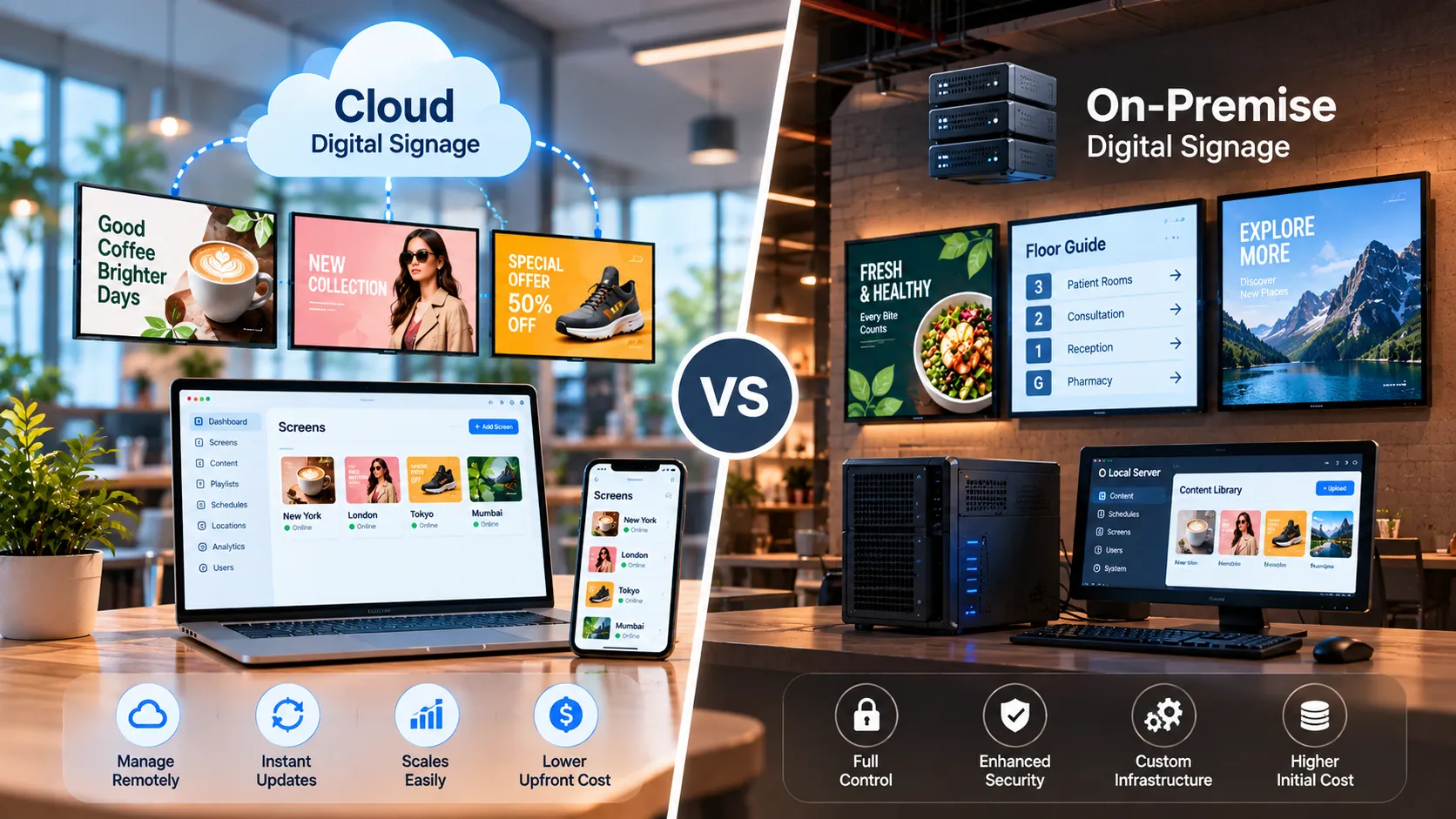
Cloud vs On-Premise Digital Signage: Which Is Right for You?
Cloud vs on-premise digital signage compared — setup, cost, security, offline behaviour and scaling — plus a simple rule for choosing the right model.
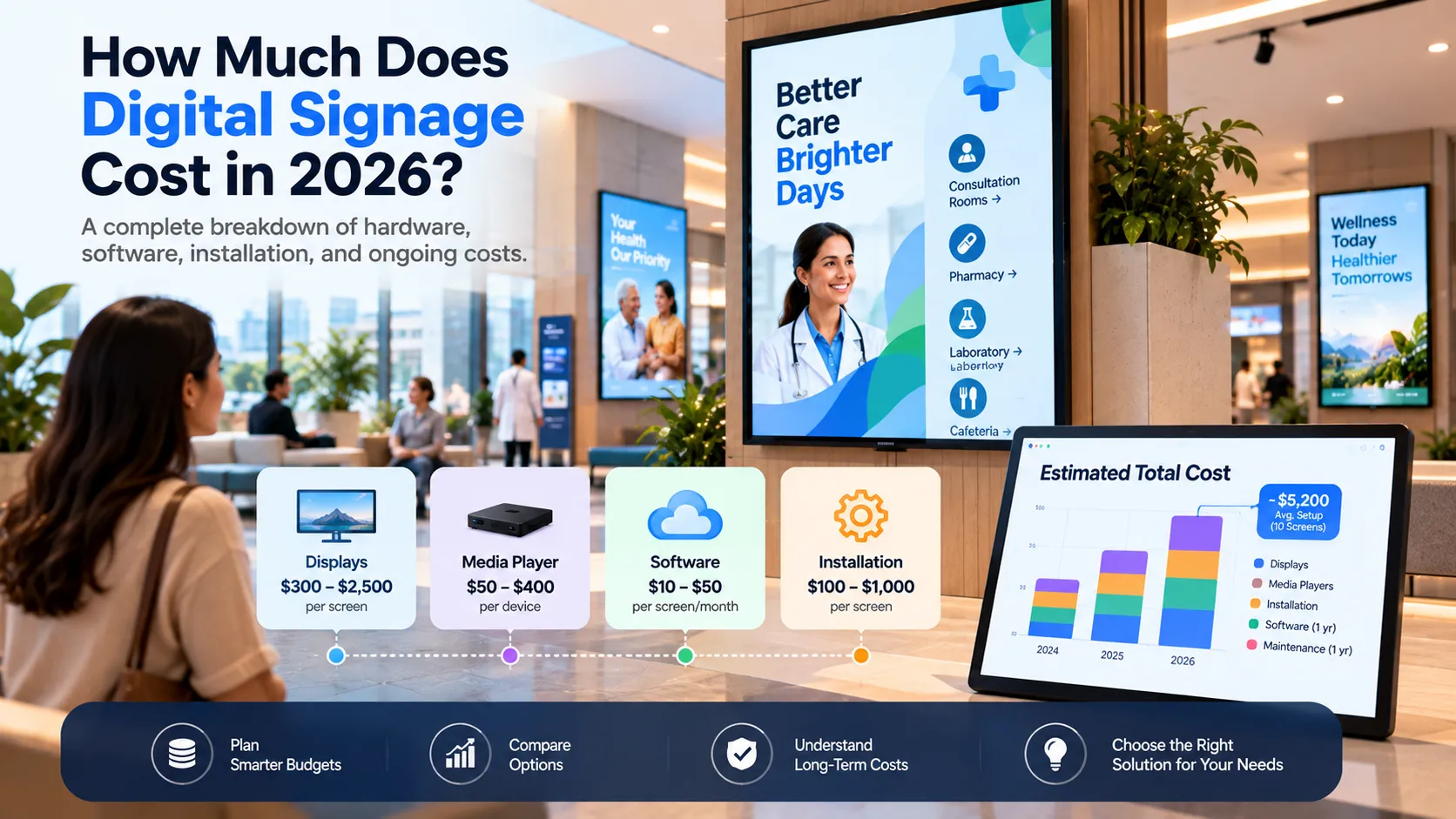
How Much Does Digital Signage Cost in 2026?
A clear breakdown of digital signage costs — software, screens, players, installation and content — with a worked example and an estimating formula.
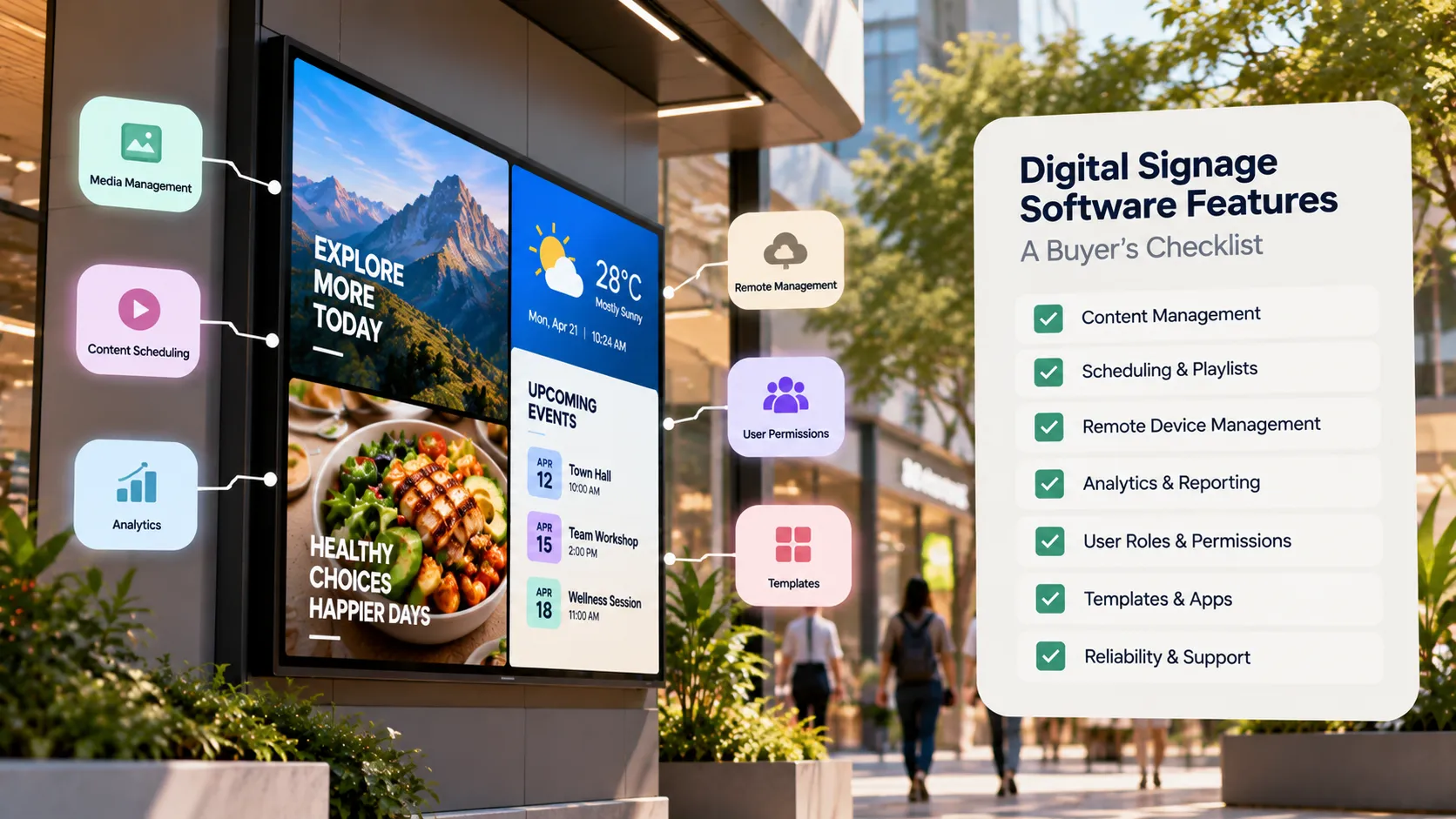
Digital Signage Software Features: A Buyer's Checklist
A buyer's checklist of digital signage software features — device support, scheduling, remote monitoring, offline playback, security and pricing.