
How Much Does Digital Signage Cost in 2026?
A clear breakdown of digital signage costs — software, screens, players, installation and content — with a worked example and an estimating formula.
On this page
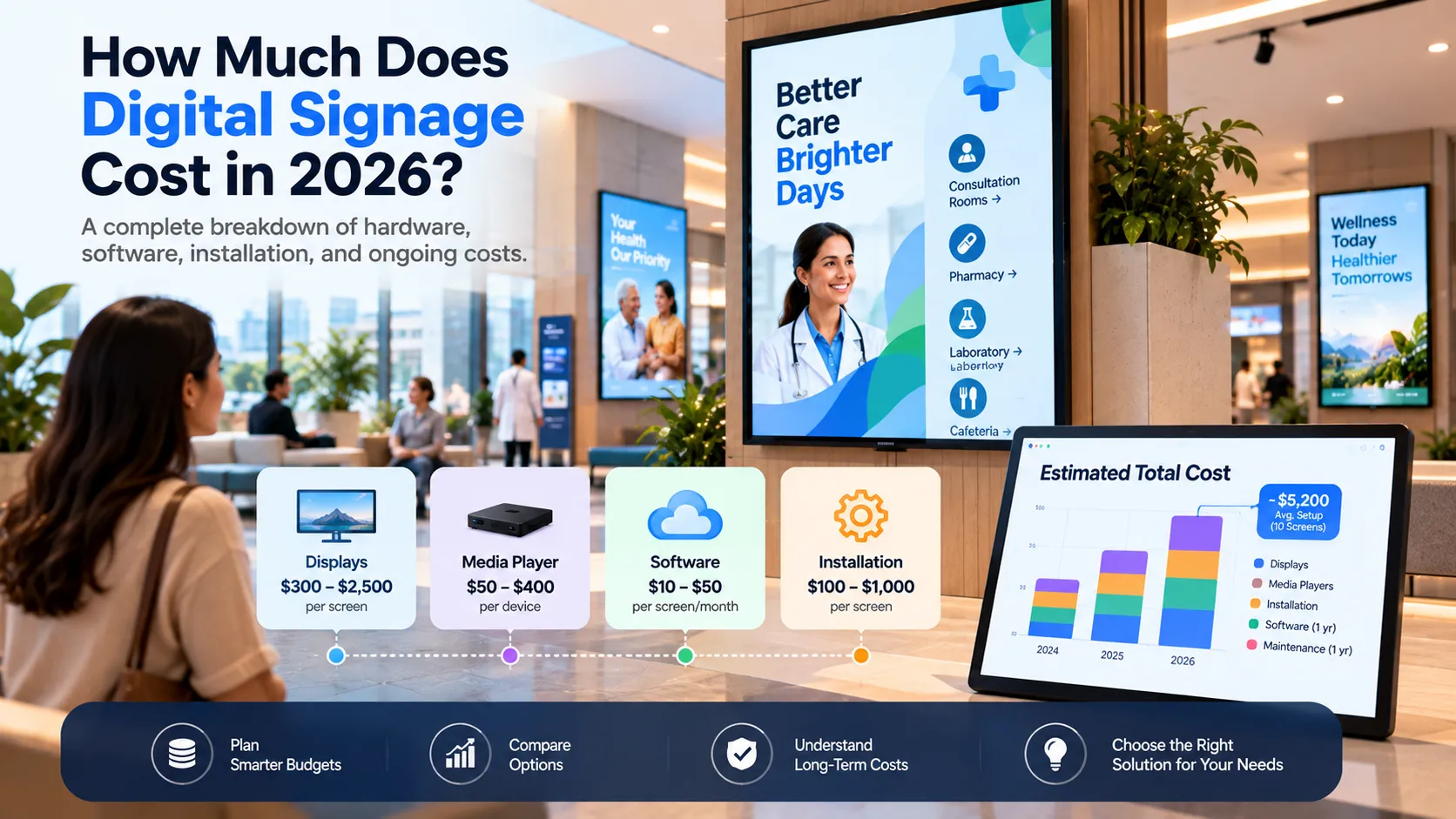
Digital signage cost comes down to five lines: software, screens, media players, installation and content. Hardware and installation are one-time costs; software is usually the only recurring one. The total depends mostly on how many screens you run and whether your displays need a separate player.
1. Software
Cloud signage software is almost always priced per screen, per month. Loopvew’s price book:
| Plan | Screens | Price |
|---|---|---|
| Starter | Up to 3 | Free, forever |
| Pro | 4–100 | ₹399 per screen per month, or ₹359 billed yearly |
| Enterprise | 100+ | Custom pricing |
Volume discounts apply to paid screens: 5% from 11 paid screens and 10% from 51. Free includes 1 user and Pro up to 10. Try the cost calculator for an exact quote.
When comparing vendors, check what’s included. Features some platforms charge extra for — scheduling, remote monitoring, multiple users, widgets — change the real price a lot.
2. Screens
Your display choice is the biggest hardware decision:
- Consumer TVs are the cheapest upfront but are typically rated for fewer hours a day and lower brightness, and often won’t power back on by themselves after an outage.
- Commercial displays cost more but are built to run all day, get brighter and often include a built-in signage platform such as Samsung Tizen or LG webOS.
- High-brightness and outdoor displays cost significantly more and are only worth it where sunlight demands it.
Size depends on viewing distance — our screen size guide shows how to choose.
3. Media players
If your display can’t run the signage app, you need a small player behind it. Android players are the most affordable; Windows mini PCs cost more but handle video walls and heavy dashboards; Linux suits locked-down fleets. See choosing a media player.
A commercial panel with a built-in player removes this line entirely — often the cheapest total path when you’re buying new screens anyway.
4. Mounting and installation
Budget for wall or ceiling mounts, cabling, power and network points, and labour. Installation varies more than any other line: a screen on a plasterboard wall next to a socket is quick; a screen on a glass shopfront or high ceiling is not.
5. Content
Content is the cost most people forget. Options, from cheapest to most expensive:
- Upload images and videos you already have.
- Use live widgets — weather, clock, news feeds, web dashboards — that update themselves.
- Design in-house with templates.
- Commission a designer or agency for campaigns.
Live content lowers the ongoing cost because the screen stays fresh without anyone updating it.
A worked example
A café with two menu screens and one promotion screen, all commercial displays with built-in players:
- Software: 3 screens → free on Loopvew.
- Players: none needed (built in).
- Hardware and installation: one-time.
A retail chain with 40 screens billed yearly: 37 paid screens × ₹359 = ₹13,283 per month before the 5% volume discount, which applies from 11 paid screens — so roughly ₹12,619 per month.
Estimate your own project
Use this formula:
Total first-year cost = hardware (screens + players + mounts) + installation + content + (paid screens × monthly rate × 12)
Then look at the second year: hardware drops out and only software and content remain. That second-year number is the one to compare against printing, reprinting and the staff time printed signage takes.
Ready to price your fleet? Use the cost calculator, or start with three free screens.
Written by the Loopvew TeamThe people who build and support Loopvew's digital signage CMS and players. About Loopvew
Frequently asked questions
Keep reading.
More from the blog, picked by topic.
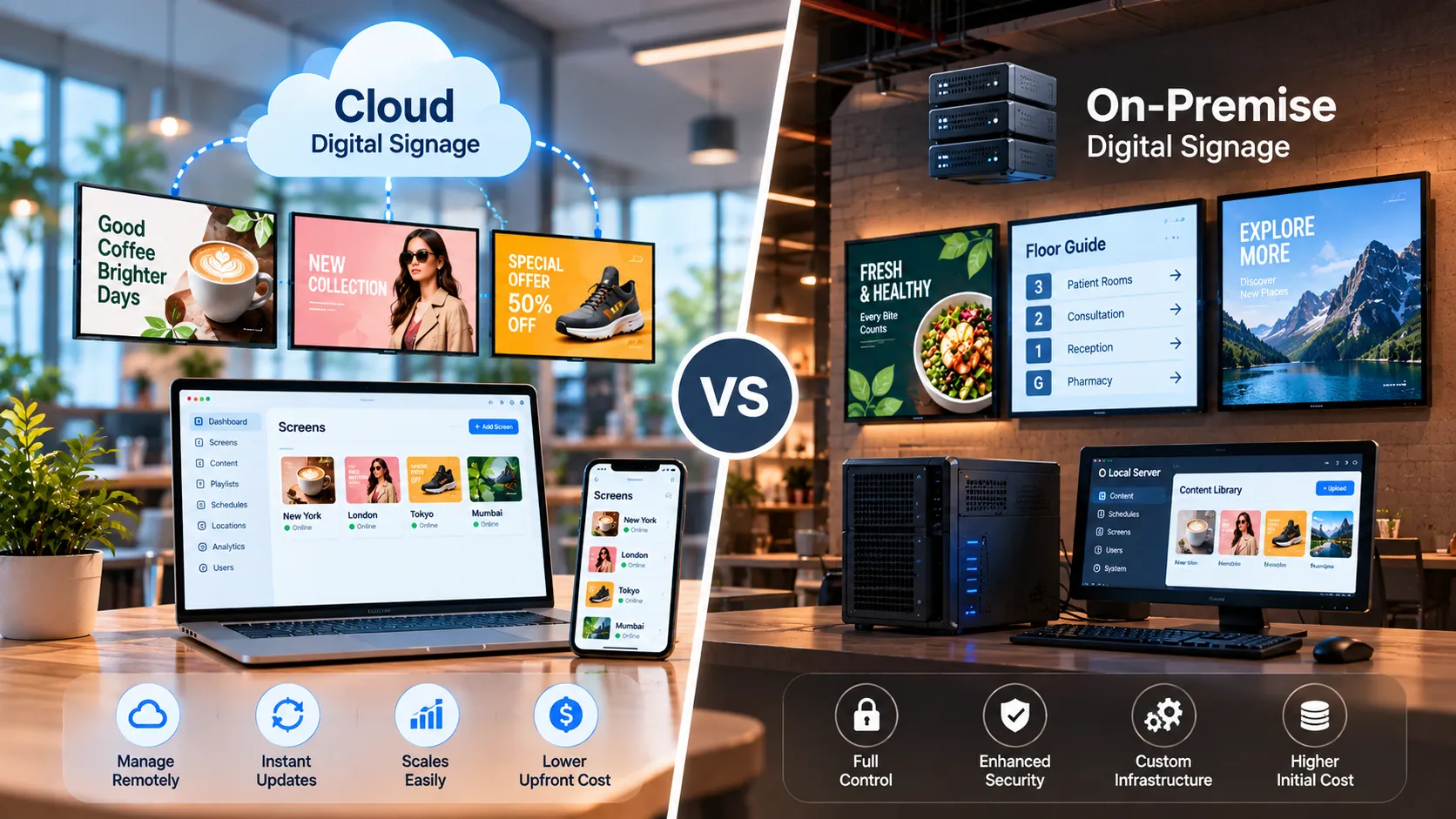
Cloud vs On-Premise Digital Signage: Which Is Right for You?
Cloud vs on-premise digital signage compared — setup, cost, security, offline behaviour and scaling — plus a simple rule for choosing the right model.
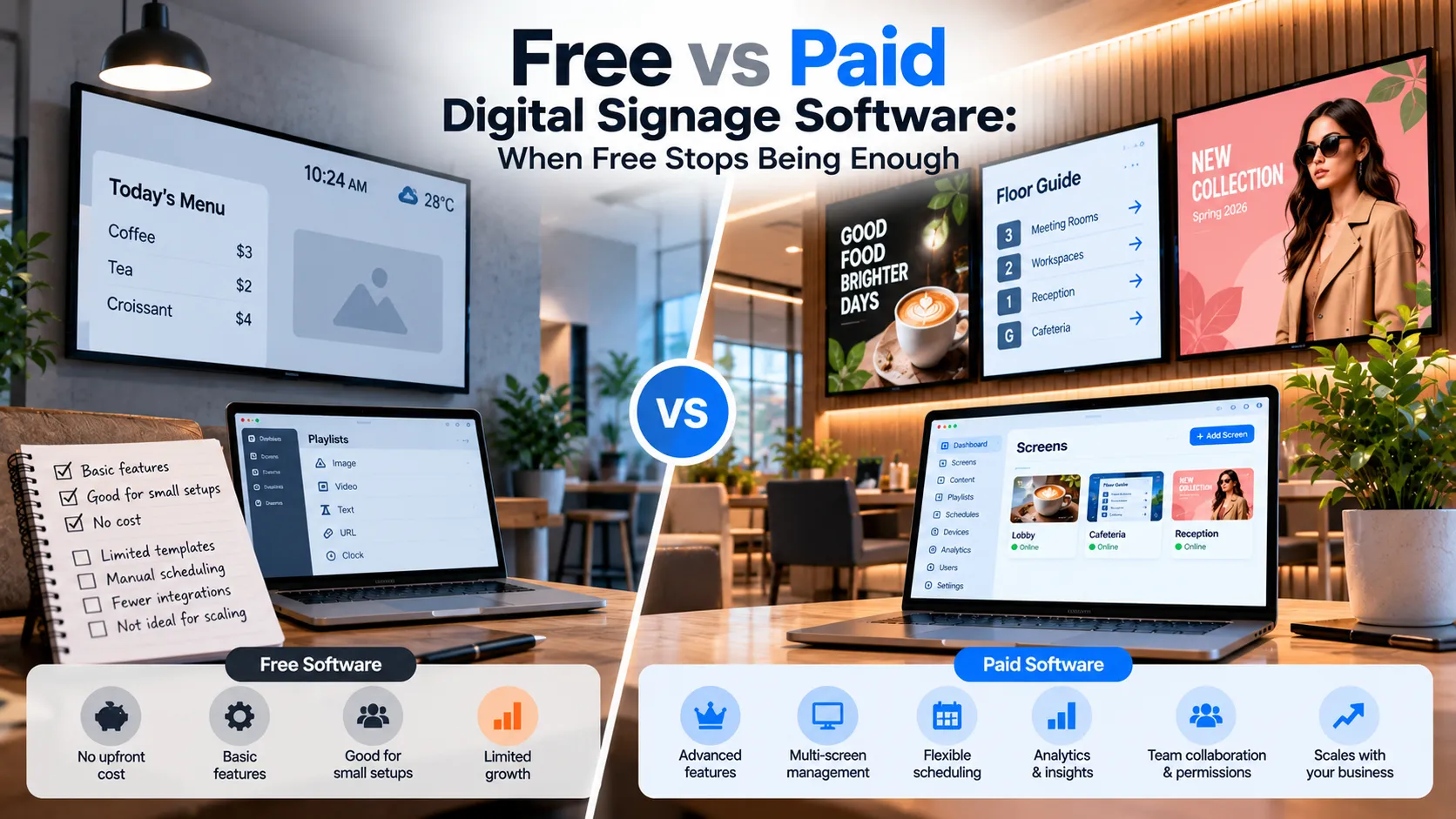
Free vs Paid Digital Signage Software: When Free Stops Being Enough
What free digital signage software really gives you, the limits that show up as you grow, and the signals that it's time to move to a paid plan.
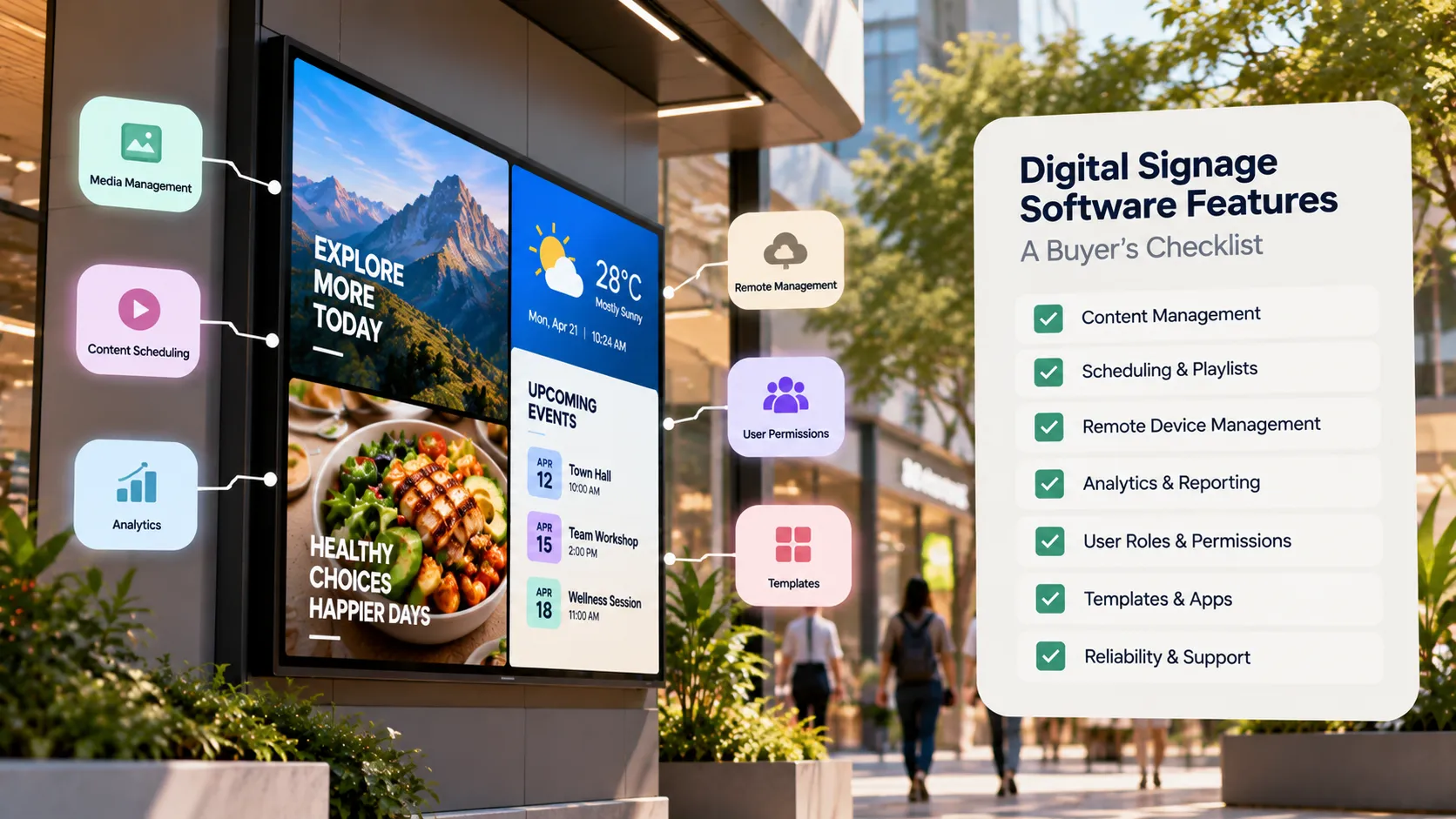
Digital Signage Software Features: A Buyer's Checklist
A buyer's checklist of digital signage software features — device support, scheduling, remote monitoring, offline playback, security and pricing.