
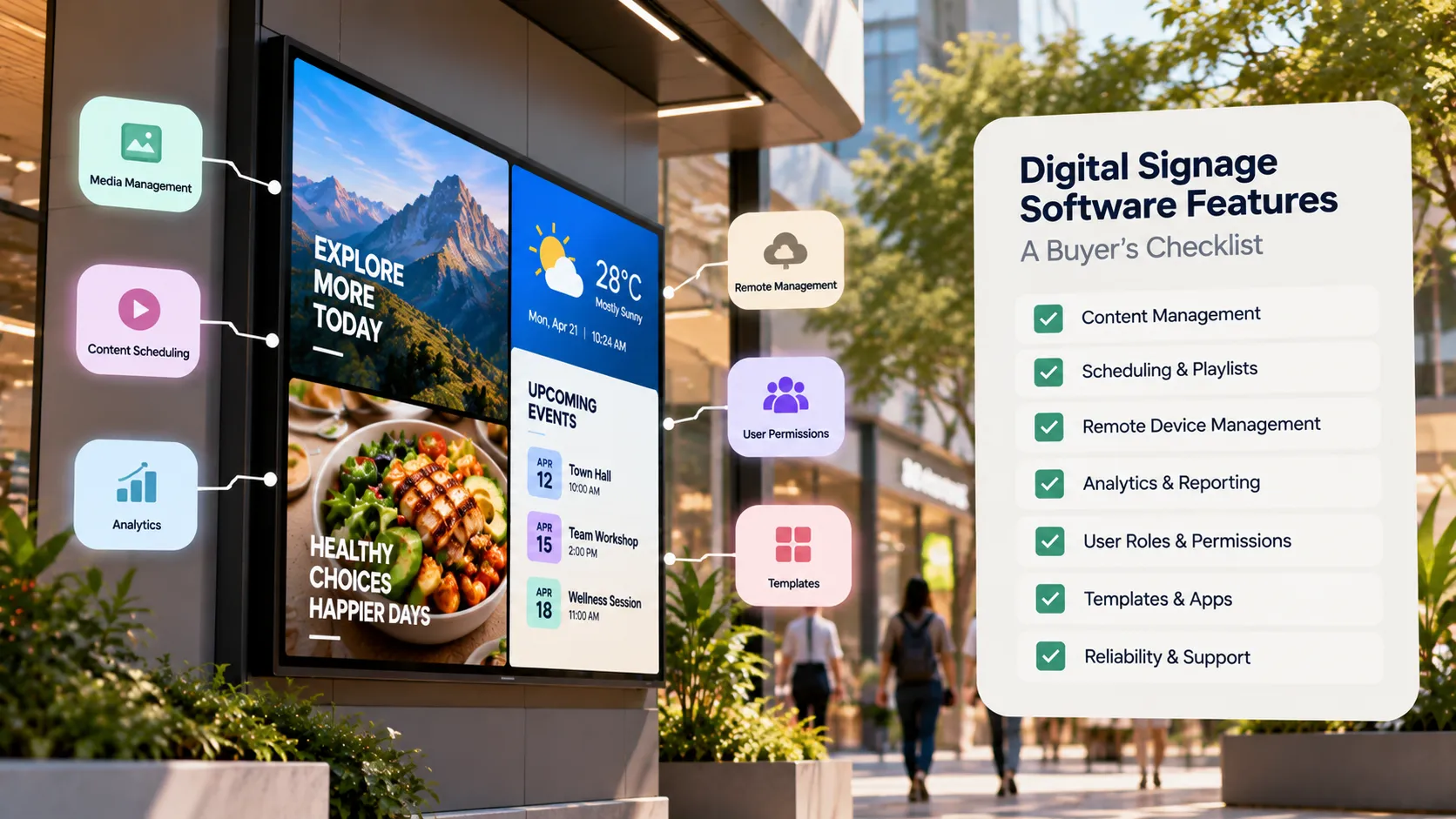
Digital Signage Software Features: A Buyer's Checklist
A buyer's checklist of digital signage software features — device support, scheduling, remote monitoring, offline playback, security and pricing.
On this page
Digital signage software is the CMS you use to upload content, build playlists, schedule them and push them to screens. When you compare vendors, the features that matter most are rarely the flashiest — they’re the ones that keep screens running without anyone visiting them.
Use this checklist to score each platform you evaluate.
1. Device and platform support
- Runs on Android players and Android TV devices
- Runs on Windows PCs
- Runs on Linux devices
- Runs natively on Samsung Tizen and LG webOS commercial displays
- Supports portrait and landscape orientations
- Supports 4K output on supported devices
Broad support means you can reuse screens you already own and avoid being locked to one hardware vendor. Loopvew runs on all five platforms — see platforms.
2. Content and scheduling
- Upload images and videos to a shared media library
- Build playlists with per-item durations
- Schedule playlists by time of day, day of week and date range
- Multi-zone layouts (for example, main content plus a ticker)
- Live widgets — weather, clock, RSS news, YouTube, web pages, dashboards, calendars, social feeds
3. Remote management
- Pair screens with an on-screen code — no technician visit
- Group screens by location or purpose and publish to a whole group
- See online/offline status for every screen
- Take remote screenshots to confirm what’s playing
- Reboot remotely and schedule screen on/off times
- Over-the-air player updates
4. Reliability and security
- Offline playback — cached content keeps playing when the network drops
- Auto-start and kiosk mode after power loss
- Touch lock for screens in public spaces
- An on-premise option if your policy forbids external hosting
- Clear data and account practices you can take to your IT team
Read the security guide for what to ask.
5. Pricing and support
- Transparent per-screen pricing
- No per-user fees
- Volume discounts as the fleet grows
- A free tier or free screens to pilot with
- Documentation and human support
Loopvew is free for the first three screens, then ₹399 per screen per month (₹359 billed yearly), with up to 10 users on Pro. See pricing.
How to run the evaluation
- Shortlist three vendors that meet your non-negotiables — usually platform support and deployment model.
- Pilot on your own screens with your real content. Demos run on perfect hardware; your screens are not perfect hardware.
- Pull the network cable. Watch what happens, then plug it back in and check the screen recovers.
- Cut the power. Confirm the screen comes back to content by itself.
- Price the fleet you’ll have in a year, not the one you have today.
Want a head start? Compare Loopvew with Yodeck or browse all comparisons, or start free and run your pilot this week.
Written by the Loopvew TeamThe people who build and support Loopvew's digital signage CMS and players. About Loopvew
Frequently asked questions
Keep reading.
More from the blog, picked by topic.
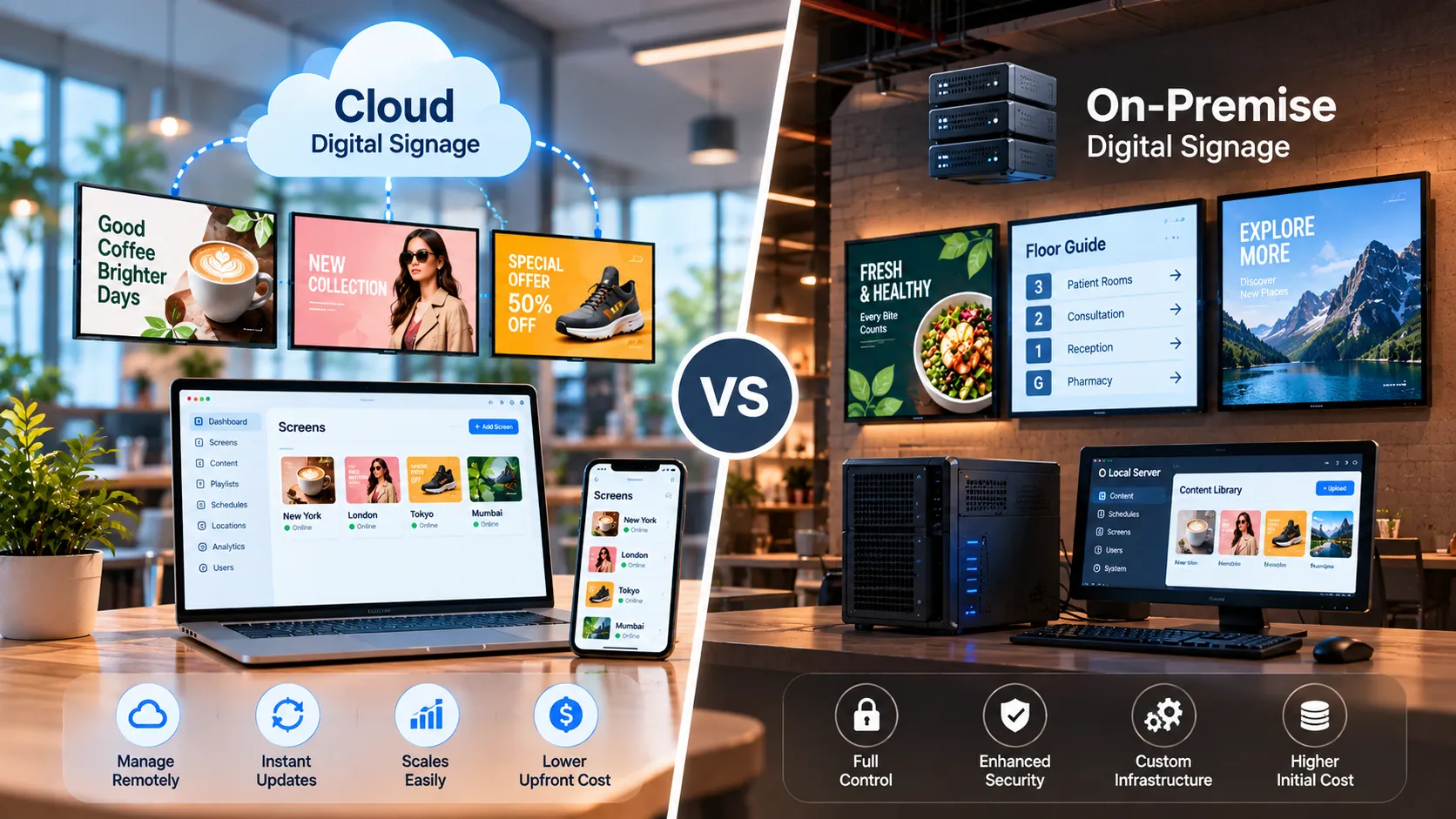
Cloud vs On-Premise Digital Signage: Which Is Right for You?
Cloud vs on-premise digital signage compared — setup, cost, security, offline behaviour and scaling — plus a simple rule for choosing the right model.
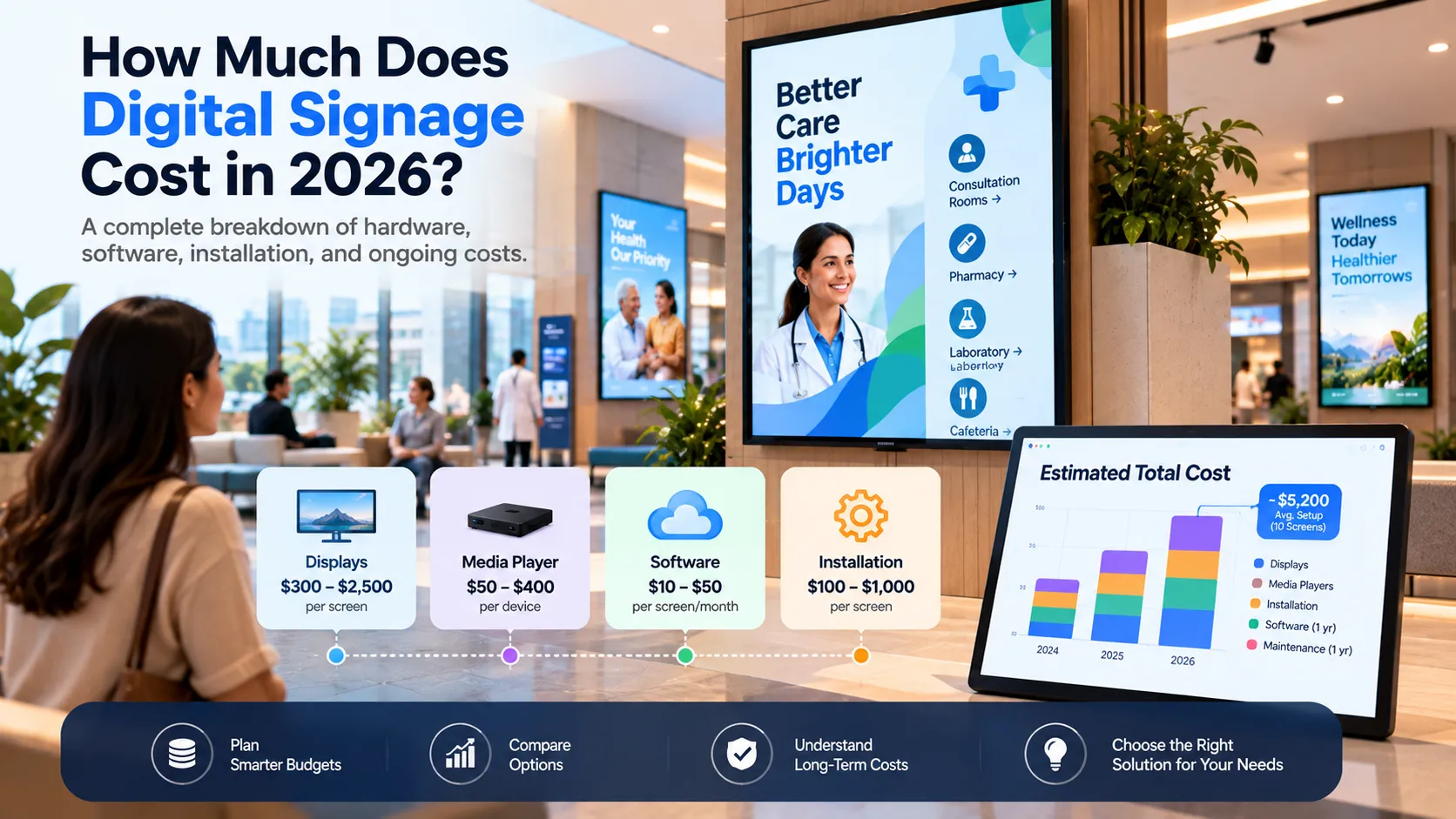
How Much Does Digital Signage Cost in 2026?
A clear breakdown of digital signage costs — software, screens, players, installation and content — with a worked example and an estimating formula.
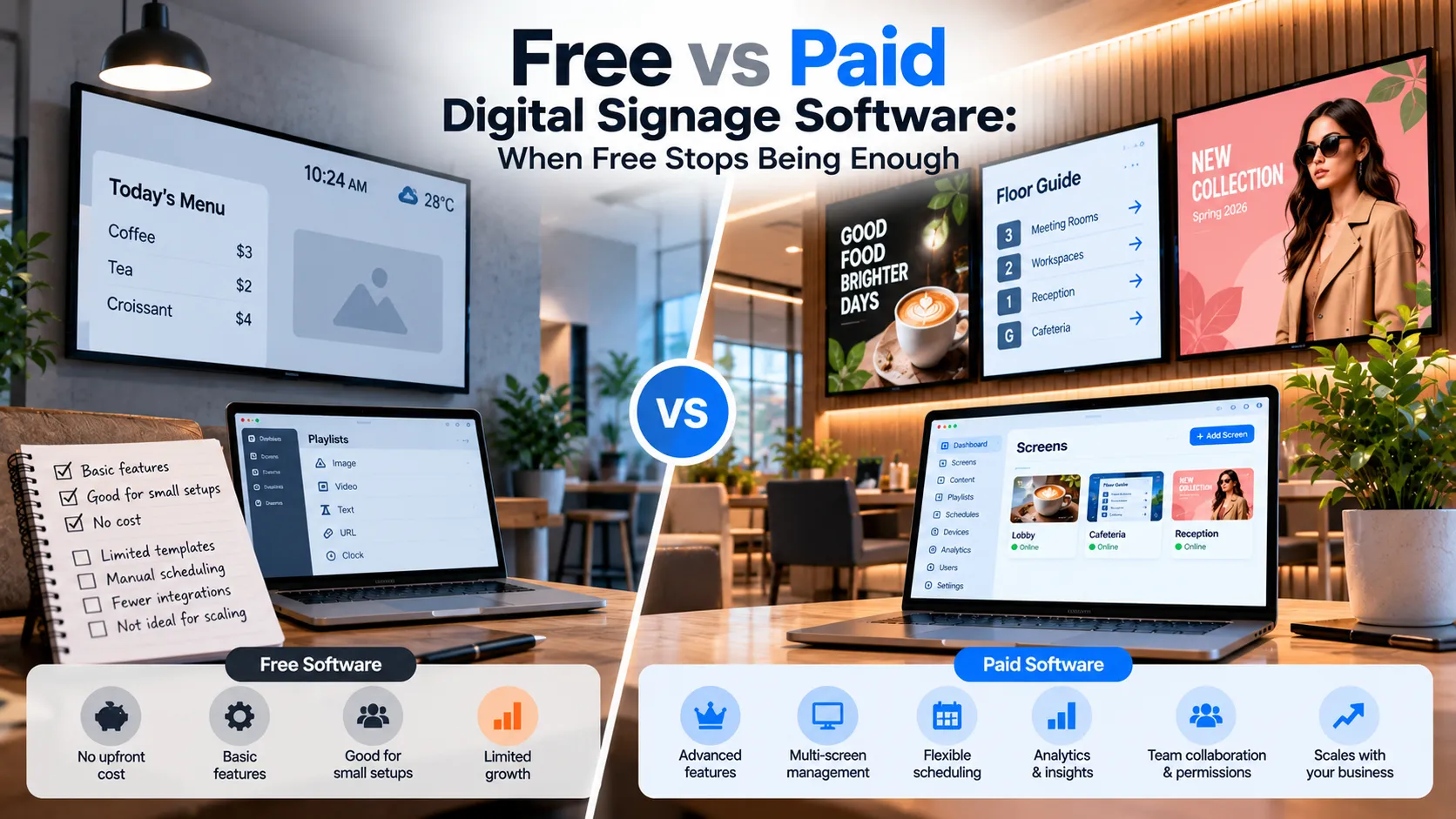
Free vs Paid Digital Signage Software: When Free Stops Being Enough
What free digital signage software really gives you, the limits that show up as you grow, and the signals that it's time to move to a paid plan.