
Cloud vs On-Premise Digital Signage: Which Is Right for You?
Cloud vs on-premise digital signage compared — setup, cost, security, offline behaviour and scaling — plus a simple rule for choosing the right model.
On this page
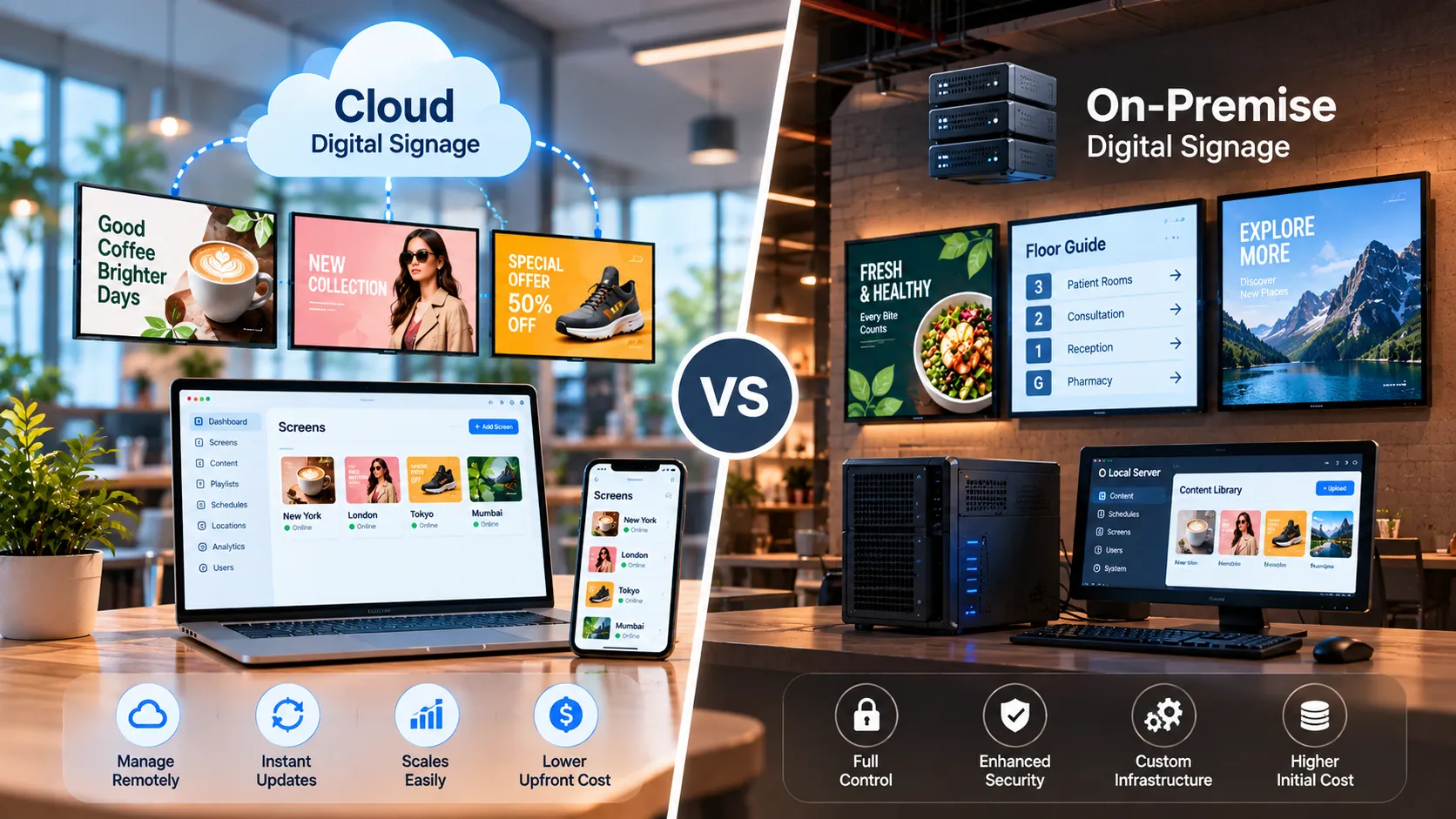
Cloud digital signage runs the content management system on the vendor’s servers; you manage screens from a browser and players connect over the internet. On-premise digital signage installs the CMS on servers you own, so content, schedules and device data never leave your network. Both put the same content on the same screens — the difference is where the system lives and who runs it.
The comparison at a glance
| Cloud | On-premise | |
|---|---|---|
| Where the CMS runs | Vendor-hosted | Your servers, your network |
| Time to first screen | Minutes | Days — server setup first |
| Upfront cost | Low — monthly or yearly per screen | Higher — one-time licence plus your servers |
| Ongoing cost | Subscription | Your IT time, hardware refresh, support plan |
| Updates | Automatic | Scheduled by your team |
| Remote access | Anywhere with a browser | Inside your network (or via your VPN) |
| Internet needed | For publishing and sync; players cache content offline | No |
| Best for | Multi-site businesses, fast rollouts, small teams | Regulated sectors, air-gapped sites, strict IT policy |
When cloud is the right choice
Cloud is the default for most businesses because it removes work:
- No servers to run. The vendor handles hosting, backups and updates.
- Fast rollouts. A new store can pair its first screen the day the display is mounted.
- Manage from anywhere. Head office, a regional manager and a store lead can all publish from a browser.
- Predictable cost. On Loopvew, the first three screens are free and additional screens are ₹399 per screen per month, or ₹359 billed yearly. See pricing.
A common worry is what happens when the internet drops. Loopvew players cache published content, so screens keep playing through an outage and sync when the connection returns.
When on-premise is the right choice
On-premise earns its extra effort when control is non-negotiable:
- Data residency and policy. Banks, government offices and some hospitals have rules that forbid hosting content or device data outside their network.
- Air-gapped or unreliable connectivity. Factories, secure facilities and remote sites may have no internet at all.
- Integration with internal systems. Displaying intranet dashboards or internal feeds is simpler when everything sits on the same network.
Loopvew on-premise runs the full CMS on your own server with a one-time licence, fully offline on your LAN.
Hidden costs to check
Whichever model you pick, compare total cost over three years, not the headline price:
- Cloud: per-screen fees as the fleet grows, any per-user or add-on charges, and hardware.
- On-premise: server hardware, operating-system and security patching, backups, IT hours and upgrade effort.
Loopvew charges per screen, and hardware is bring-your-own with no markup.
A simple rule for choosing
Ask one question: does any policy or environment prevent your content from being hosted outside your network?
- No → choose cloud. It is faster, cheaper to start and easier to scale.
- Yes → choose on-premise, and plan for the servers and IT time it needs.
Still undecided? Pilot on cloud with the free screens, and move to on-premise later if your security review requires it. Read our security guide or talk to us about your environment.
Written by the Loopvew TeamThe people who build and support Loopvew's digital signage CMS and players. About Loopvew
Frequently asked questions
Keep reading.
More from the blog, picked by topic.
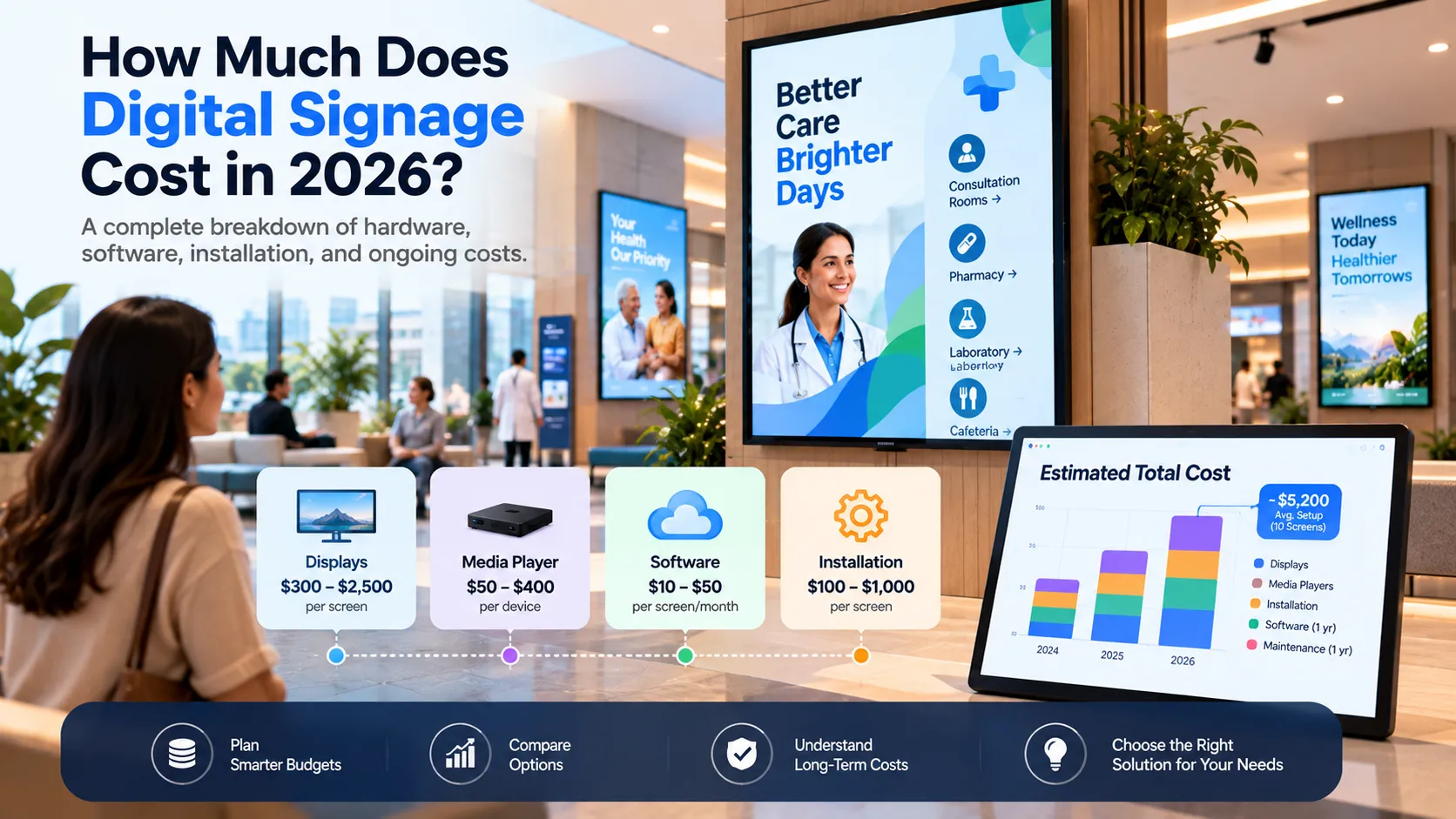
How Much Does Digital Signage Cost in 2026?
A clear breakdown of digital signage costs — software, screens, players, installation and content — with a worked example and an estimating formula.
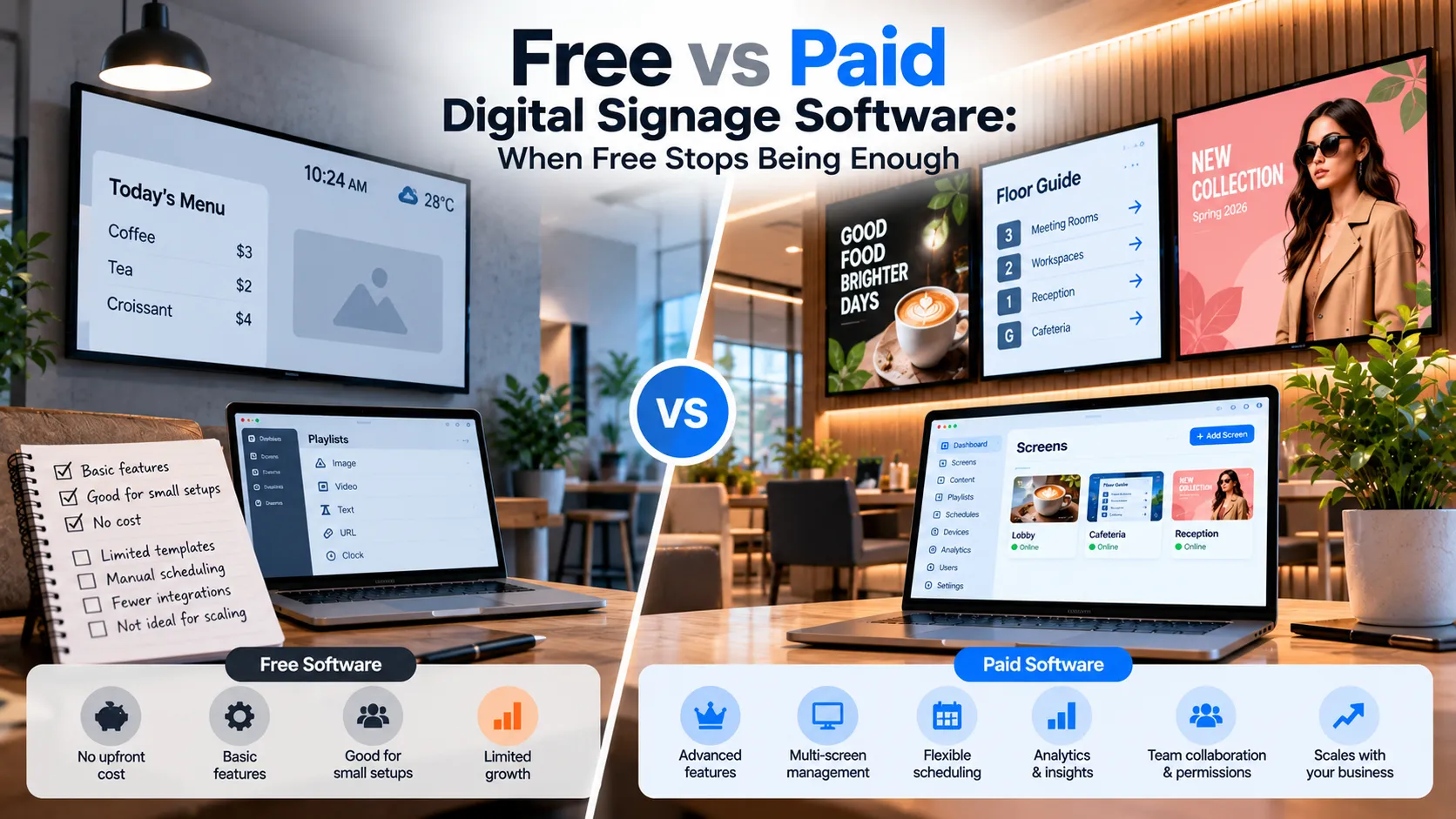
Free vs Paid Digital Signage Software: When Free Stops Being Enough
What free digital signage software really gives you, the limits that show up as you grow, and the signals that it's time to move to a paid plan.
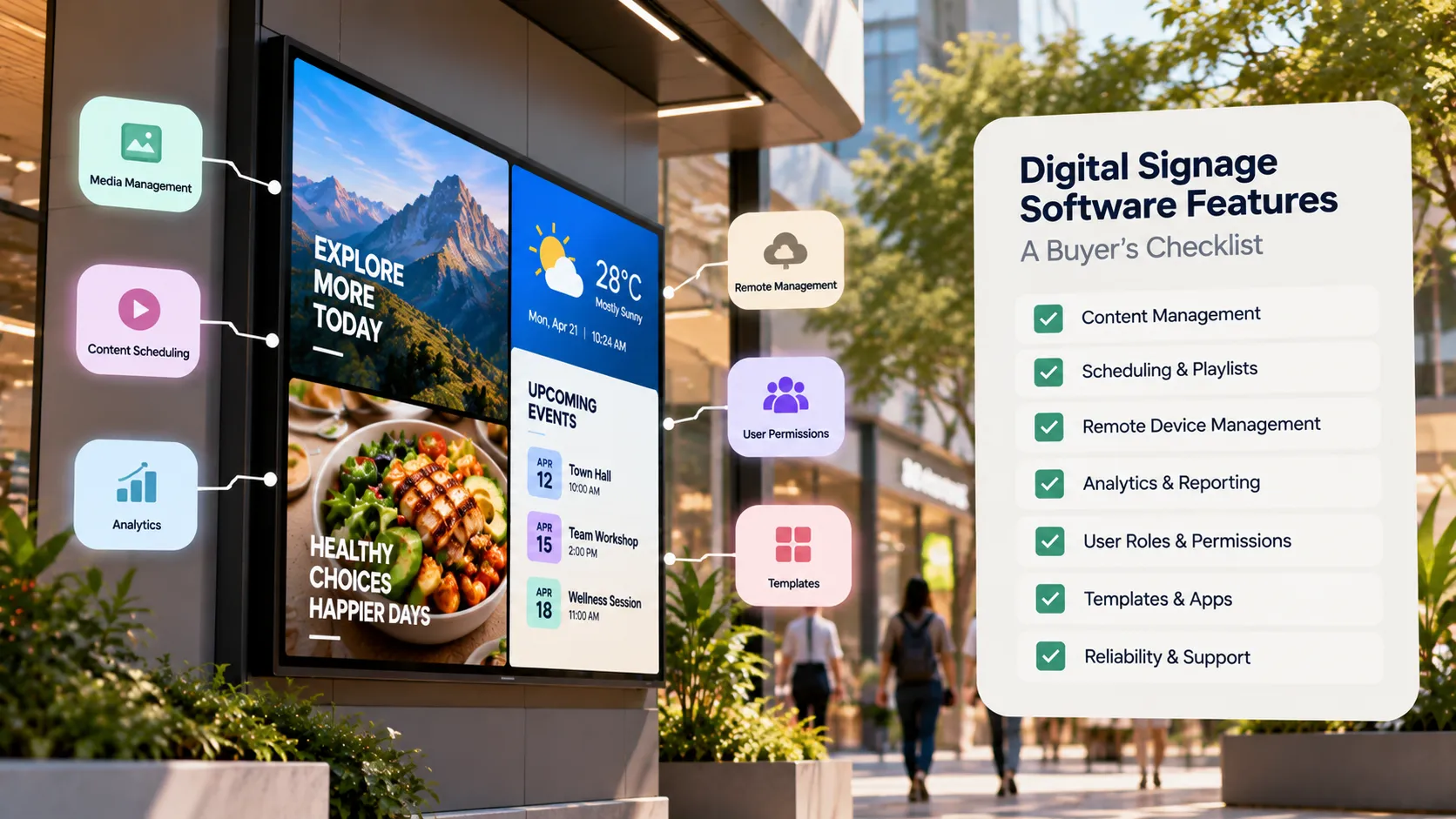
Digital Signage Software Features: A Buyer's Checklist
A buyer's checklist of digital signage software features — device support, scheduling, remote monitoring, offline playback, security and pricing.