
The Complete Guide to Playlists and Scheduling in Digital Signage
How digital signage playlists and schedules work — building playlists, setting durations, dayparting, publishing to groups and covering schedule gaps.
On this page
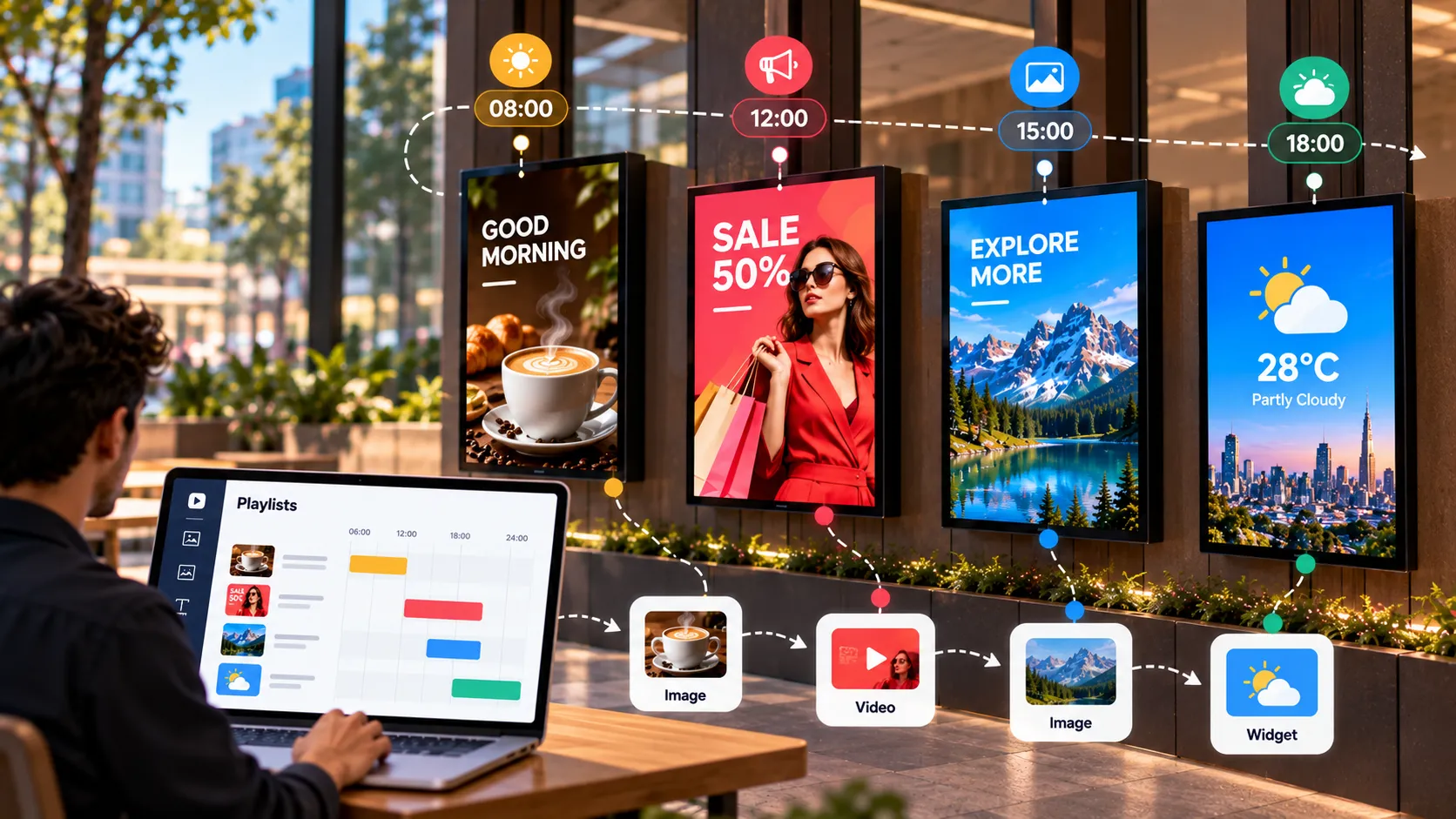
A playlist is an ordered list of images, videos and widgets that loops on a screen. A schedule decides which playlist plays when. Together they are how one person keeps hundreds of screens showing the right thing at the right time without touching any of them.
How playlists work
Each item in a playlist has a duration. The player shows items in order, then loops back to the start.
A good playlist:
- Has a clear audience and purpose — “lobby, daytime” rather than “general”.
- Runs one to three minutes per loop in most spaces.
- Alternates promotional and useful content so it never feels like an ad break.
- Includes live widgets — weather, news, clock, dashboards — that keep each loop slightly different.
For duration guidelines per content type, see designing signage content.
Organise your media first
Everything in a playlist comes from the media library. Keep it tidy from day one:
- Name files descriptively, including the campaign and date.
- Export at the screen’s native resolution.
- Delete retired content so nobody publishes last season’s offer by mistake.
Schedules — the right content at the right time
Schedules move signage from “a slideshow” to “a system”. Common patterns:
| Pattern | Example |
|---|---|
| Dayparting | Breakfast, lunch and dinner menus |
| Weekday vs weekend | Commuter offers Monday–Friday, family offers Saturday–Sunday |
| Campaign windows | A sale that starts and ends on set dates |
| Opening hours | Closing-time reminders in the last hour |
| After hours | Screens switched off overnight to save power |
The dayparting tutorial walks through setting one up in Loopvew.
Groups — publish once, reach many
Publishing screen by screen doesn’t scale. Groups bundle screens by location, region or purpose, so one publish reaches every screen inside.
Group structures that work:
- By location — “Mumbai store”, “Pune store”.
- By placement — “All menu boards”, “All window screens”.
- By audience — “Staff areas”, “Customer areas”.
Create groups in the Groups tab of the Loopvew CMS and assign screens to them.
Always keep a fallback
A gap in the schedule shouldn’t mean a blank screen. Keep a fallback playlist — brand content, opening hours, a welcome message — scheduled across any time your other playlists don’t cover.
Emergency and override content
Prepare an alert playlist in advance for closures, evacuations or urgent notices. When you need it, publishing it to the right group should take one action, not an afternoon of design work. See emergency alerts.
Offline behaviour
Loopvew players cache published content. If the network drops, screens keep playing their scheduled playlists and pick up changes when the connection returns. Live widgets such as web pages and streams still need connectivity, so pair them with cached content.
A weekly routine
- Monday: review what’s scheduled for the week across groups.
- Mid-week: swap in fresh promotions; retire anything older than a month.
- Friday: check weekend schedules and campaign end dates.
- Any time: use remote screenshots to confirm what’s actually on screen — see manage screens remotely.
Written by the Loopvew TeamThe people who build and support Loopvew's digital signage CMS and players. About Loopvew
Frequently asked questions
Keep reading.
More from the guides, picked by topic.
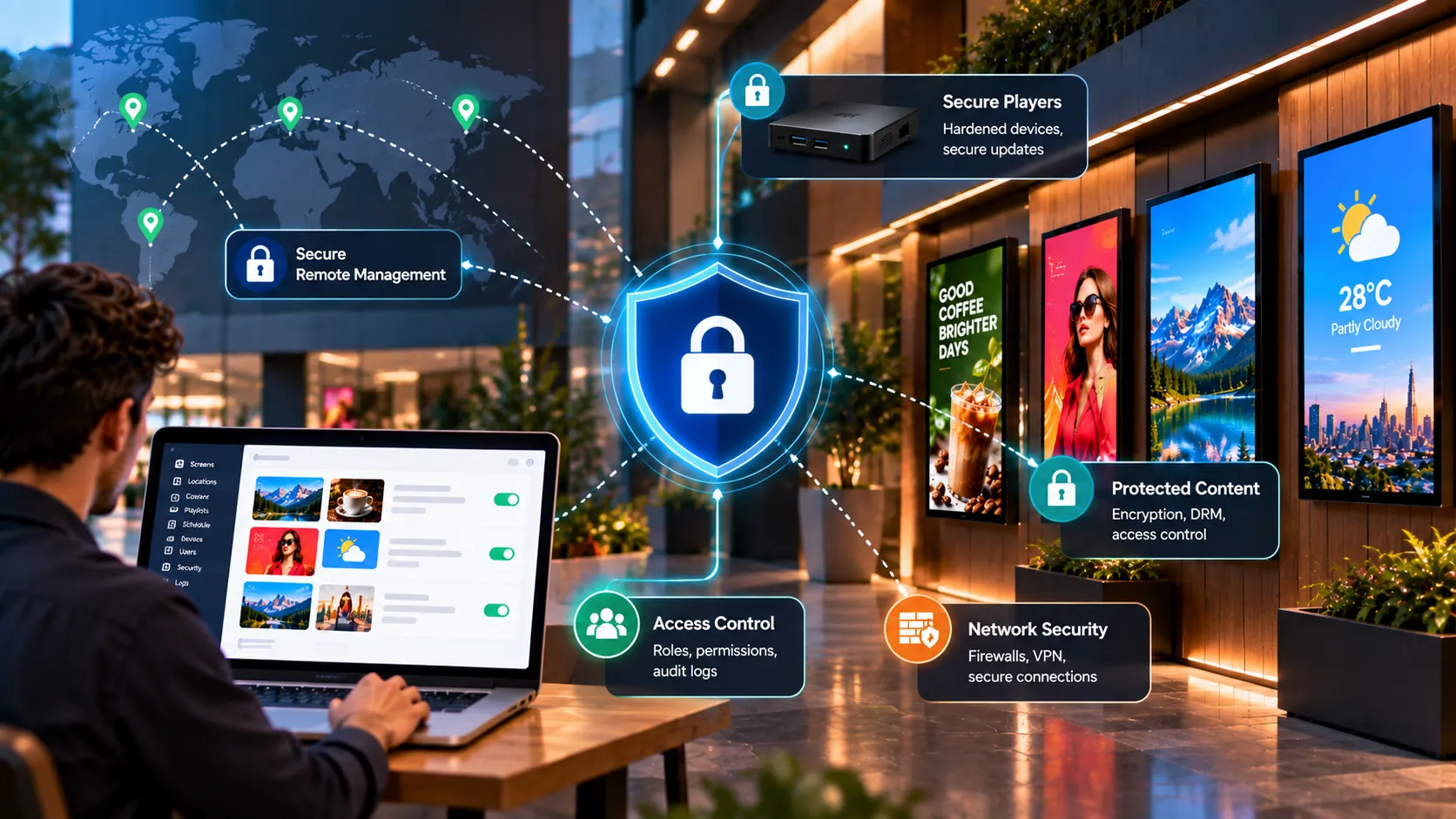
Digital Signage Security: How to Protect Screens, Players and Content
A practical digital signage security guide — physical protection, player lockdown, network segmentation, account hygiene and when to go on-premise.
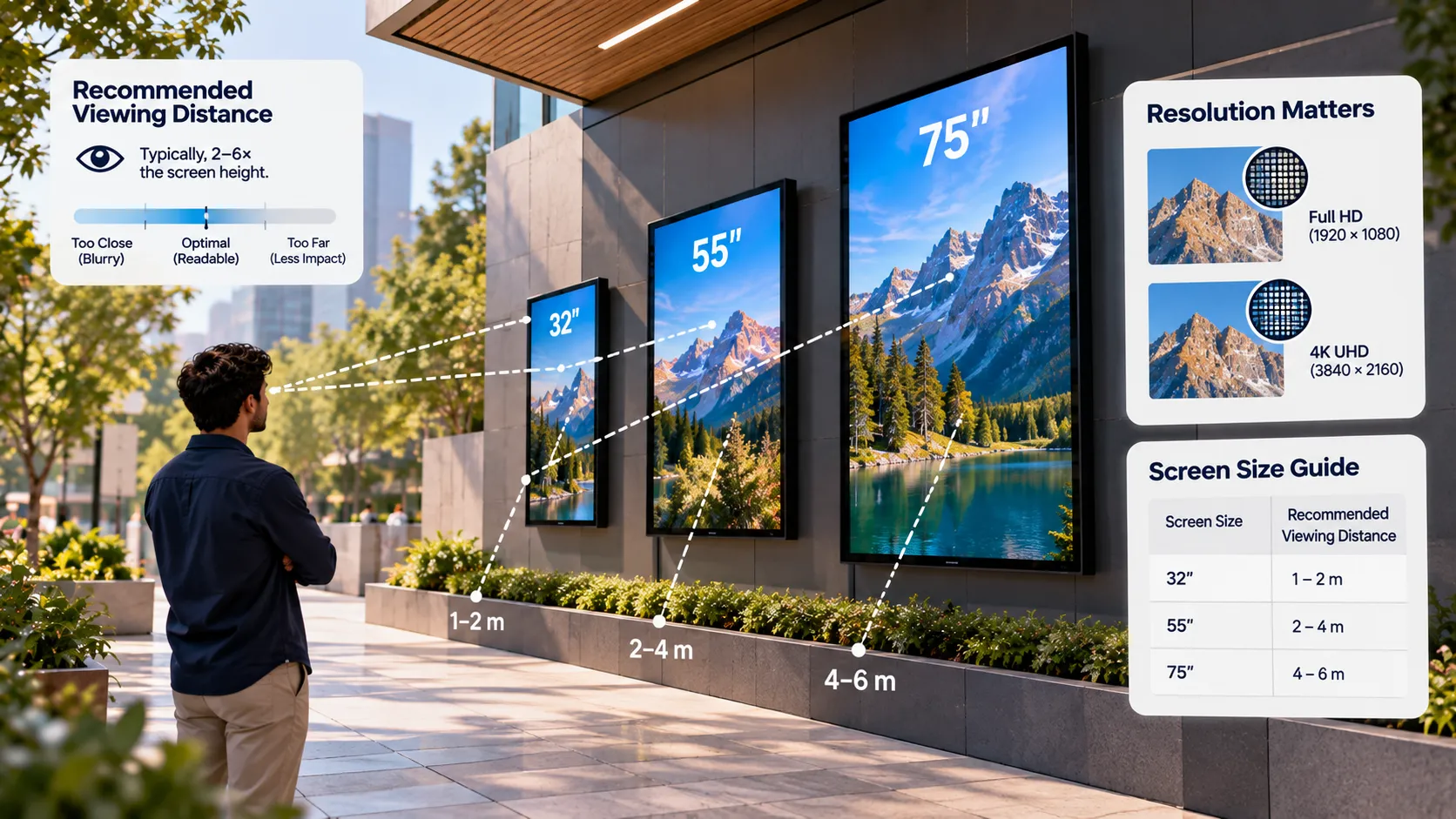
Screen Size, Resolution and Viewing Distance for Digital Signage
How to choose the right screen size, resolution, brightness and orientation for digital signage, using viewing distance and the room you're installing in.
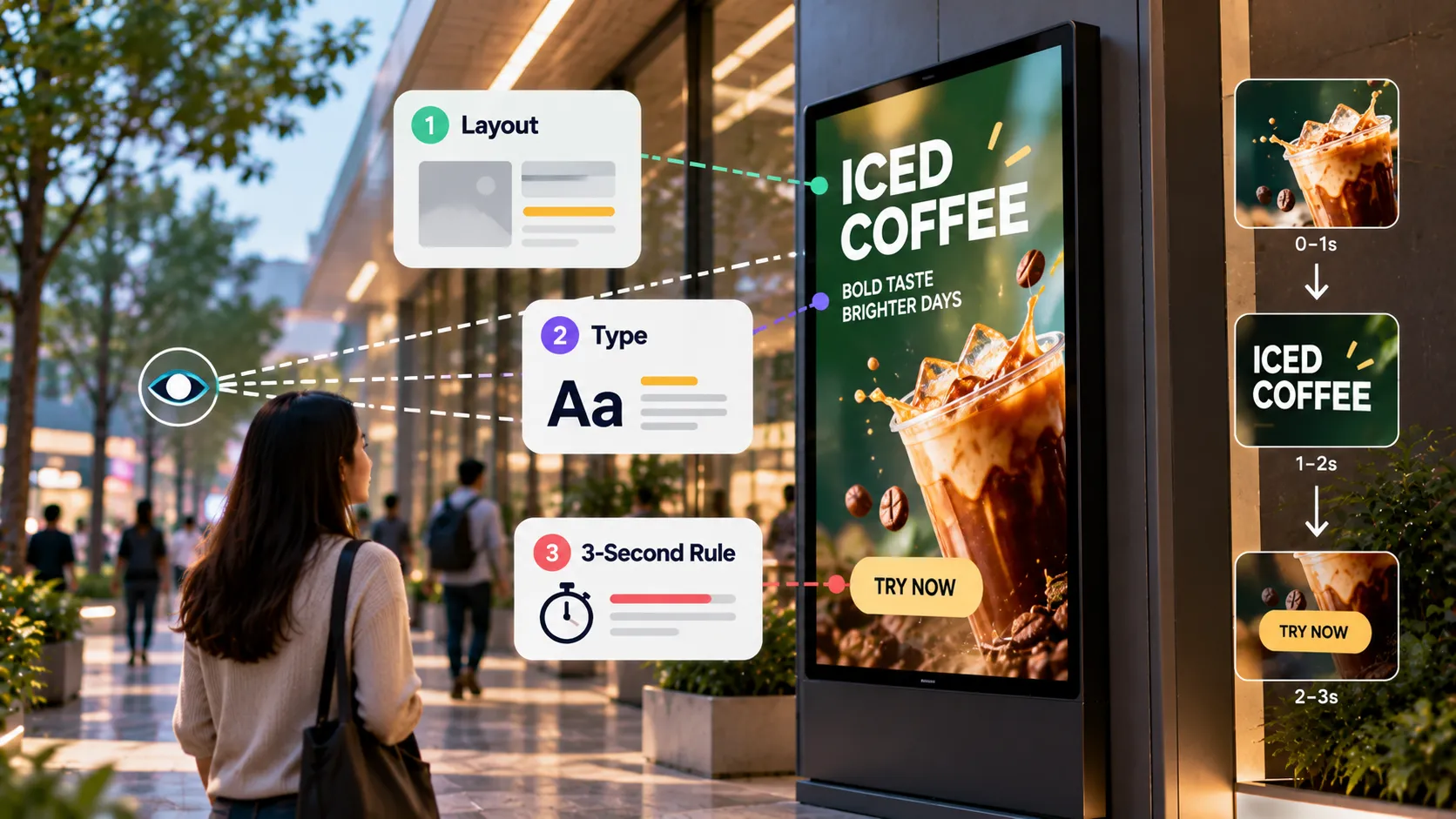
Designing Digital Signage Content: Layout, Type and the 3-Second Rule
Design rules for digital signage content — the 3-second rule, type size, contrast, layout, motion, video length and file formats that play smoothly.