
Designing Digital Signage Content: Layout, Type and the 3-Second Rule
Design rules for digital signage content — the 3-second rule, type size, contrast, layout, motion, video length and file formats that play smoothly.
On this page
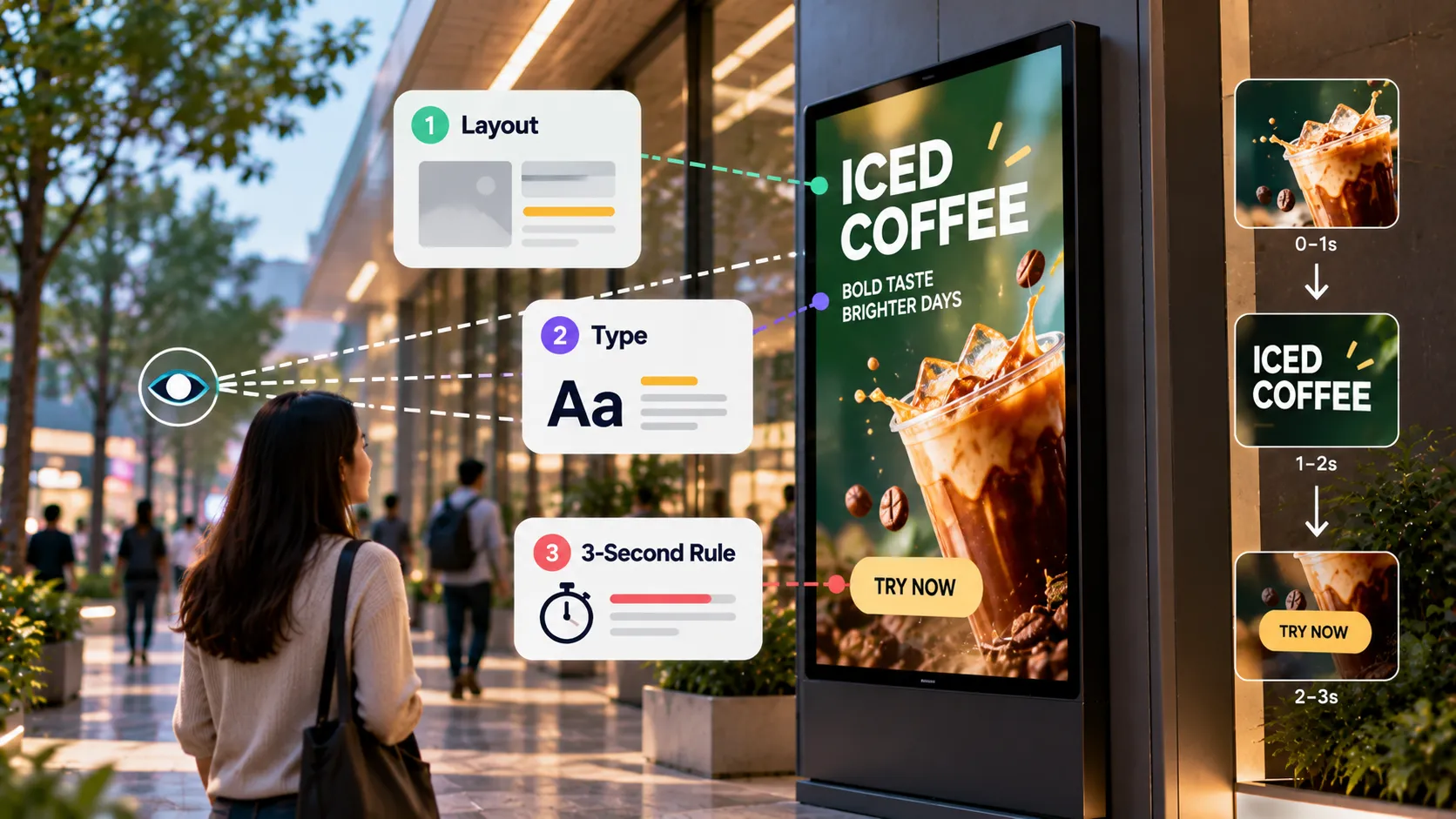
Digital signage is read in glances. People are walking, queuing or waiting, not sitting down to read. Good signage design is about getting one message across in about three seconds, from across a room, in whatever light the space has.
The 3-second rule
If a passer-by can’t understand a slide in roughly three seconds, it’s doing too much. To pass the test:
- One message per slide. An offer, an announcement or a fact — not all three.
- Headline of about seven words or fewer.
- One focal image. The product, the person or the place.
- One call to action, if any.
When a message needs more, split it into two slides or move the detail to a QR code image that links to a web page.
Type that reads from a distance
- Big. Size for the furthest viewer, not your monitor. Test on the real screen.
- Bold, simple typefaces. Clean sans-serifs read best at a distance. Avoid thin weights and decorative scripts.
- Two levels only. A headline and a supporting line. A third level is usually a sign the slide is overloaded.
- Short lines. Break long sentences; nobody reads a paragraph on a wall.
Contrast and colour
- High contrast between text and background — dark on light or light on dark.
- Avoid text over busy photos. Add a solid or darkened panel behind the text.
- Brand colours with care. A pale brand colour may fail contrast; use it for accents, not body text.
- Think about the room. Bright rooms wash out mid-tones; dark rooms make white backgrounds glare.
Layout
- Keep a safe margin around the edges so nothing is cropped by the screen’s bezel or overscan.
- Use a simple grid so slides in the same playlist feel related.
- Leave empty space. It directs the eye to what matters.
- Place key content high. People in a queue may block the lower third of the screen.
For combined layouts — a video with a ticker and a clock — see multi-zone layouts and video walls.
Motion and video
- Motion attracts attention, so use it where you want eyes — a promotion, not a price list.
- Short clips. Most videos work best at 10–30 seconds.
- Design for silence. Many screens run muted; add captions or on-screen text.
- Calm transitions. Simple fades beat spins and flashes, especially in healthcare and offices.
File formats and sizes
- Match the screen’s native resolution — 1920×1080 for Full HD landscape, 1080×1920 for portrait, 3840×2160 for 4K.
- Images: JPG for photos, PNG for graphics with sharp edges or transparency.
- Video: MP4 with H.264 is the most widely supported choice across players.
- Keep files lean. Very high bitrates add download time without visible benefit on signage.
Test new formats on one screen before publishing to a whole group.
Timing in a playlist
| Content type | Suggested duration |
|---|---|
| Promotion slide | 8–10 seconds |
| Information slide | 10–15 seconds |
| Short video | 10–30 seconds |
| Live widget (weather, news) | 10–20 seconds |
| Menu or directory | Static, or long intervals |
Aim for a full loop of one to three minutes in most spaces, so returning viewers see something new. Learn more in playlists and scheduling.
A pre-publish checklist
- Can you get the message in three seconds?
- Is the text readable from the back of the space?
- Is there enough contrast in the real lighting?
- Is the file at the screen’s native resolution?
- Does it still make sense without sound?
Short on ideas? Start with our 30 content ideas.
Written by the Loopvew TeamThe people who build and support Loopvew's digital signage CMS and players. About Loopvew
Frequently asked questions
Keep reading.
More from the guides, picked by topic.
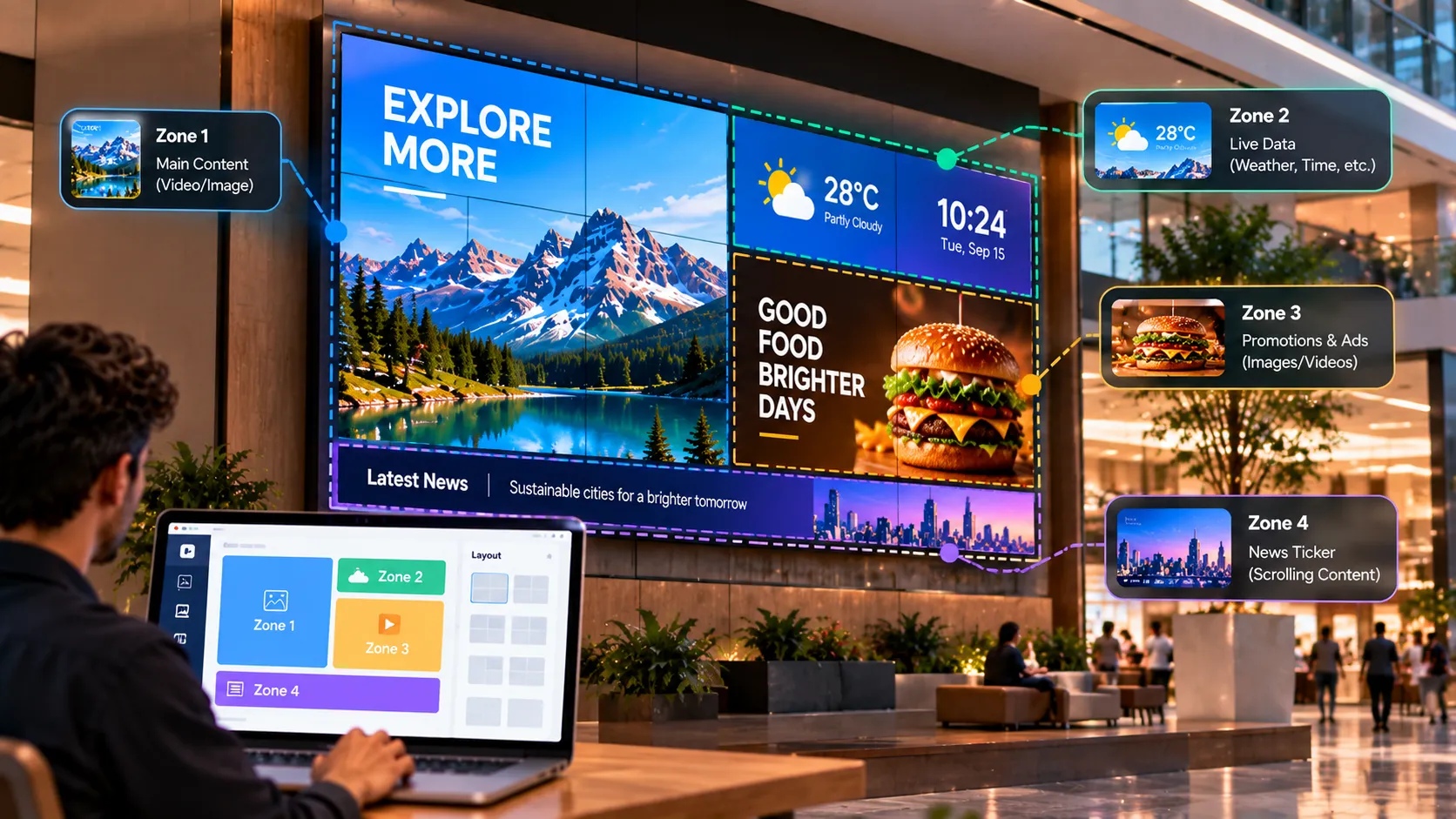
Video Walls and Multi-Zone Layouts: A Guide to Bigger, Busier Screens
When to choose a video wall over one large screen, how multi-zone layouts split a screen into content areas, and how to plan hardware and content.
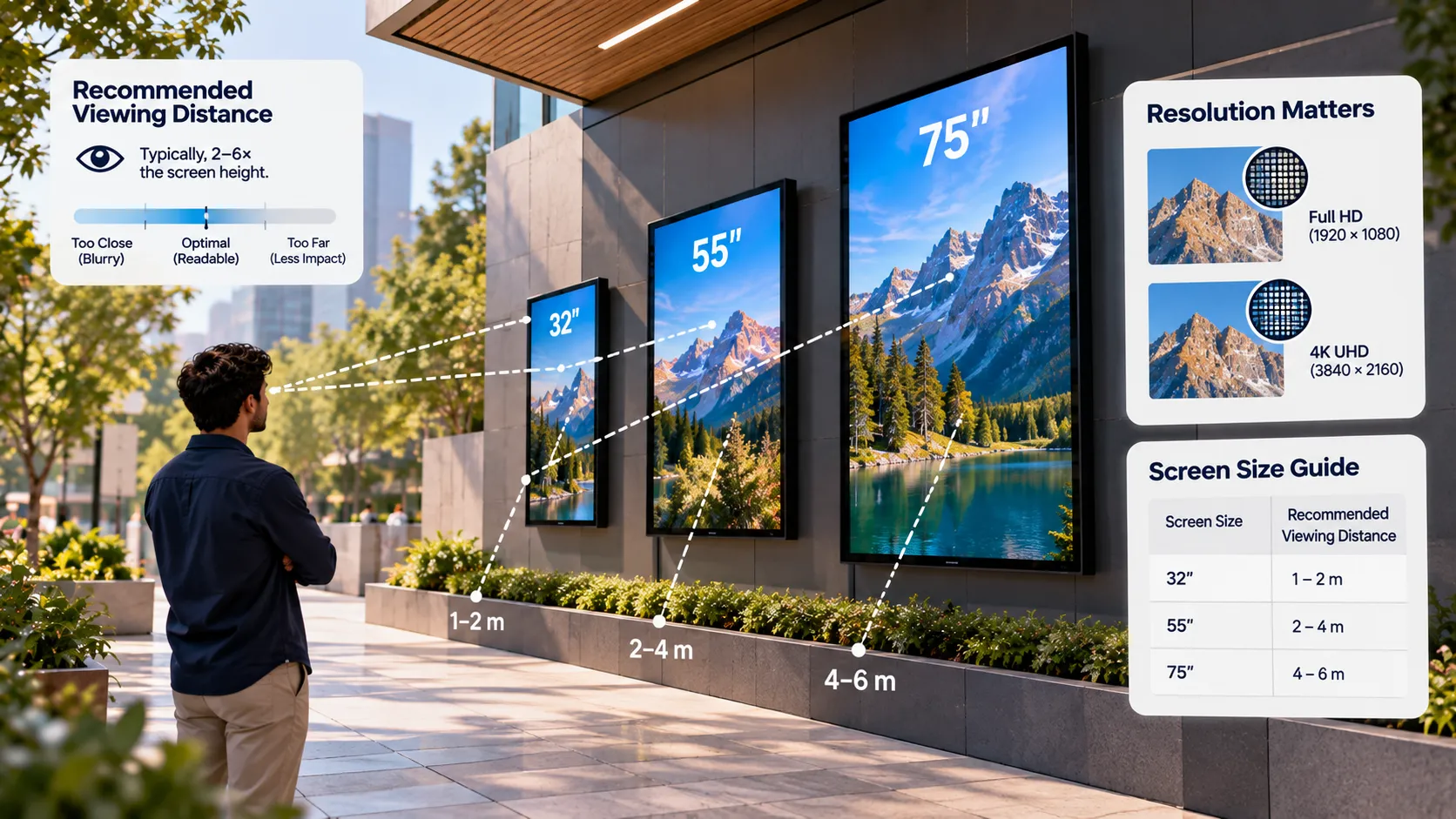
Screen Size, Resolution and Viewing Distance for Digital Signage
How to choose the right screen size, resolution, brightness and orientation for digital signage, using viewing distance and the room you're installing in.
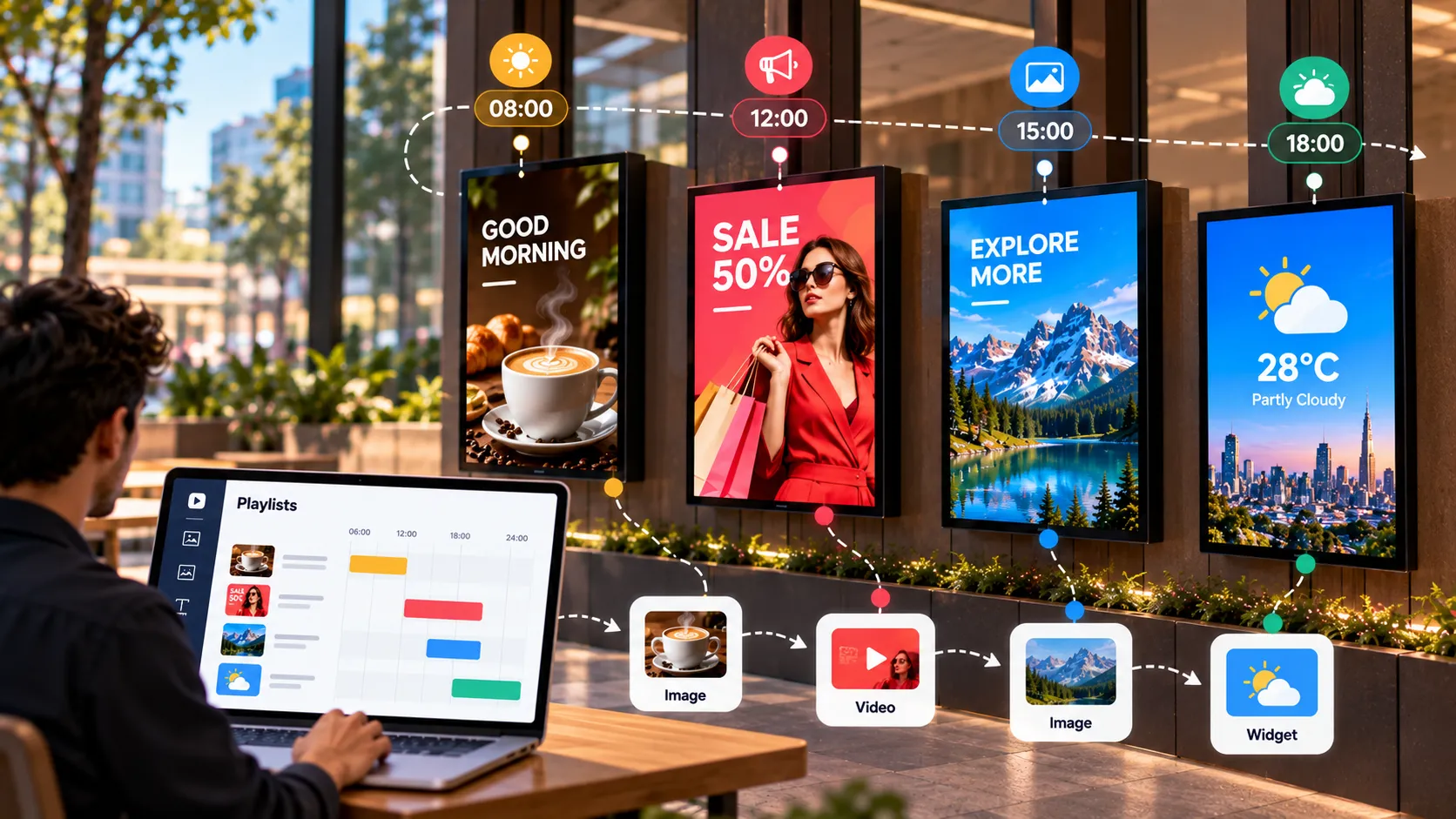
The Complete Guide to Playlists and Scheduling in Digital Signage
How digital signage playlists and schedules work — building playlists, setting durations, dayparting, publishing to groups and covering schedule gaps.