
Screen Size, Resolution and Viewing Distance for Digital Signage
How to choose the right screen size, resolution, brightness and orientation for digital signage, using viewing distance and the room you're installing in.
On this page
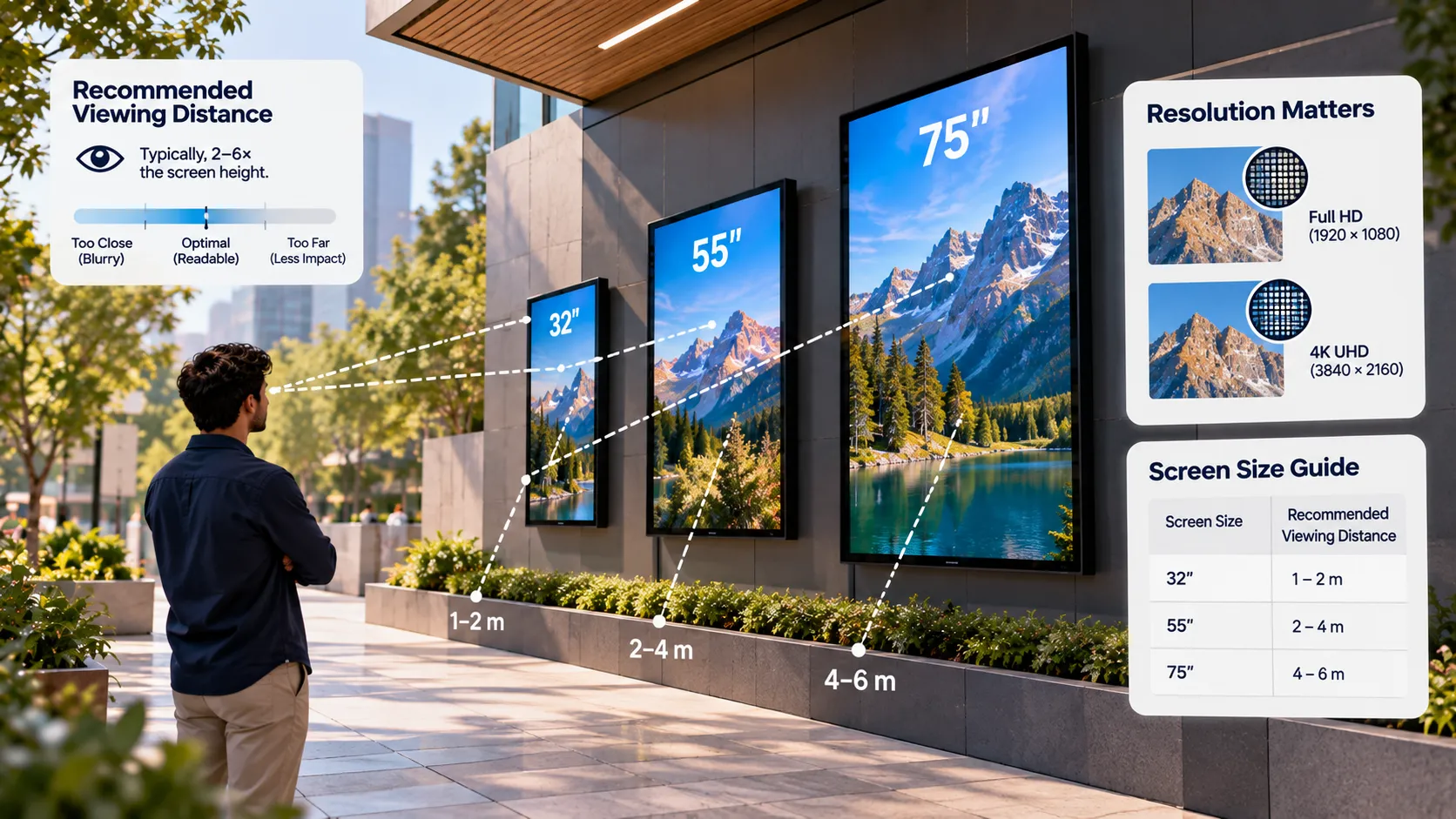
The right digital signage screen depends on three things: how far away people are, how bright the room is, and what they need to read. Size follows distance, resolution follows detail, and brightness follows light.
Start with viewing distance
Measure where your audience actually stands or walks — the back of the queue, the entrance door, the far side of the lobby. That distance drives everything else.
| Typical viewing distance | Common use | Typical screen size |
|---|---|---|
| Under 1 m | Shelf-edge, kiosks, countertop | 10–32 inch |
| 1–3 m | Menu boards, reception, meeting rooms | 43–55 inch |
| 3–6 m | Retail floors, waiting rooms, corridors | 55–75 inch |
| Over 6 m | Lobbies, atriums, concourses | 75 inch and up, or a video wall |
These are starting points. If your content is text-heavy, go one size up; if it’s mostly bold imagery, you can go one size down.
Size your text, not just your screen
A bigger screen doesn’t help if the text is tiny. A practical rule of thumb: text should be large enough to read at the furthest viewing distance without squinting. Test it — put a draft slide on the actual screen, walk to the back of the space and read it.
Our content design guide covers type size, contrast and layout in detail.
Resolution — when 4K is worth it
- Full HD (1920×1080) is sharp enough for most signage viewed from a few metres. It also means lighter video files and easier playback on modest players.
- 4K (3840×2160) pays off when screens are large and viewed close up, when you show fine product detail, or when dashboards carry small text.
Loopvew supports 4K output on supported devices. Remember that 4K content needs a player that can decode it smoothly — check this during your pilot.
Brightness — measured in nits
Brightness is measured in nits. The brighter the surroundings, the brighter the screen must be to stay readable.
- Dim or controlled lighting (corridors, meeting rooms): standard commercial brightness is fine.
- Bright interiors (atriums, stores with big windows): choose a higher-brightness panel.
- Facing a window or in direct sun: use a high-brightness, window-rated or outdoor display. A standard panel will look washed out.
Many players can also schedule brightness — dimmer at night, brighter during the day — on supported devices.
Landscape or portrait?
- Landscape suits video, menus with several columns, dashboards and wide imagery.
- Portrait suits posters, tall menus, directories, wayfinding and fashion imagery — and fits narrow walls and pillars.
Loopvew supports both orientations. See how to set up a portrait screen.
Commercial vs consumer displays
| Consumer TV | Commercial display | |
|---|---|---|
| Rated daily use | Typically fewer hours | Built for long daily hours |
| Brightness | Lower | Higher options available |
| Built-in signage platform | Rare | Common (Tizen, webOS) |
| Auto power-on after outage | Often not | Usually supported |
| Portrait mounting | Often not supported | Usually supported |
Consumer TVs can work for short daily hours and low-risk spots. For screens that run all day, a commercial display lasts longer and fails less.
A quick selection checklist
- Measure the furthest viewing distance.
- Note the brightest light the screen will face.
- Decide orientation based on content and wall space.
- Pick size from the table, then adjust for text-heavy content.
- Choose Full HD unless you have a clear reason for 4K.
- Confirm the display can run the Loopvew player natively, or plan an external player.
Written by the Loopvew TeamThe people who build and support Loopvew's digital signage CMS and players. About Loopvew
Frequently asked questions
Keep reading.
More from the guides, picked by topic.
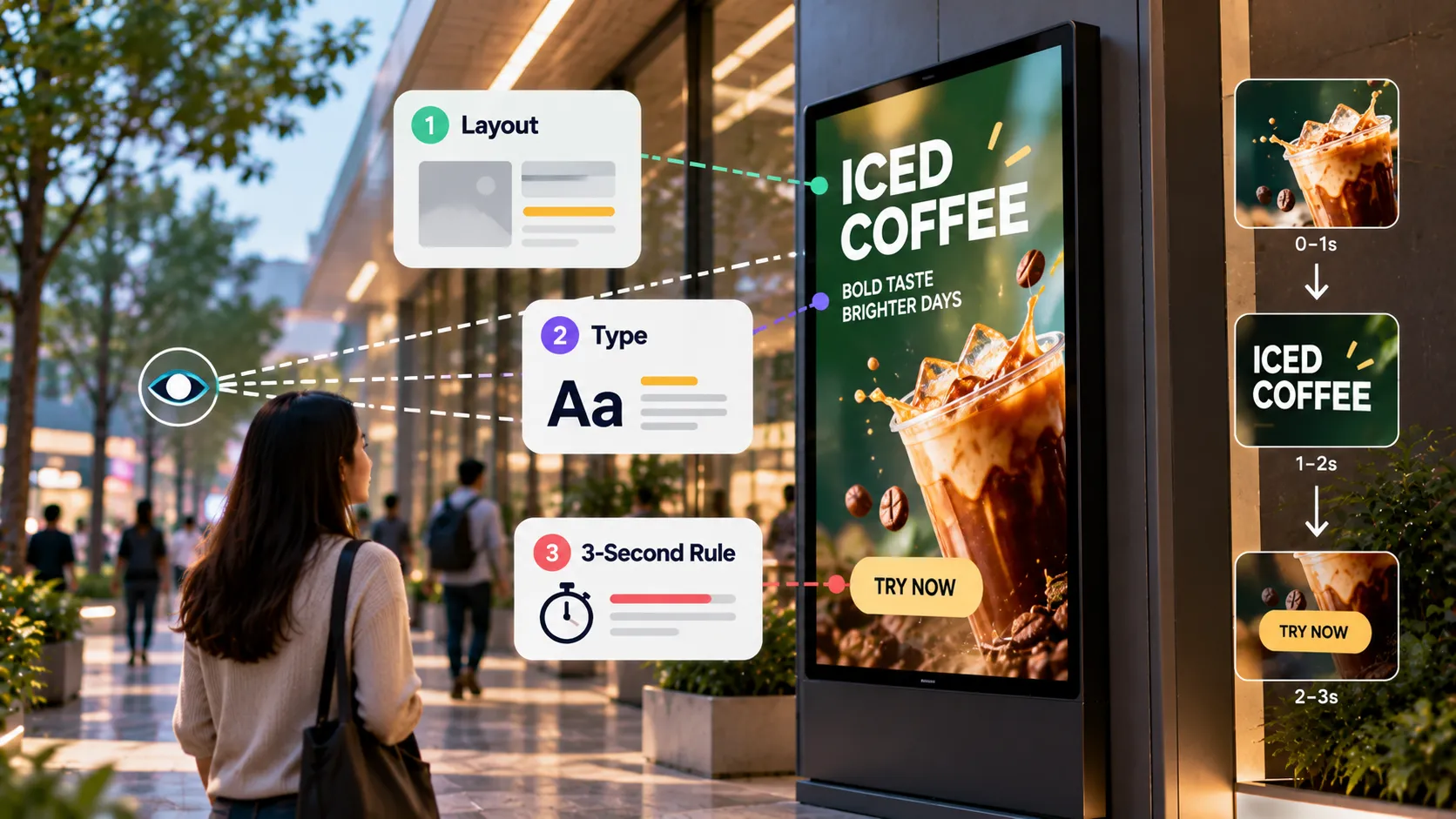
Designing Digital Signage Content: Layout, Type and the 3-Second Rule
Design rules for digital signage content — the 3-second rule, type size, contrast, layout, motion, video length and file formats that play smoothly.
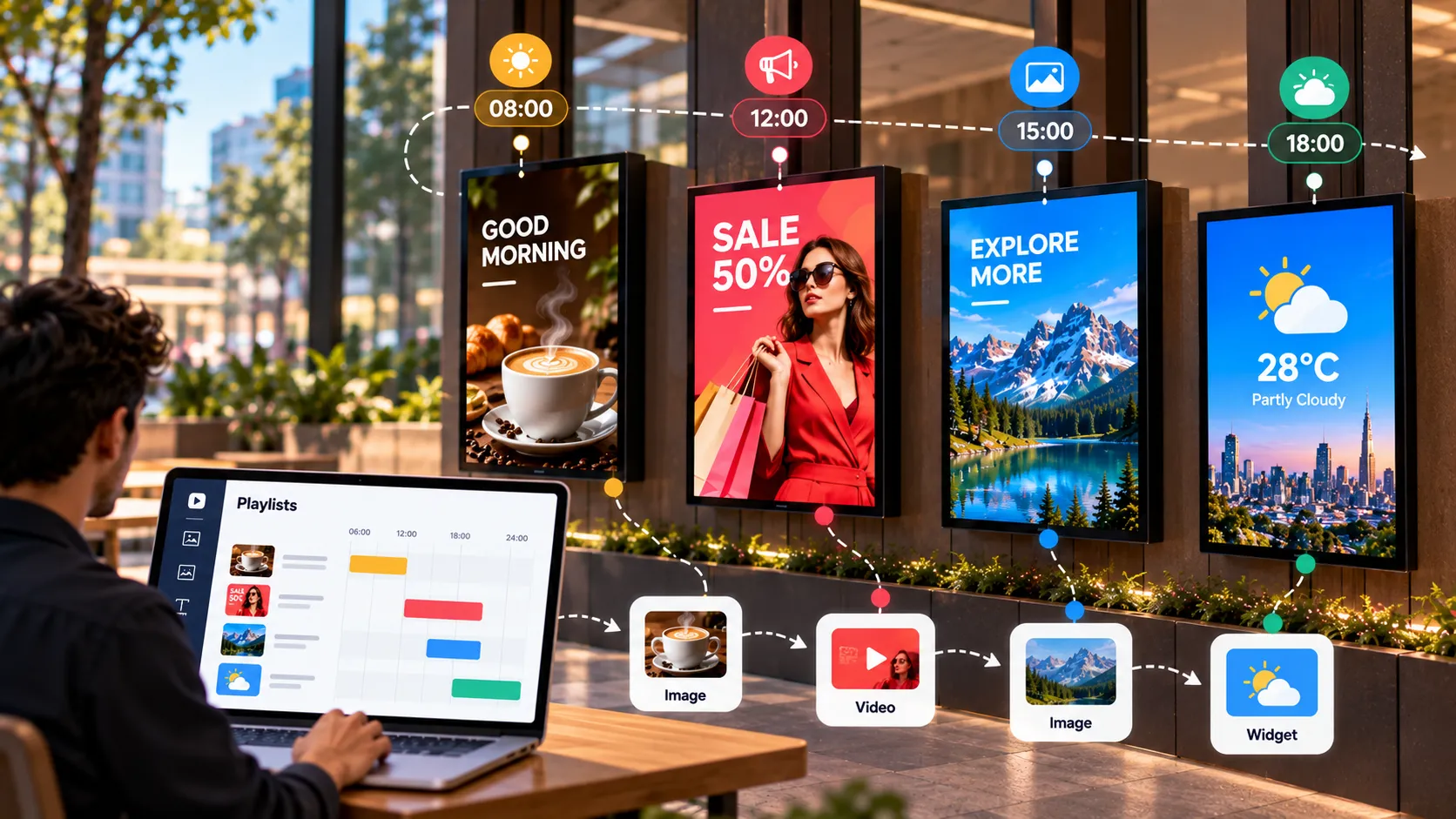
The Complete Guide to Playlists and Scheduling in Digital Signage
How digital signage playlists and schedules work — building playlists, setting durations, dayparting, publishing to groups and covering schedule gaps.
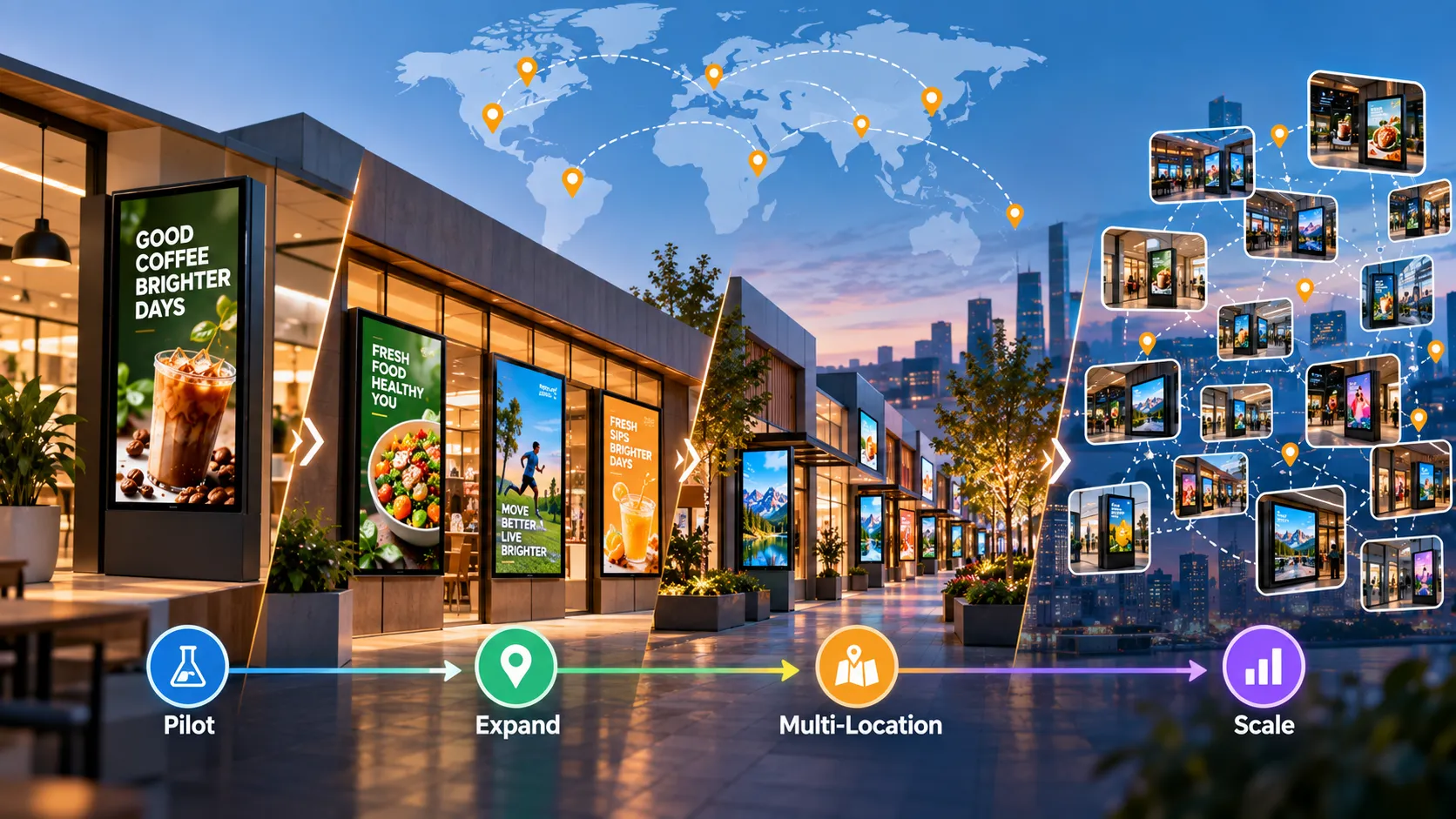
Planning a Multi-Location Digital Signage Rollout: From Pilot to Hundreds of Screens
A step-by-step plan for multi-location digital signage — goals, site surveys, hardware standards, pilot, content governance, installation and operations.