
Digital Signage Security: How to Protect Screens, Players and Content
A practical digital signage security guide — physical protection, player lockdown, network segmentation, account hygiene and when to go on-premise.
On this page
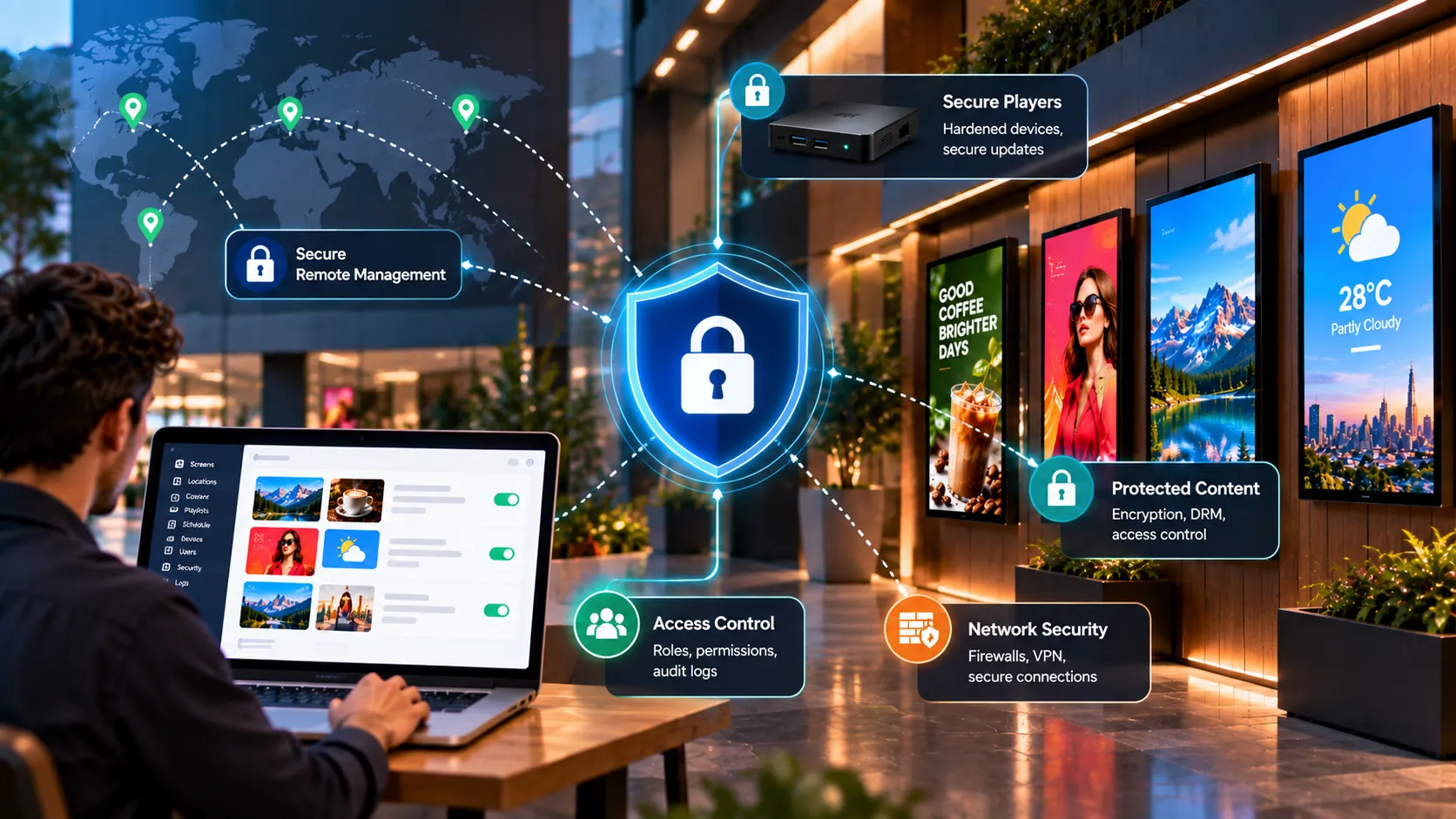
Digital signage security means protecting four things: the physical device, the player software, the network it sits on, and the accounts that publish content. Most incidents — an unexpected message on a public screen, a device used as a way into the network — come from gaps in one of those layers.
Layer 1 — the physical device
Screens in public spaces are within reach of the public.
- Mount securely and out of easy reach where possible.
- Hide or lock the player behind the screen or in an enclosure.
- Cover or disable unused ports — USB and spare HDMI inputs are the easiest way to tamper.
- Use touch lock on touch screens that shouldn’t be interactive.
- Disable the TV remote or keep remotes locked away.
Layer 2 — the player
- Kiosk mode and auto-start. The device should boot straight into the player and stay there. Loopvew supports kiosk and auto-start on supported devices.
- Keep players updated. Over-the-air updates close vulnerabilities without site visits.
- Grant only necessary permissions. On Android, follow the permission guidance for your build rather than granting everything.
- Use official installation sources only. Never install a player from an unofficial download.
Layer 3 — the network
- Segment signage onto its own VLAN or guest-isolated network, separate from point-of-sale and corporate systems.
- Allow only required outbound traffic from players.
- Prefer wired ethernet; if you use Wi-Fi, use strong, unique credentials per site.
- No inbound exposure. Players shouldn’t be reachable from the internet.
Layer 4 — accounts and publishing
The quickest way to put the wrong thing on screen is through a shared login.
- One login per person. Shared accounts make it impossible to see who changed what.
- Strong, unique passwords and removal of leavers promptly.
- Keep pairing codes private. A pairing code links a screen to your account; don’t post them in shared chats or tickets.
- Separate responsibilities with screen groups so local teams publish only to their own screens.
- Review before publishing anything to a large group — a second pair of eyes catches mistakes.
Cloud or on-premise?
Cloud signage puts hosting, patching and backups on the vendor. On-premise keeps everything on your own servers and network — which some banking, government and healthcare policies require — but makes your team responsible for running it securely. See cloud vs on-premise.
Plan for incidents
Decide in advance what happens if a screen shows something it shouldn’t:
- Contain — power the screen off or publish a neutral playlist to its group.
- Check — remote screenshots confirm what each screen is showing.
- Fix — rotate credentials, re-pair the device if needed, and review who published what.
- Learn — close the gap that allowed it.
A security checklist for new sites
- Player hidden or enclosed; spare ports covered
- Kiosk mode and auto-start enabled
- Screen on a segmented network
- Wired ethernet where possible
- Screen named and grouped correctly in the CMS
- Pairing code not shared outside the install team
- Test: power loss, network loss, remote screenshot
Need help with an IT review? Contact us — we’re happy to talk through your environment.
Written by the Loopvew TeamThe people who build and support Loopvew's digital signage CMS and players. About Loopvew
Frequently asked questions
Keep reading.
More from the guides, picked by topic.
The Complete Guide to Playlists and Scheduling in Digital Signage
How digital signage playlists and schedules work — building playlists, setting durations, dayparting, publishing to groups and covering schedule gaps.
Screen Size, Resolution and Viewing Distance for Digital Signage
How to choose the right screen size, resolution, brightness and orientation for digital signage, using viewing distance and the room you're installing in.
Designing Digital Signage Content: Layout, Type and the 3-Second Rule
Design rules for digital signage content — the 3-second rule, type size, contrast, layout, motion, video length and file formats that play smoothly.