
Office Digital Signage: A Playbook for Internal Communications
How offices use digital signage for internal communications — what to show in lobbies, kitchens and shop floors, and how to keep screens worth watching.
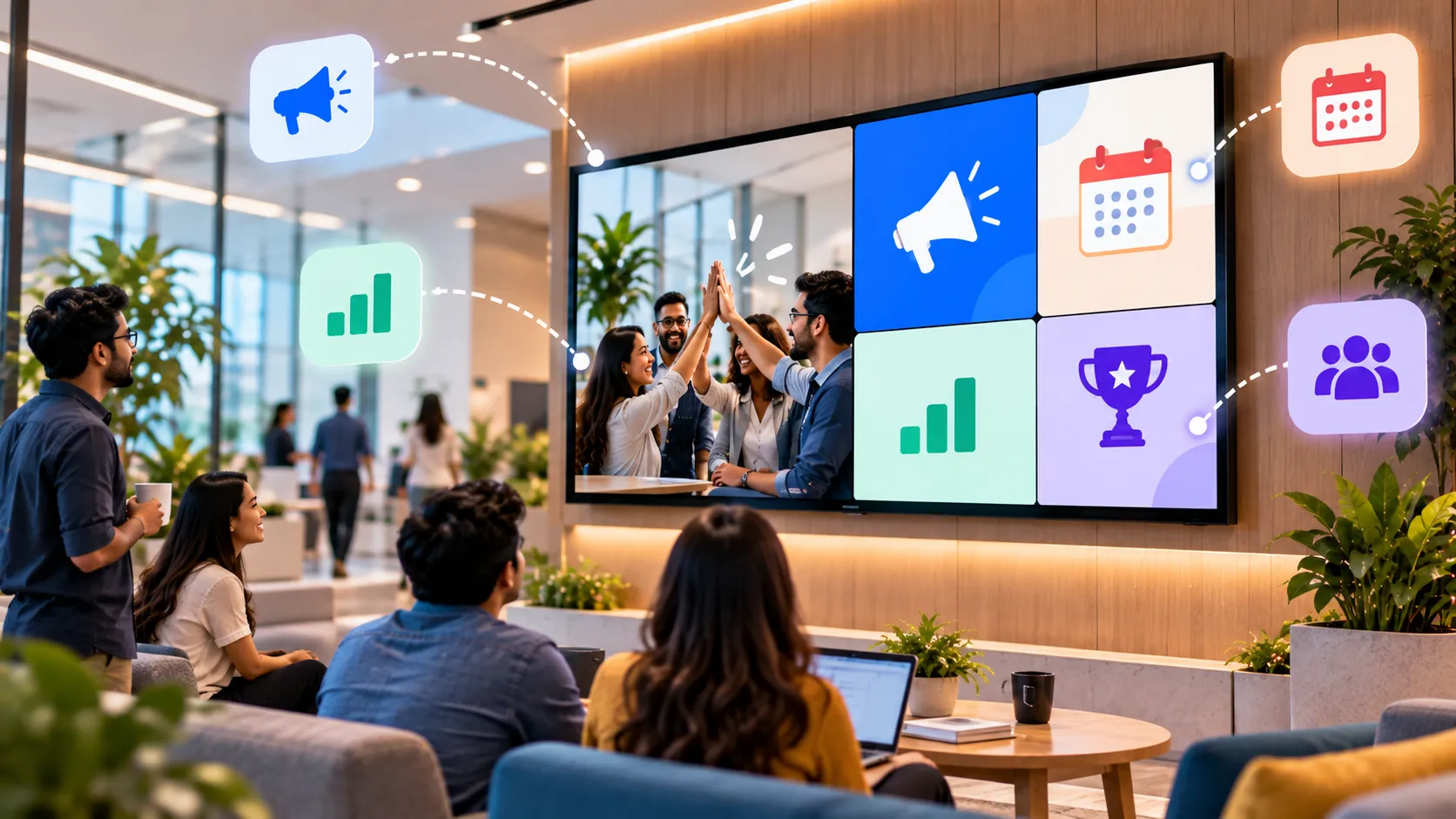
On this page
Office digital signage is a set of screens across a workplace that shows company news, announcements, dashboards and visitor information, managed centrally from software. Its main job is reach: getting messages to people who don’t read the all-staff email.
Why internal comms teams use screens
- Deskless staff. Warehouse, retail, manufacturing and facilities teams rarely check email during a shift.
- Hybrid offices. People who are in two days a week miss what was posted on the other three.
- Information overload. A short message on a screen by the coffee machine can outperform a long email that sits unread.
Match content to the space
| Space | What works | What to avoid |
|---|---|---|
| Reception | Visitor welcome, brand story, Wi-Fi details, weather | Internal metrics |
| Kitchens and break areas | News, recognition, events, birthdays, surveys | Dense text |
| Corridors near meeting rooms | Today’s room bookings, wayfinding | Long videos |
| Operations floors | Live KPIs, targets, safety stats, alerts | Anything decorative |
| Lifts and lobbies | One-line announcements | Multi-slide stories |
A content mix that stays interesting
Screens fail when they show the same five slides for six months. A healthy mix:
- Timely announcements — policy updates, office closures, all-hands reminders. Schedule them to expire.
- People content — new joiners, recognition, team wins.
- Live content — web dashboards, calendars, news tickers and weather update themselves.
- Evergreen reminders — safety, values, how to get IT help.
Aim for a loop of two to three minutes in break areas and under a minute in transit spaces.
Who publishes what
The fastest way to kill office signage is a single bottleneck. A simple model:
- Internal comms owns the company-wide playlist.
- Site or team leads own a local playlist for their building or floor.
- Operations owns dashboard screens.
In Loopvew, groups keep these separate: publish the company playlist to every screen, and local playlists to one site’s group.
Measure what matters
You can’t click a screen, but you can measure its effect: attendance at events that were promoted on screens, survey responses via a short link or QR code, and fewer “I didn’t know about that” moments. Rotate and retire content that isn’t pulling its weight.
Getting started
Start with the two places everyone passes — reception and the kitchen. Run a four-week content calendar, then extend to operations dashboards. Read how Loopvew supports offices and internal communications.
Written by the Loopvew TeamThe people who build and support Loopvew's digital signage CMS and players. About Loopvew
Frequently asked questions
Keep reading.
More from the blog, picked by topic.
Digital Menu Boards: A Practical Guide for Restaurants and Cafés
How digital menu boards work, what they cost to run, how to plan screens and dayparts, and the layout rules that help guests order faster and spend more.
Retail Digital Signage: Where to Place Screens and What to Show
Where to place retail digital signage, what to show at each spot, and how store chains keep every location on-brand from one dashboard.
Digital Signage for Hospitals and Clinics: Calmer Waits, Clearer Wayfinding
How hospitals, clinics and pharmacies use digital signage for wayfinding, waiting rooms, queue updates and staff messaging — and what to plan first.