
30 Digital Signage Content Ideas People Actually Read
Thirty practical digital signage content ideas grouped by goal — sell, inform, engage and stay live — with where and how each one works best.
On this page
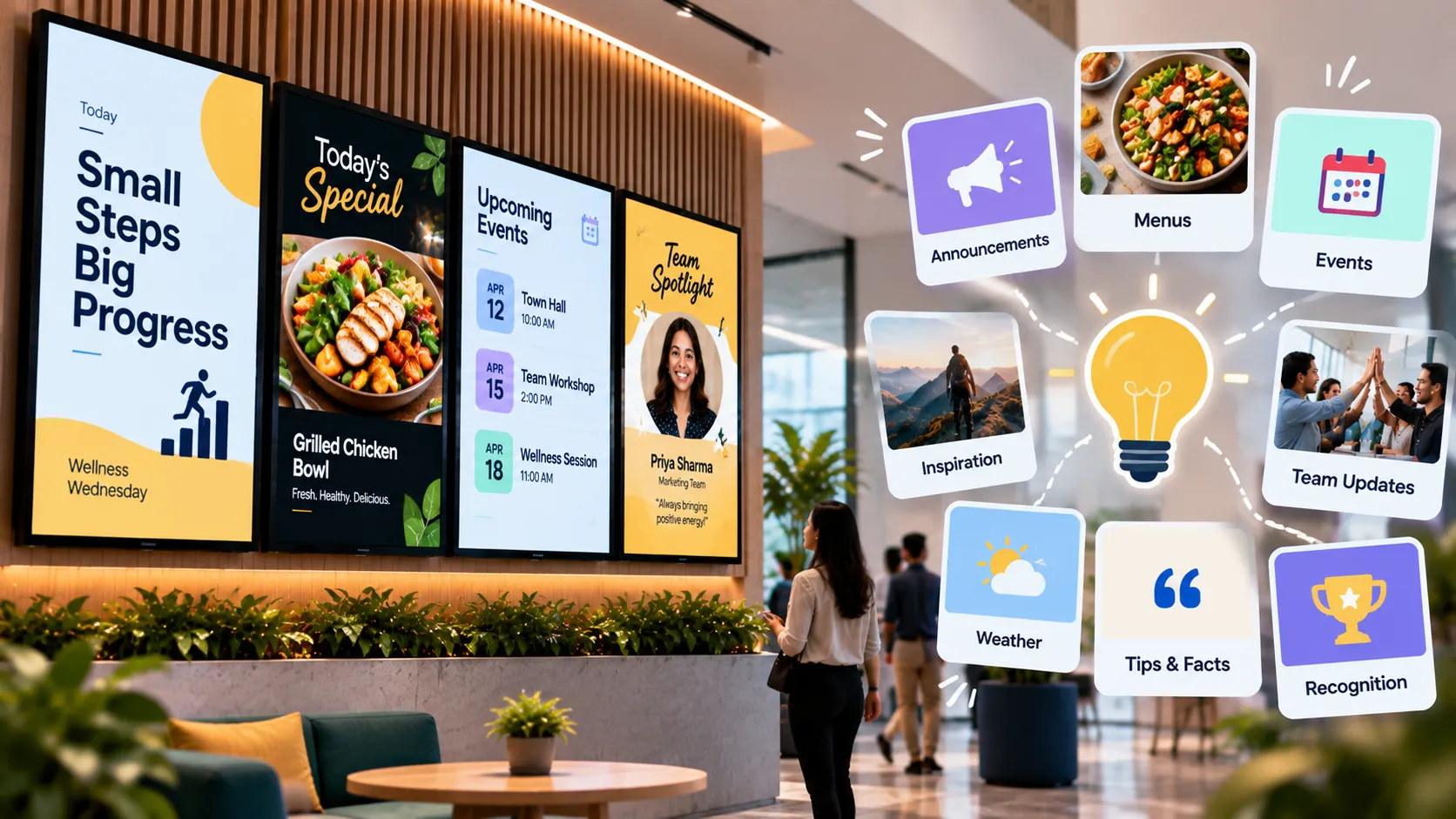
Good digital signage content is useful first and promotional second. People look at screens that tell them something they want to know — the time, the wait, the weather, what’s new — and that attention is what your offers then borrow. Here are thirty ideas, grouped by what they’re for.
Content that sells
- Hero offer of the week — one product, one price, one reason to buy.
- Bundles and combos — show the saving in large type.
- New arrivals — a short loop of what just landed.
- Countdown to a sale — urgency without shouting.
- Best sellers — social proof that needs no testimonial.
- Complementary products — “goes well with” next to the item.
- Loyalty programme sign-up — pair it with a QR code image.
- Seasonal campaigns — festival, holiday and back-to-school moments.
Content that informs
- Opening hours and holiday changes.
- Wayfinding and floor maps — see wayfinding.
- Queue or token status — see queue management.
- Menus with prices — see digital menu boards.
- Room bookings outside meeting rooms.
- Safety notices and emergency procedures.
- Wi-Fi details for guests.
- Service explainers — how returns, pickups or appointments work.
Content that engages
- Team recognition — employee of the month, new joiners, milestones.
- Customer stories — photos (with permission) and short quotes.
- Behind the scenes — how the product is made, who makes it.
- Tips and how-tos related to what you sell.
- Trivia and “did you know” in waiting areas.
- Community events and local partnerships.
- Polls and surveys via a short link or QR code.
- Social media highlights from your own accounts.
Content that stays live
These update themselves, which keeps the loop fresh without extra work:
- Weather — see how to add a weather widget.
- Clock and date.
- News headlines via RSS — see how to add a news ticker.
- Live dashboards — sales, support queues, production KPIs.
- YouTube videos and live streams — product channels, events.
- Web pages — a live status page or booking calendar. See how to display a website.
Rules that make any idea work
- The 3-second test. If a passer-by can’t get the message in three seconds, cut words. Our content design guide goes deeper.
- One message per slide. Two offers on one slide means neither lands.
- Design for the distance. Text that’s readable on your laptop is too small across a room.
- Vary the rhythm. Alternate offers with useful information so the screen never feels like an ad break.
- Retire stale content. Anything older than a month has probably stopped being seen.
Put it on a schedule
Different moments need different content: breakfast offers in the morning, event promotions in the afternoon, closing-time reminders in the evening. Build a playlist per moment and schedule them by time of day, so the right idea is on screen at the right time.
Written by the Loopvew TeamThe people who build and support Loopvew's digital signage CMS and players. About Loopvew
Frequently asked questions
Keep reading.
More from the blog, picked by topic.
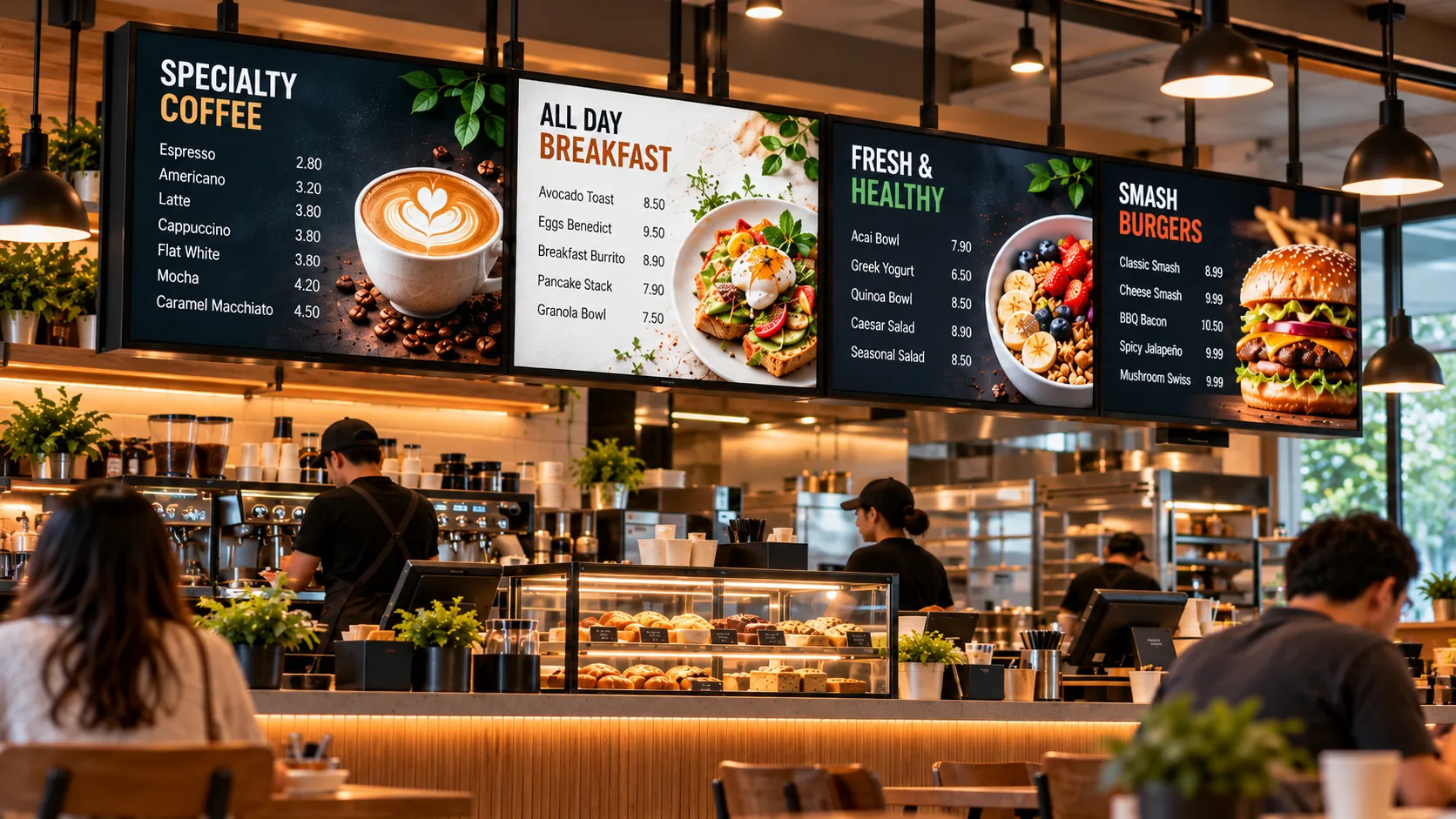
Digital Menu Boards: A Practical Guide for Restaurants and Cafés
How digital menu boards work, what they cost to run, how to plan screens and dayparts, and the layout rules that help guests order faster and spend more.
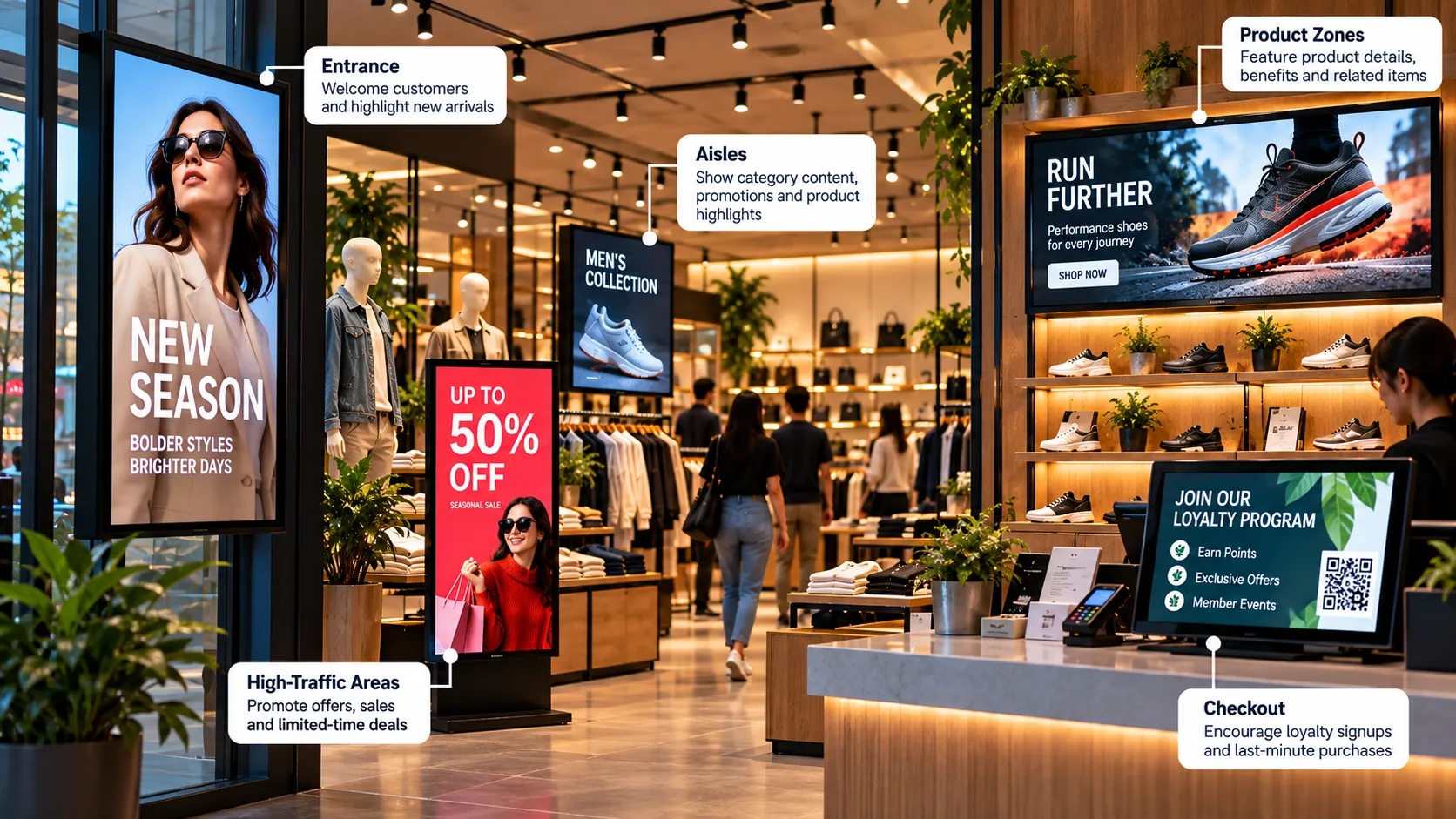
Retail Digital Signage: Where to Place Screens and What to Show
Where to place retail digital signage, what to show at each spot, and how store chains keep every location on-brand from one dashboard.
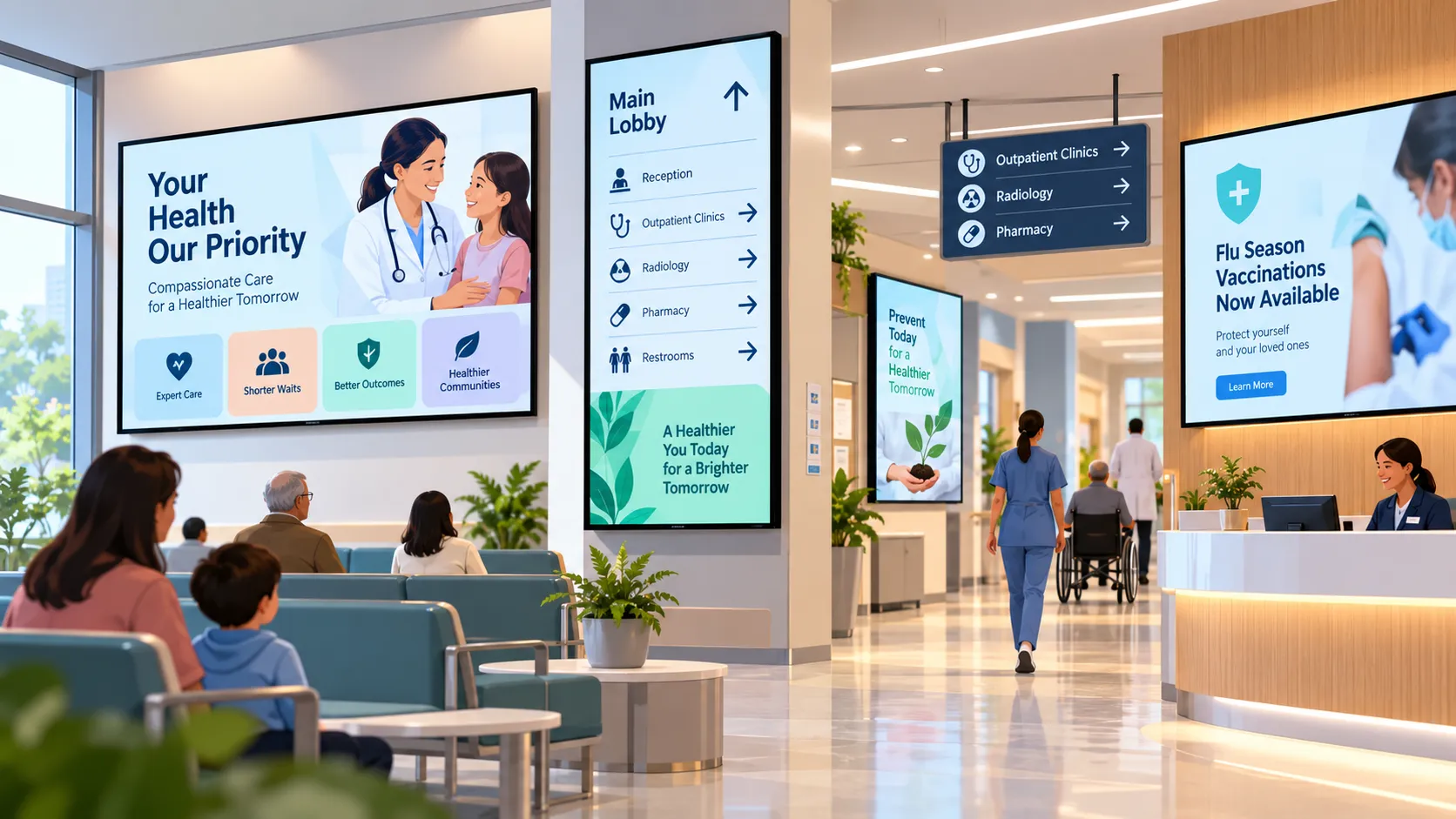
Digital Signage for Hospitals and Clinics: Calmer Waits, Clearer Wayfinding
How hospitals, clinics and pharmacies use digital signage for wayfinding, waiting rooms, queue updates and staff messaging — and what to plan first.